
 English
 中文简体
中文简体 русский
 Español
 عربى
عربى
Why Armrest Movement Deserves More Attention Than It Gets
Most buyers spend their research time on seat cushions, recline range and fabric colors, then treat armrests as an afterthought. That is understandable, because armrests look like a minor accessory. In practice, they carry a large share of the load during long gaming sessions. Your forearms rest on them while your hands work the mouse, keyboard or controller, and your shoulders stay relaxed only when the arm height and angle match your desk and posture.
Shoulder strain is the most common complaint. When armrests sit too high, the shoulders hunch upward. When they sit too low, the elbows drop and pull the upper body forward. A fixed armrest forces your body to adapt to the chair. An adjustable one lets the chair adapt to you. The difference between a one-direction and a multi-direction armrest is the difference between a single correction and several corrections across a day.
This guide explains what the terms 2D, 3D and 4D actually describe, how each type of movement affects daily comfort, and how to judge build quality beyond marketing labels. Where specific numbers help, they are included so you can compare what matters for your room, your desk height and your typical session length.
Decoding 2D, 3D and 4D Armrest Movement
Armrest terminology has become messy because no single standard governs it. Manufacturers use the number to describe how many directions an armrest can move, but the exact axes can differ from one design to another. The general pattern is consistent enough to serve as a working framework when you compare chairs.
What a Basic Height Adjustment Covers
A one-direction armrest moves up and down only. It is the simplest and usually the least expensive design. It suits people who sit at a consistent desk height and rarely change posture during a session.
Adding a Second Axis
A 2D armrest adds one more movement, most often a forward and backward slide or an inward and outward shift. That second axis lets you bring the pad closer to your body when reaching for a keyboard, then pull it back when leaning into a reclined position.
Rotation in 3D and 4D Designs
3D armrests typically add pivot rotation on top of height and sliding, which lets the pad angle follow the natural rotation of your forearm. 4D designs extend this idea with additional adjustment in the pad or the arm sweep. These extra directions help users who switch between a mouse-heavy shooter and a relaxed controller session. Each added joint, however, is another point that can develop play over time, so build quality matters more as complexity increases.
Side by Side: How the Armrest Designs Compare
The table below summarizes the trade-offs in plain terms. Treat it as a checklist rather than a ranking, because the best option depends on how you sit and how often you change position.
| Design | Movement | Best For | Trade-off |
|---|---|---|---|
| 1D | Height only | Fixed desk, few changes | Limited posture options |
| 2D | Height plus one slide or shift | Mixed mouse and reclined use | Strong balance of cost and control |
| 3D | Height, slide and pivot rotation | Frequent posture changes | More adjustment points to maintain |
| 4D | Multi-direction with extended sweep | Users who fine-tune every session | Higher complexity and a learning curve |
For many people, 2D is the practical middle ground. It covers the corrections most users actually need, namely raising or lowering the pad and bringing it closer to the body, without introducing a large number of moving parts that can loosen with use.
Product Focus: What the RX-2038 Layout Offers
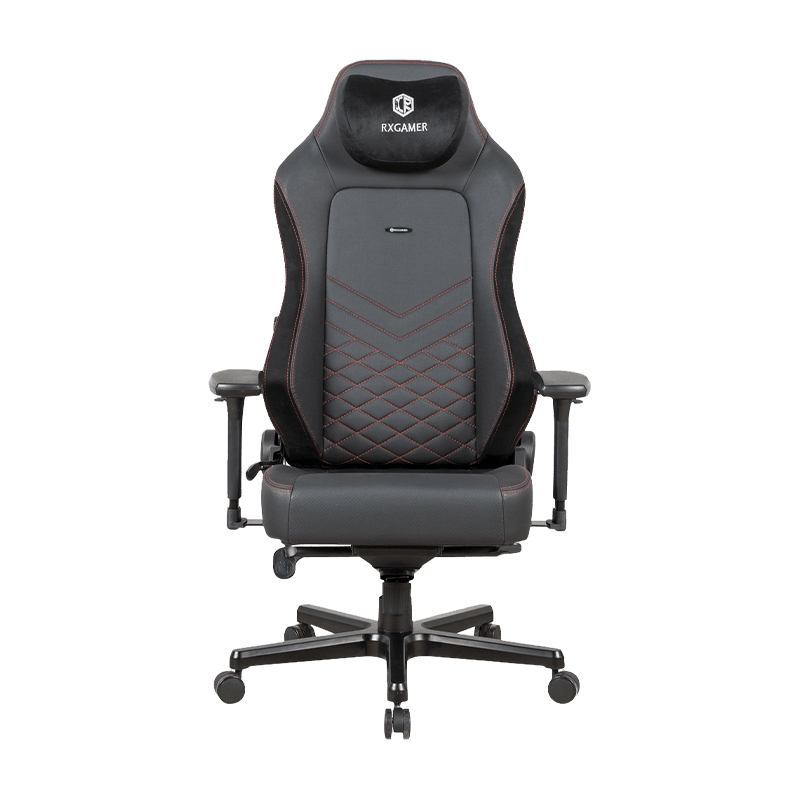
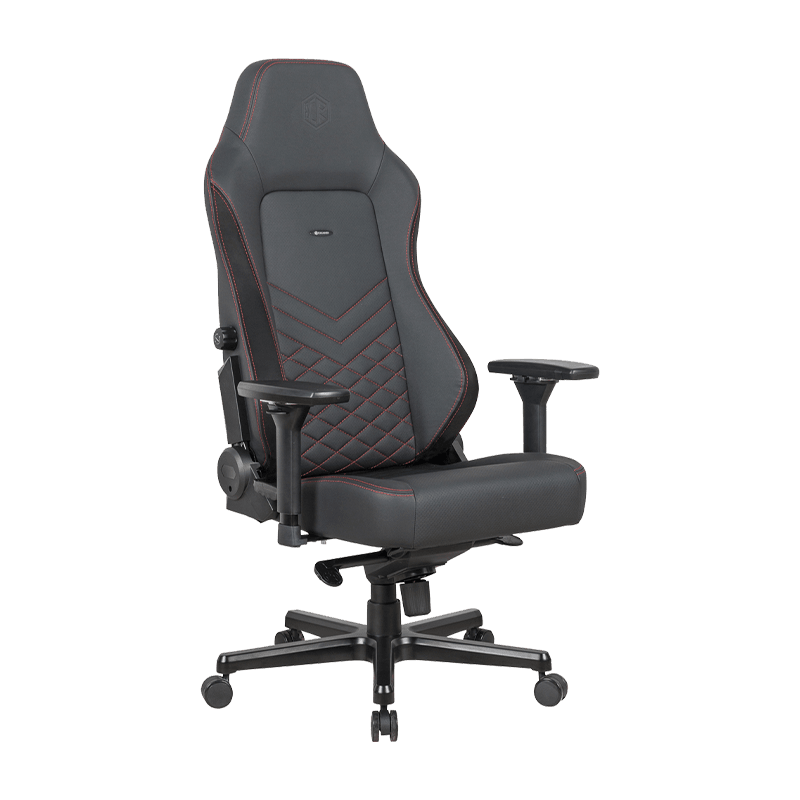
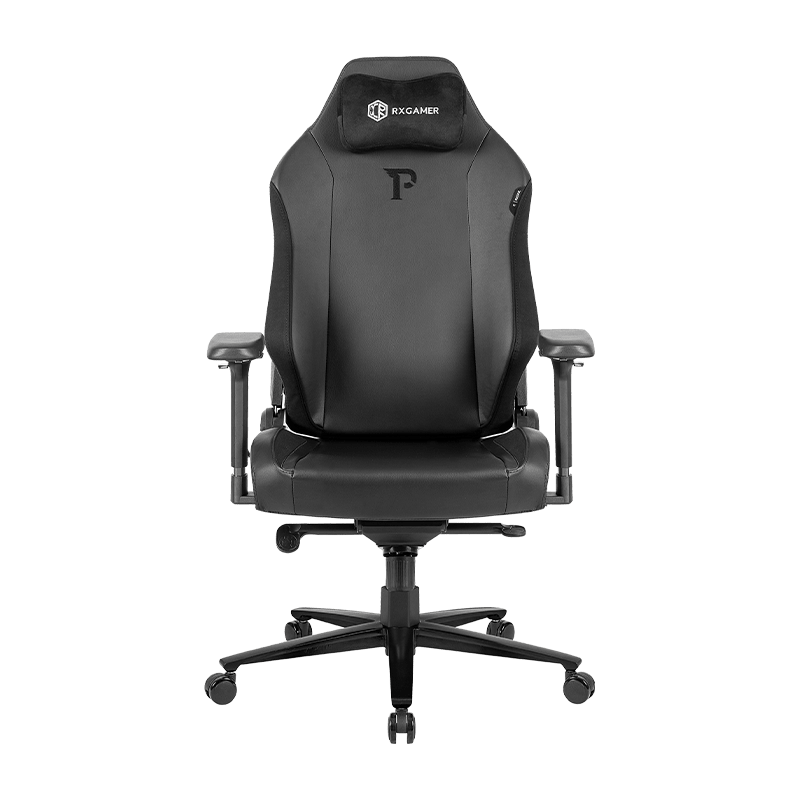
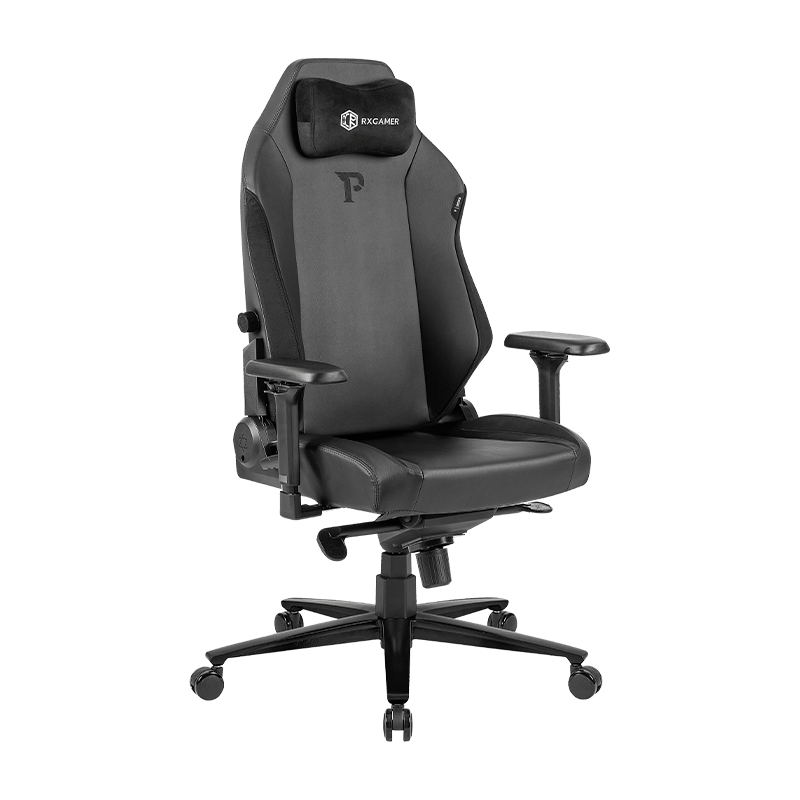
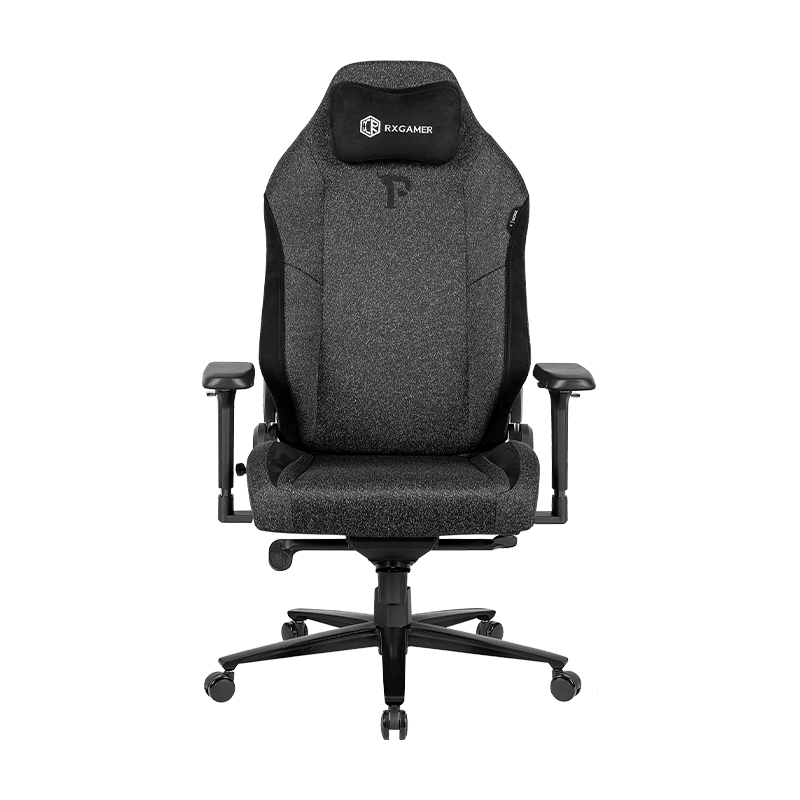
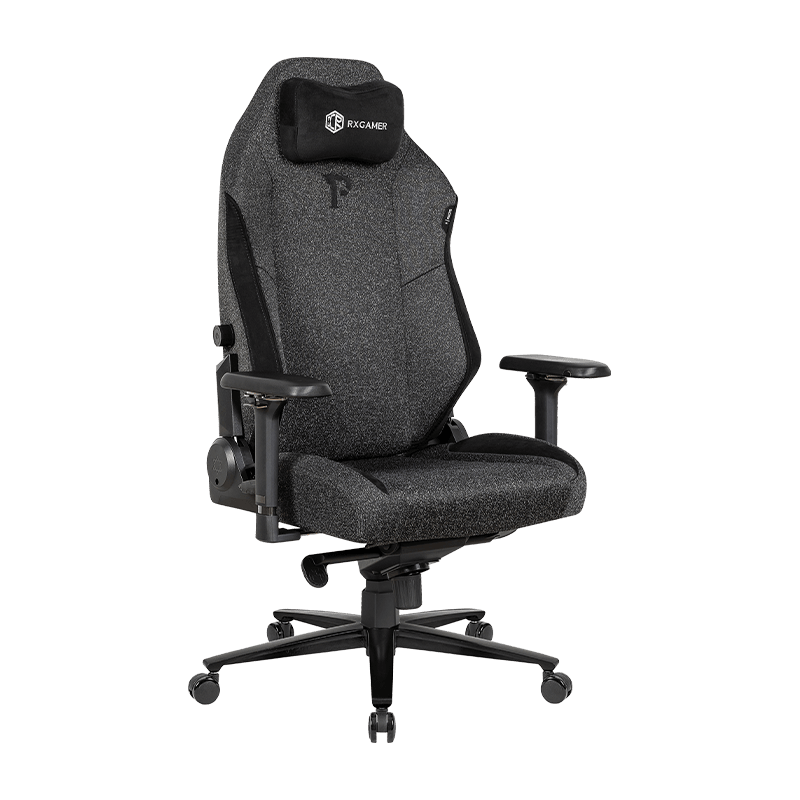
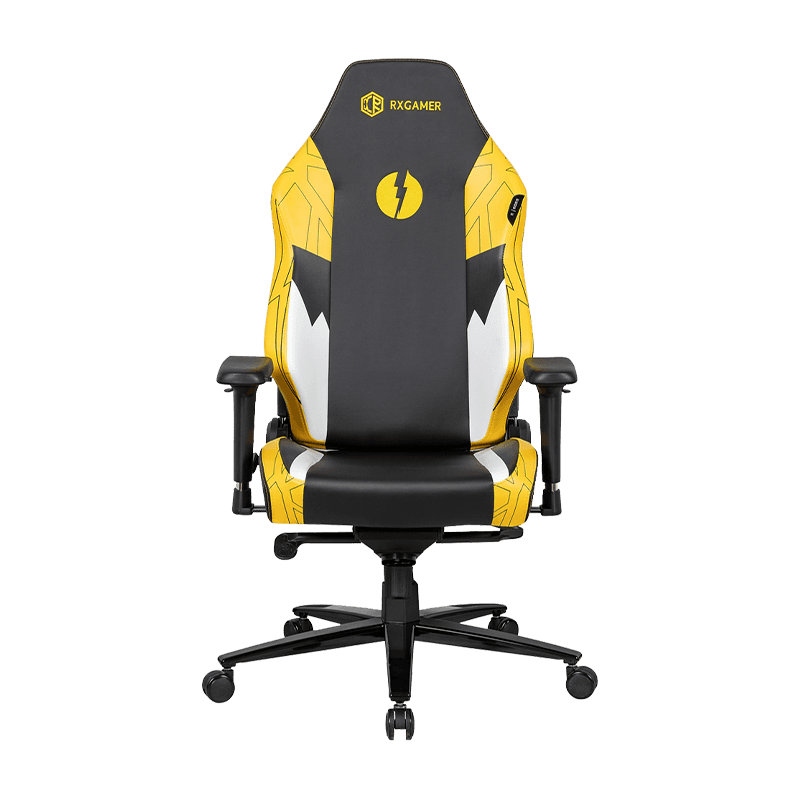
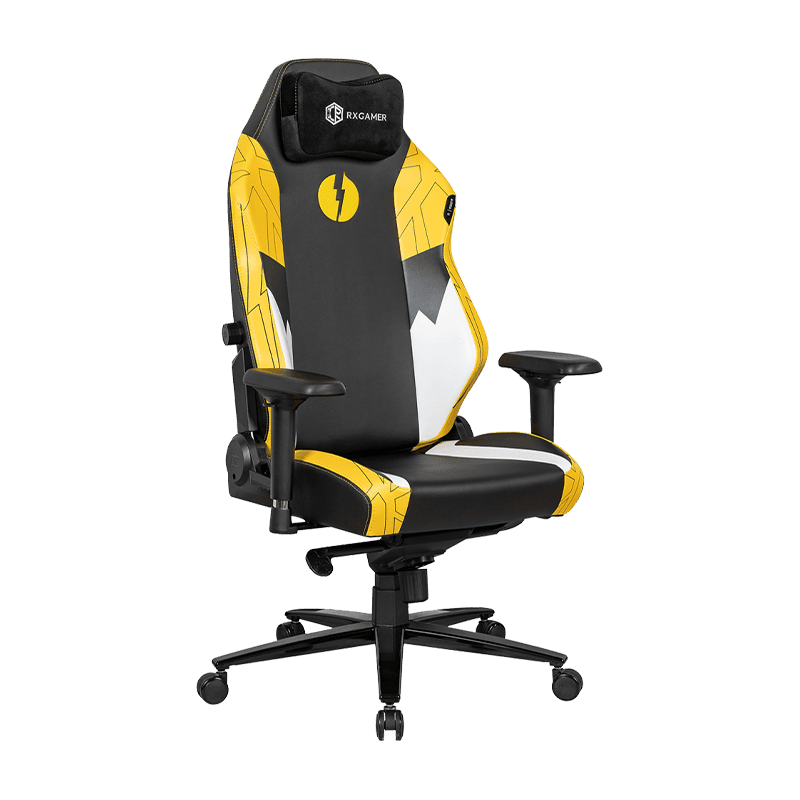
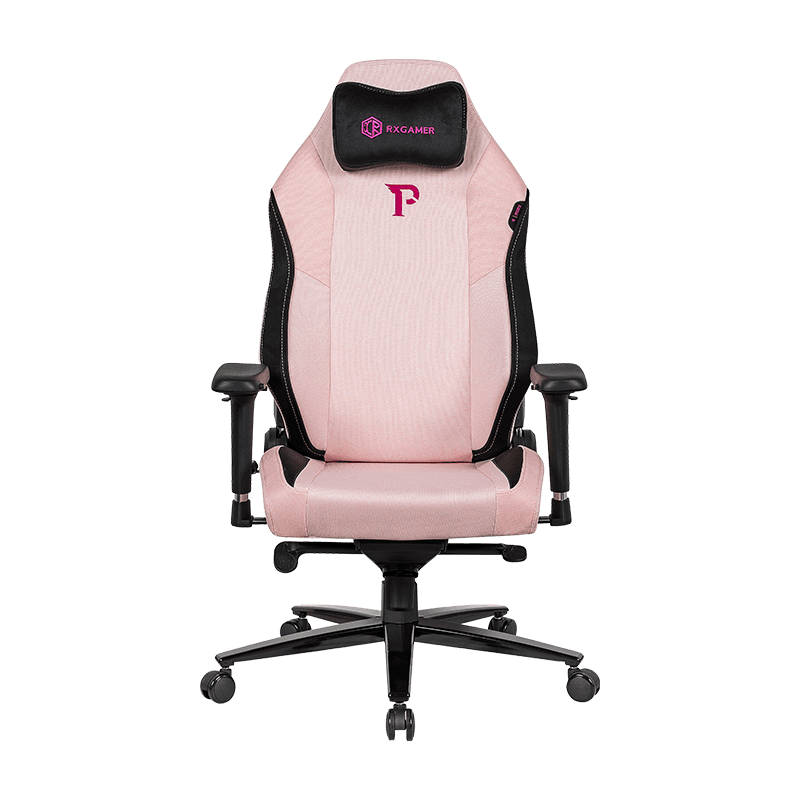
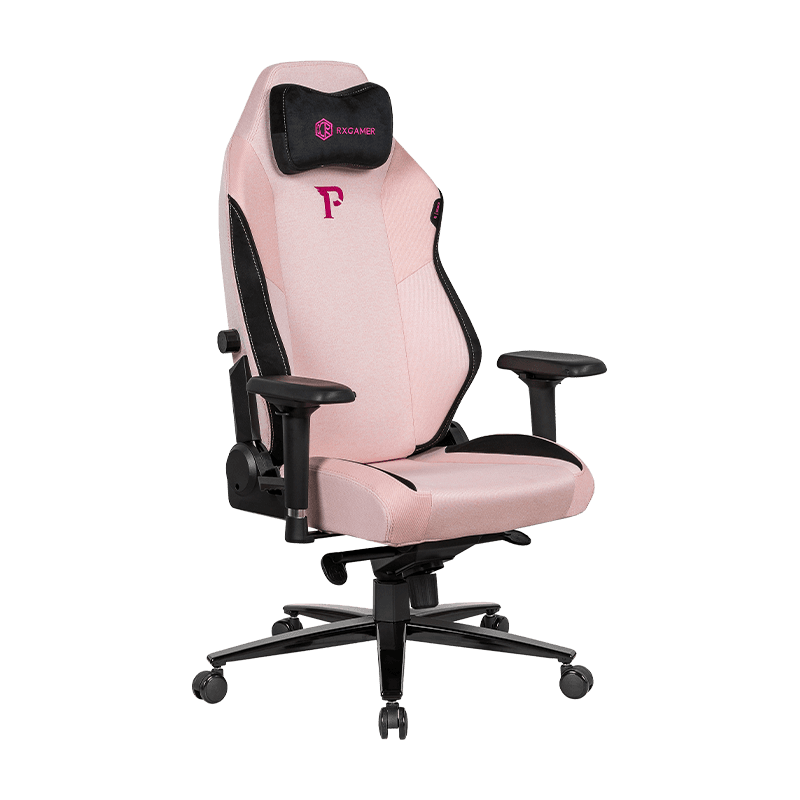
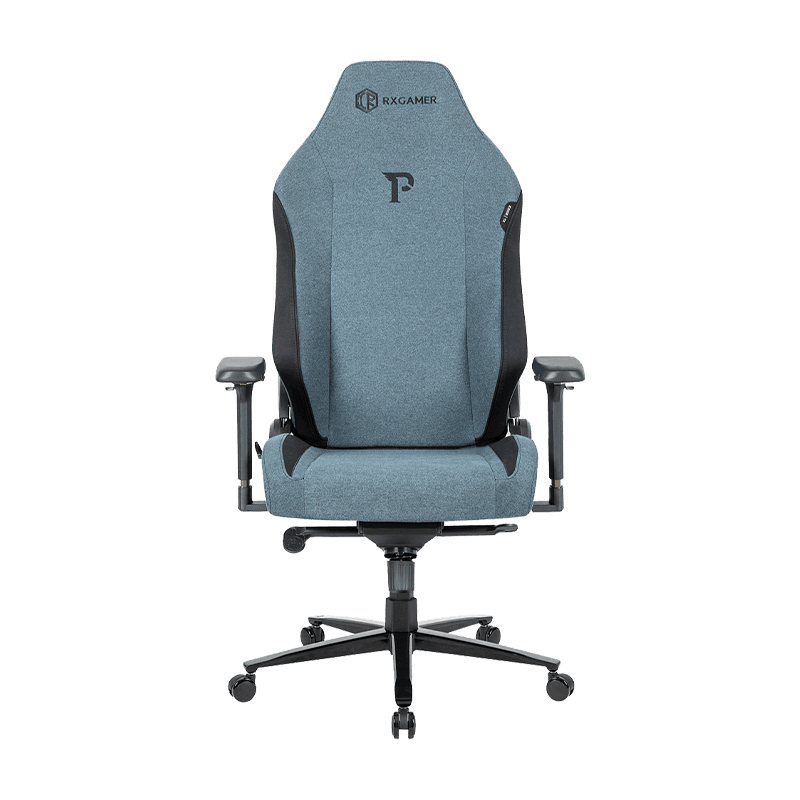
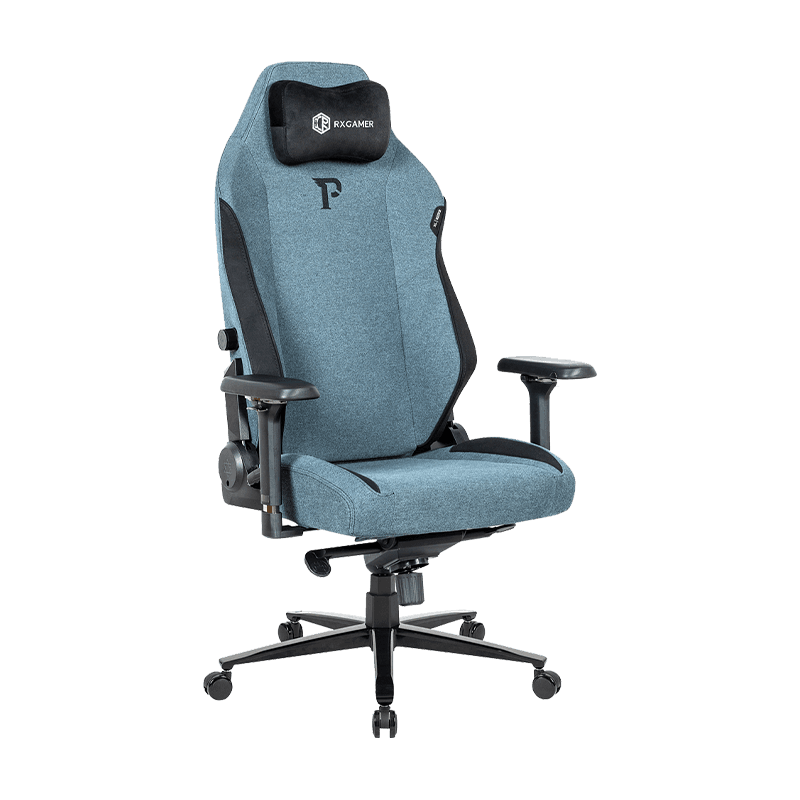
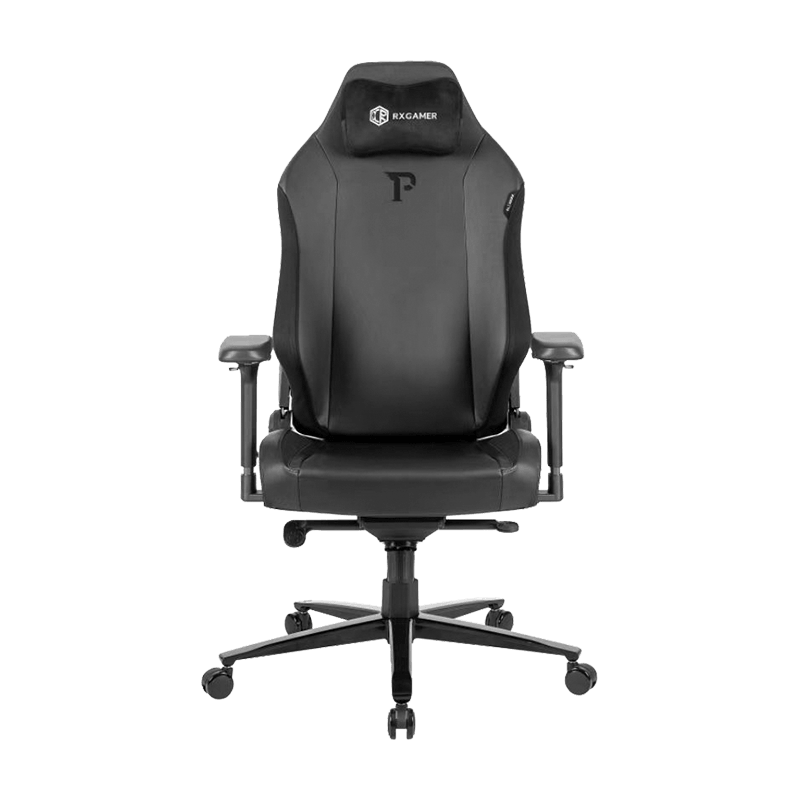
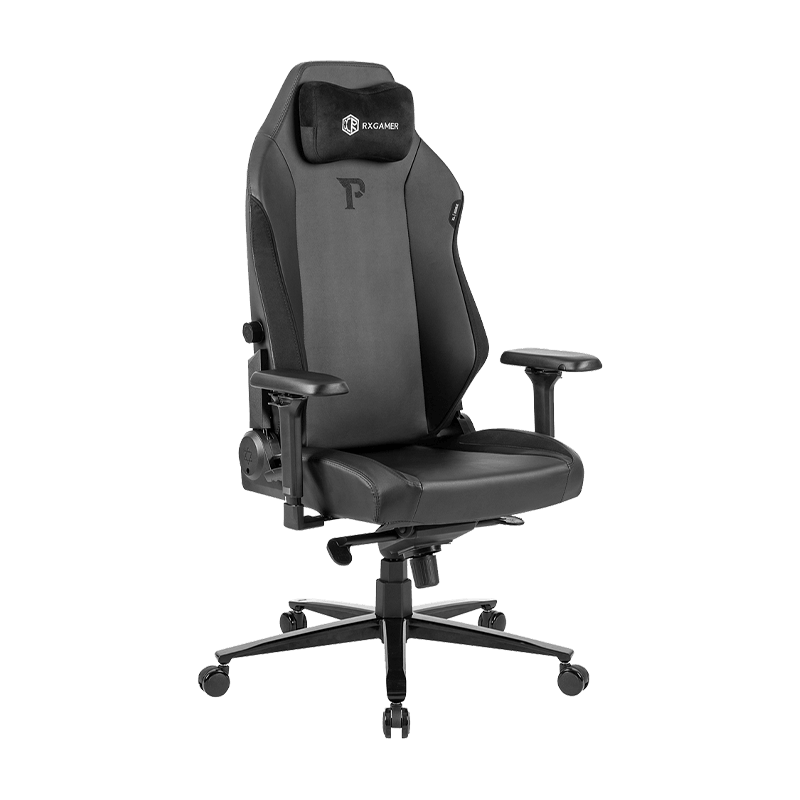
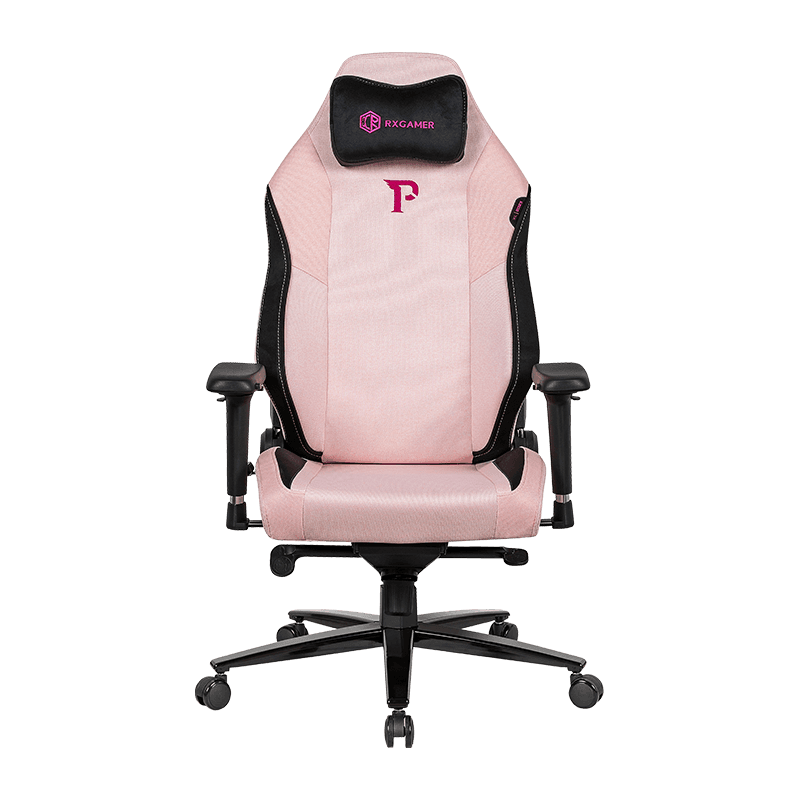
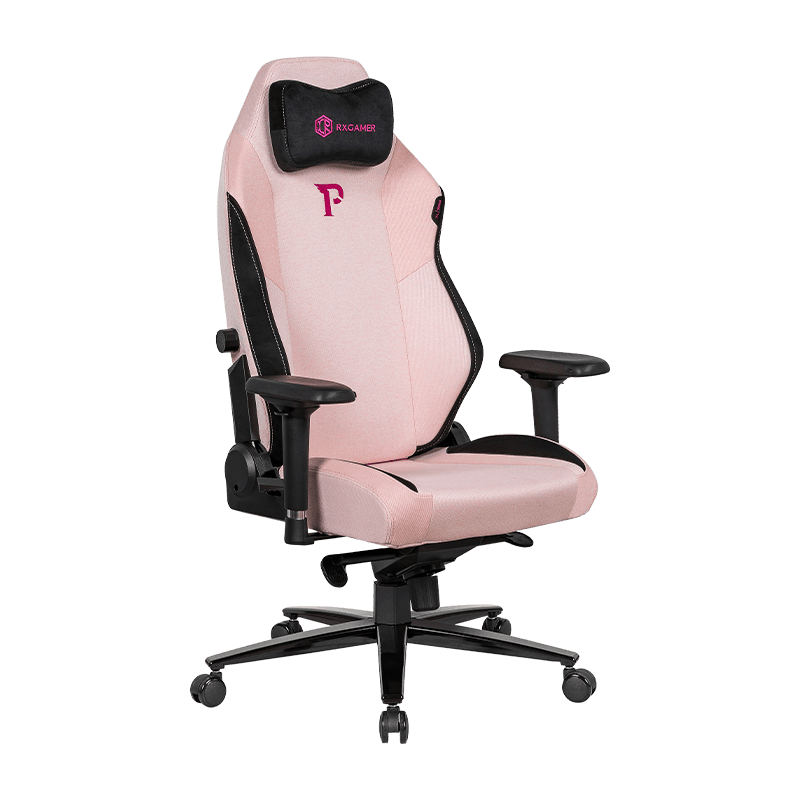
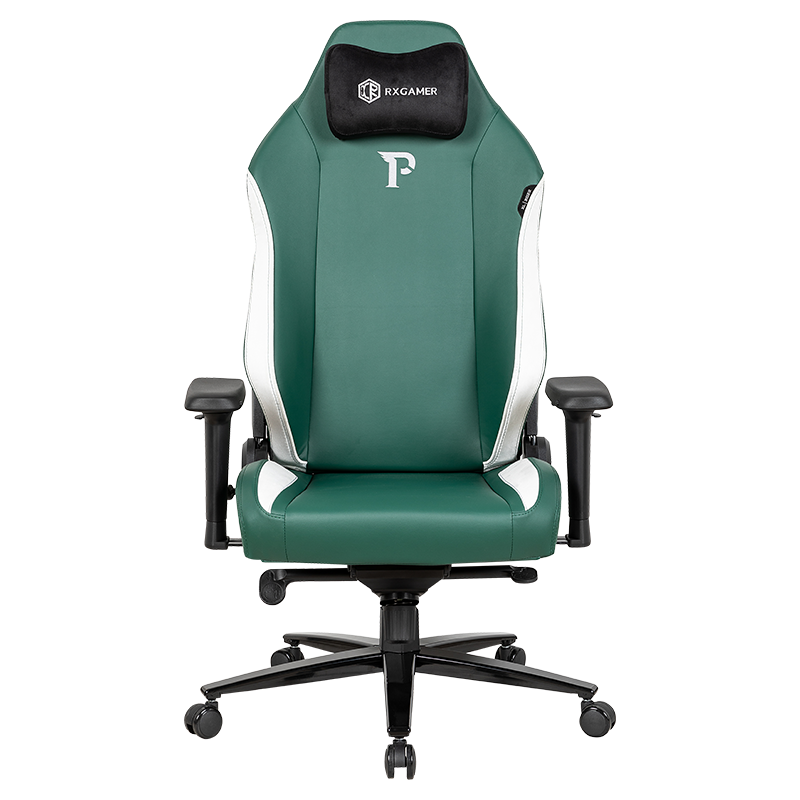
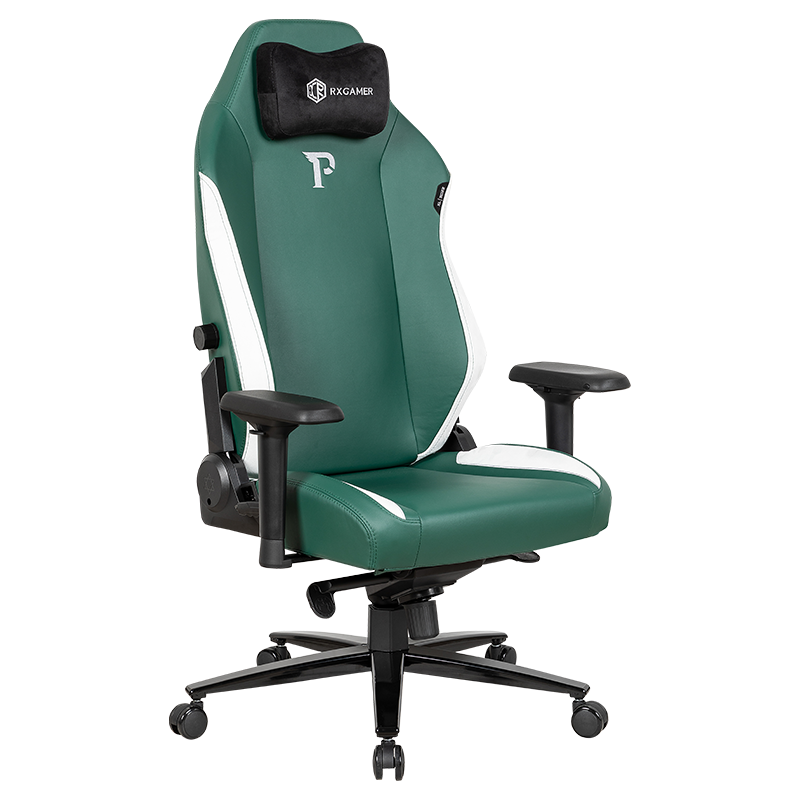
The RX-2038 from RXGAMER is a reclining gaming chair built around a 2D adjustable armrest gaming chair layout, which means height adjustment plus one additional axis of movement. Its configuration reflects the principles described above, so it works well as a reference point when you evaluate any chair in this category. The specifications below summarize the main components.
Armrests
2D adjustable design with height and one additional movement axis for mixed desk and reclined use.
Recline
510-style adjuster with a recline range of roughly 90 to 155 degrees.
Height Plate
19-slot adjustment plate with 2.5 by 2.75 mm slot dimensions, offering fine steps.
Upholstery
Black terry cloth laminated cotton at 0.2 cm, with black velvet accent laminated cotton at 0.3 cm, 210 gsm.
Base and Casters
Three-stage powder-coated base with black casters listed at a 350 pound rating and racing style wheels.
Specifications only tell part of the story. The most useful test is whether the armrest reaches a comfortable position without forcing your shoulders up or your wrists to bend. Sit in the chair, set the height, then move through your typical tasks for at least fifteen minutes before deciding whether the adjustment range feels natural.
Recline Range and Support Angles
A recline range of roughly 90 to 155 degrees covers a wide span of postures. At the upright end, the chair supports active work such as typing and precise mouse aim. Near the middle of the range, the spine gains more relaxed support and the hips stay engaged. At the far end, the chair becomes a rest position for watching a match or pausing between sessions.
The angle also changes where the armrests end up relative to your arms. As you recline, a pad at a fixed position drifts away from the forearm unless the chair geometry or the armrest movement compensates. This is the practical reason a second armrest axis matters for anyone who alternates between upright play and reclined rest.
Tip: Recline in small steps while your forearms rest on the pads. If your wrists lift or your shoulders rise, adjust the armrest before settling into the new angle.
Height Adjustment and Everyday Stability
Height adjustment is the core of ergonomic fit. The number of slots in a height plate determines how finely you can set the seat. A plate with more slots produces smaller steps, which makes it easier to find a position where your thighs sit level or slightly lower than your hips. A plate with fewer slots can still work, but you may settle for a height that is close rather than exact.
When testing height adjustment, check these points during a short session:
- The seat lifts smoothly without sudden drops or grinding sounds.
- The height lock holds firmly when you lean forward to reach the desk.
- Your feet rest flat on the floor, or on a footrest, with the knees slightly below the hips.
- The armrest height aligns with your elbows when your shoulders stay relaxed.
Stability is the second concern. A chair that rocks sideways or creaks under forward pressure distracts from play. Look for a base with a secure connection to the gas lift and a cylinder that does not wobble when you rotate the seat with your hands on the armrests.
Materials, Fabric Weight and Long-Session Comfort
Upholstery affects comfort more than many buyers expect. Fabric that breathes reduces heat buildup during extended sessions, while a firmer laminated backing supports the shape of the chair over time. The layered construction used in many gaming chairs balances these needs, so it helps to understand what each layer contributes.
Reading the Upholstery Specification
A fabric weight of 210 gsm indicates a moderately dense material. Denser fabric usually resists stretching and pilling better, although it can feel warmer in humid rooms. Laminated layers bond the outer fabric to a support backing, which keeps the surface taut and reduces the chance of wrinkles forming at stress points.
Matching Fabric to Your Environment
- Choose a breathable outer fabric if your room runs warm or you sit for several hours at a time.
- Consider a velvet accent in high-contact areas for a smoother feel against the back and shoulders.
- Check how the material responds to a simple wipe with a slightly damp cloth before you commit to long-term use.
Thickness also shapes the seating feel. Laminated layers measured at 0.2 cm and 0.3 cm add a noticeable but modest cushion, which works well for people who prefer a firm contour rather than a soft, sinking surface.
A Practical Setup Routine for Posture
A good chair performs only as well as its setup. Adjusting the armrests in the right order prevents you from chasing a position that keeps shifting. The four-step routine below takes only a few minutes and is easy to repeat whenever you change desks or switch between play styles.
- Set the seat height so your feet rest comfortably and your thighs remain slightly below your hips.
- Level the armrests so your forearms rest on the pads without lifting the shoulders.
- Recline to your intended working angle and check whether the pads still support your forearms.
- Check your shoulders, neck and wrists after five minutes of play, then make small corrections.
Repeat the routine after any major change, such as moving to a different desk height or swapping a keyboard setup. Small adjustments made early prevent the slow posture drift that often leads to fatigue after several weeks.
Casters, Base and Floor Protection
Casters are easy to overlook, yet they determine how smoothly the chair moves and how well the floor is protected. Black casters with a stated load rating of 350 pounds offer a useful margin for everyday use, while racing style wheels give a stable roll on hard surfaces.
Your flooring should guide the choice of wheel. Hard floors and laminate benefit from smooth-rolling casters that glide without scratching. Thick carpet can slow down standard wheels, so a larger or softer wheel may feel more natural. Test the chair across the exact area where you will sit, because a short rug boundary can cause the chair to tip or stall.
Floor protectors placed under the casters help reduce scuffs on wood and tile, and they make it easier to slide the chair back from the desk without lifting it.
Common Mistakes When Choosing an Armrest Design
Buyers often focus on appearance and overlook the ergonomic details that affect daily comfort. The following mistakes come up frequently in discussions about gaming chairs and are easy to avoid with a little planning.
- Choosing a number of directions without testing the actual range of motion in a showroom or from a detailed product description.
- Assuming that more adjustment points always mean better comfort, even when the extra joints are harder to set accurately.
- Ignoring desk height, since an armrest that fits a tall desk may sit too high for a standard table.
- Skipping the recline test, which reveals whether the armrests still support your forearms at a relaxed angle.
- Overlooking maintenance, such as tightening fasteners every few months to keep movement smooth.
A better approach is to write down how you actually use the chair. Note the number of hours per day, the games or tasks you perform, and whether you switch between upright and reclined positions. That list will point you toward the armrest design that fits your habits rather than a generic ideal.
Frequently Asked Questions
Q1: What is the main advantage of a 2D armrest over a 1D armrest?
A 2D armrest adds a second direction of movement, which lets you bring the pad closer to your body or move it out of the way. This extra range helps when you alternate between mouse work and reclined play.
Q2: Does a 3D armrest always outperform a 2D armrest?
Not always. A 3D armrest offers more positioning options, but it also has more joints to maintain. For users who set their armrests once and rarely adjust them, a well built 2D design can feel just as comfortable.
Q3: How long should I test a chair before deciding it is comfortable?
A short sit is rarely enough. Spend at least thirty minutes in your normal working position, then try a reclined posture for several minutes. Pay attention to shoulder tension and wrist position during both stages.
Q4: Is recline range more important than armrest movement?
Both matter, but they solve different problems. Recline range affects spinal support across postures, while armrest movement affects shoulder and forearm comfort. The best choice depends on whether your main discomfort comes from the back or the arms.
Q5: How can I tell whether a fabric will breathe well?
Look for a breathable outer layer and check whether the chair includes ventilation features or a light weight backing. Sitting on the material for ten minutes in a warm room gives a quick indication of how it handles heat.
Q6: How should I clean laminated gaming chair upholstery?
Wipe the surface with a slightly damp cloth and mild soap, then dry it with a clean towel. Avoid soaking the fabric or using harsh solvents, since moisture can weaken the lamination over time.