
 English
 中文简体
中文简体 русский
 Español
 عربى
عربى
Why Three Physical Details Matter More Than Headline Features
Most office chair listings lead with words like adjustable, ergonomic, or premium. Those labels rarely explain how a chair will feel after several hours of typing, reading, or video calls. In practice, three physical elements determine most of the daily experience: the fabric covering the seat and backrest, the armrests that support the forearms and shoulders, and the tilt mechanism that controls how the backrest moves. Each one interacts with the others. A firm, unpadded seat changes how the pelvis sits, which changes how the lower back behaves, which in turn affects whether the armrests feel helpful or simply in the way.
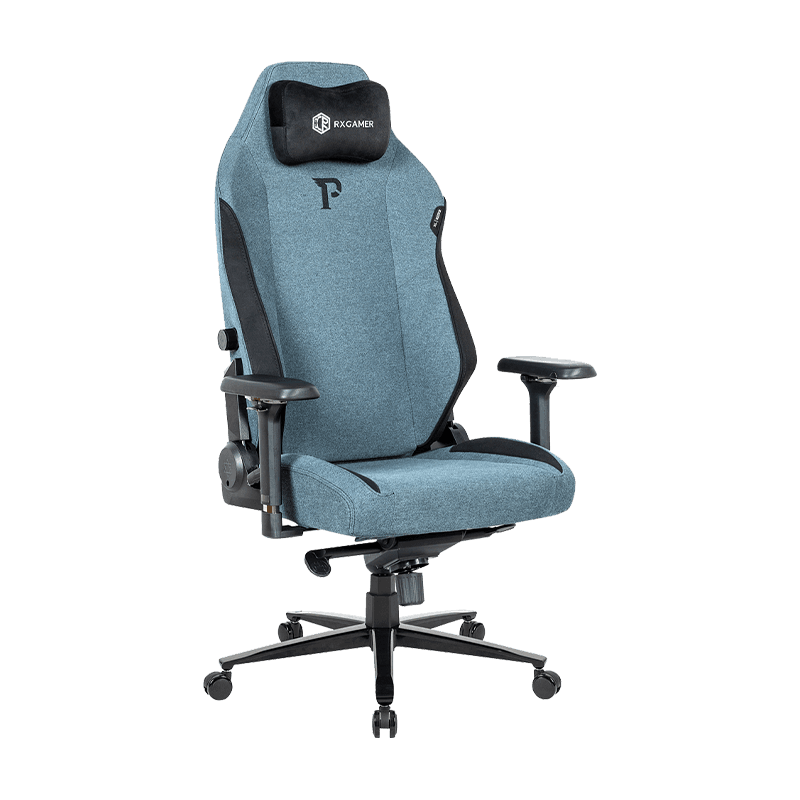
This guide breaks down each element in plain terms and gives you a checklist you can apply to any model. The adjustable reclining chair RX-9123 appears throughout as a concrete example, because its specification sheet lists fabric, armrest finish, tilt type, gas lift, base, and casters in a way that maps neatly onto the decisions buyers face. The goal is not to promote one product but to help you read a specification sheet with confidence.
What Changes After Two Hours of Sitting
Short sessions hide a chair's weaknesses. Discomfort usually appears gradually, first as a slight shifting in the seat, then as tension in the shoulders or a dull ache in the lower back. Workplace health guidance generally agrees that posture should change frequently over a long day, and that a good chair should make those changes easy rather than forcing a single position. Three problems tend to reveal themselves as the hours pass:
- Heat and dampness building up against the back and thighs, which pushes people to shift position constantly.
- Pressure concentrated on the front edge of the seat, which restricts circulation in the legs.
- Armrests set at the wrong height, which lifts or drops the shoulders and gradually fatigues the neck.
Fabric: Where Comfort Meets Breathability and Wear
The fabric is the only part of the chair that touches you for the entire session, so its influence is larger than its visual prominence suggests. A fabric affects three things at once: how heat leaves the body, how the surface feels against skin in different seasons, and how well the upholstery resists abrasion from clothing, zippers, and daily sliding. Choosing well means balancing these factors against how you actually work.
Breathability and Heat Buildup
Dense, closely woven textiles tend to trap warmth, while open mesh allows air to move across the back. Velvet-style textiles sit in the middle. They feel soft and visually refined, but a thick pile can hold moisture when the room is warm. Leather-look polyurethane is often the least breathable option because its surface is largely sealed. For someone who works in a warm room or tends to perspire during long meetings, breathability usually matters more than any other fabric property.
Abrasion Resistance and Expected Lifespan
Upholstery wear follows predictable patterns. The front edge of the seat and the outer edges of the cushion take the most friction, especially when people sit down quickly or slide forward. When comparing fabrics, look for these indicators:
- An abrasion rating supplied by the manufacturer, which shows how many test cycles a sample survives before visible wear appears.
- Fabric weight and weave density, since tighter constructions usually resist pilling and fraying better.
- Whether the fabric is a single layer or bonded to a backing, because bonded layers can separate at the seams over time.
A well-built office chair often runs for several years in daily use, but upholstery is usually the first component to show visible wear, even when the frame and mechanism are still sound. Choosing a fabric with a proven durability rating can delay the point at which the chair starts to look tired.
Padding Versus Unpadded Seats
Padding is often treated as the default comfort feature, but it has trade-offs. A thick cushion can feel welcoming for the first few minutes and then compress unevenly, leaving the sit bones and tailbone under sustained pressure. A thinner, unpadded seat on a firmer base can feel less immediately plush, yet it usually holds its shape and encourages a more upright, stable posture. The right choice depends on your body, your typical sitting duration, and whether you tend to lean back or perch forward.
Plush does not always mean supportive. A firmer seat that holds its shape often serves long sessions better than a deep cushion that collapses under body weight.
Unpadded seats with a breathable textile upholstery suit people who value airflow and a responsive, stable feel. Those who prefer a softer surface may still do well with a thin layer of dense foam beneath the fabric, provided the foam recovers quickly after pressure is removed.
Fabric Comparison at a Glance
| Fabric type | Breathability | Durability | Cleaning | Best suited for |
|---|---|---|---|---|
| Mesh | High | Moderate | Easy | Warm rooms, long sessions |
| Woven polyester | Medium | High | Easy | Shared or high-use chairs |
| Velvet-style textile | Medium | Medium | Moderate | Comfort-focused home offices |
| Polyurethane leather-look | Low | High | Very easy | Dry rooms, formal settings |
| Genuine leather | Low to medium | Very high | Moderate | Long-term premium use |
Armrests: Supporting the Shoulders Instead of Fighting Them
Armrests do more than provide a resting place for the forearms. When they are positioned correctly, they reduce the load on the shoulders and upper back, which otherwise work to hold the arms up during typing and mouse use. When they are wrong, they create the opposite problem: a raised or dropped shoulder that slowly builds tension through the neck and upper back. Many people never adjust their armrests at all, which means the chair's most useful support goes unused.
Height and Width Are the Priority Settings
Height matters most. A common guideline is to set the armrests so the forearms rest lightly, with the elbows bent at roughly a right angle and the shoulders relaxed. Desk height plays a role, so the armrest should be checked with the chair pulled up to the actual work surface rather than in isolation. Width matters too. Armrests set too far apart push the elbows outward, while armrests set too close can pinch the arms against the torso.
- Sit fully back in the chair with both feet flat on the floor.
- Raise or lower the armrests until the elbows form a relaxed right angle at the keyboard.
- Check that the shoulders are not hunched upward when typing.
- Confirm that the armrests do not block the chair from sliding close to the desk.
Material, Finish and Pivot Design
Armrest pads and frames vary in material. Soft pads offer comfort for short periods but can compress over time, while firmer surfaces hold their form and wipe clean easily. Metal frames with a powder-coated finish tend to resist scratches better than painted surfaces and keep a consistent appearance across the chair's life. Pivoting armrests, which rotate inward or outward, help when the desk is narrow or when you switch between typing and reading. Fixed armrests are simpler and sturdier but offer less flexibility.
Armrest checklist for any model: adjustable height, adjustable or fixed width, pads that hold their shape, a finish that resists scuffing, and a pivot option if your workspace changes.
Tilt Adjustment and the Logic of Recline
The tilt mechanism controls how the backrest moves relative to the seat. It determines whether you can lean back to think, return to an upright position for typing, or rest in a relaxed recline during a call. A well-designed mechanism supports the spine across a range of positions instead of locking you into one posture, and it does so without requiring constant readjustment.
Locked Tilt Versus Free Tilt
Locked tilt holds the backrest at a fixed set of angles, usually selected with a lever or knob. It offers predictable stability but can feel abrupt when moving between positions. Free tilt allows the backrest to move with the body while the seat adjusts in proportion. The advantage is a smoother reclining motion that tracks natural movement. The trade-off is that the user must be able to control how far the chair reclines, which is why tension adjustment matters.
Tension and Body Weight
Tension control sets how much force is needed to move the backrest. A setting that suits a lighter person can feel loose and unstable for someone heavier, while a stiff setting may fatigue the lower back by forcing the user to push against the mechanism. The most comfortable setting lets the backrest support the spine without pushing the body forward off the seat.
- Test tension by leaning back slowly with both feet on the floor, then returning upright.
- Choose a recline range that keeps the hips in contact with the seat.
- Avoid relying on a fully reclined position for extended typing, since the arms and shoulders reach forward awkwardly.
Gas Lift, Base and Casters: The Load Path You Cannot See
Every movement in the chair passes through a chain of components: seat, mechanism, gas lift, base, and casters. Understanding this path explains why a few specification details matter more than they appear to. If one link is undersized or poorly finished, the whole chair feels wobbly, sinks slowly, or rolls unevenly.
Gas Lift Class and Height Range
The gas lift is the cylinder that controls seat height. Lift classes are usually grouped into tiers, and a higher class generally indicates a stronger cylinder designed for heavier users or more frequent adjustment. Check the usable stroke as well, because the height range determines whether the chair suits both shorter and taller users. A powder-coated black cylinder is largely cosmetic. The internal seal quality is what determines whether the seat slowly drifts down during the day.
Base Construction and Caster Choice
Five-point bases are the standard for stability. Square tubing generally feels sturdier than round tubing at the same wall thickness because its flat faces resist twisting. Caster choice depends on the floor. Hard floors benefit from wheels with softer treads that glide without scratching, while carpeted floors need wider, harder-rolling casters to avoid stalling. A decorative cover hides the joints but does not change load capacity, so judge the base by tubing quality and weld finish rather than appearance.
A Practical Selection Framework
Instead of ranking chairs by features alone, match each element to how you spend your day. The following sequence narrows options quickly.
- Estimate daily sitting time and whether it is continuous or broken into sessions.
- Note the room temperature and whether you tend to feel warm during work.
- Decide how often you recline and whether you want a locked position or a smooth free motion.
- Measure the desk height and the clearance under the armrests.
- Check the floor surface and choose casters accordingly.
Matching Use Profiles to Specifications
| Use profile | Fabric priority | Armrest priority | Tilt priority |
|---|---|---|---|
| Long daily typing | Breathable mesh or lightweight textile | Height and width adjustment | Locked tilt for stable posture |
| Frequent reading and calls | Medium-density textile | Pivoting or wide pads | Free tilt with tension control |
| Shared or high-turnover chair | Durable woven fabric | Fixed, sturdy armrests | Simple locked tilt |
| Reclined sessions and breaks | Comfortable, abrasion-resistant textile | Padded, adjustable height | Free tilt with a generous recline range |
Common Mistakes Buyers Make
Even careful buyers fall into predictable traps. Avoiding them saves money and frustration.
- Choosing by seat thickness alone. Padding depth says little about support once the foam compresses under repeated use.
- Ignoring armrest height. Armrests set too high are one of the most common causes of shoulder tension.
- Overlooking the recline control. A tilt that cannot be tensioned can feel uncontrolled and tiring.
- Assuming all casters suit all floors. Hard wheels on hard floors can scrape surfaces and roll loudly.
- Skipping the sit test. A few minutes in a showroom or during a return-friendly trial period reveals more than any specification sheet.
Another frequent oversight is treating adjustability as a goal in itself. Many controls only help if they are set once, correctly, and then left alone. A chair with fewer, well-placed adjustments often serves a user better than one with many confusing levers.
Applying the Framework to the RX-9123 Specifications
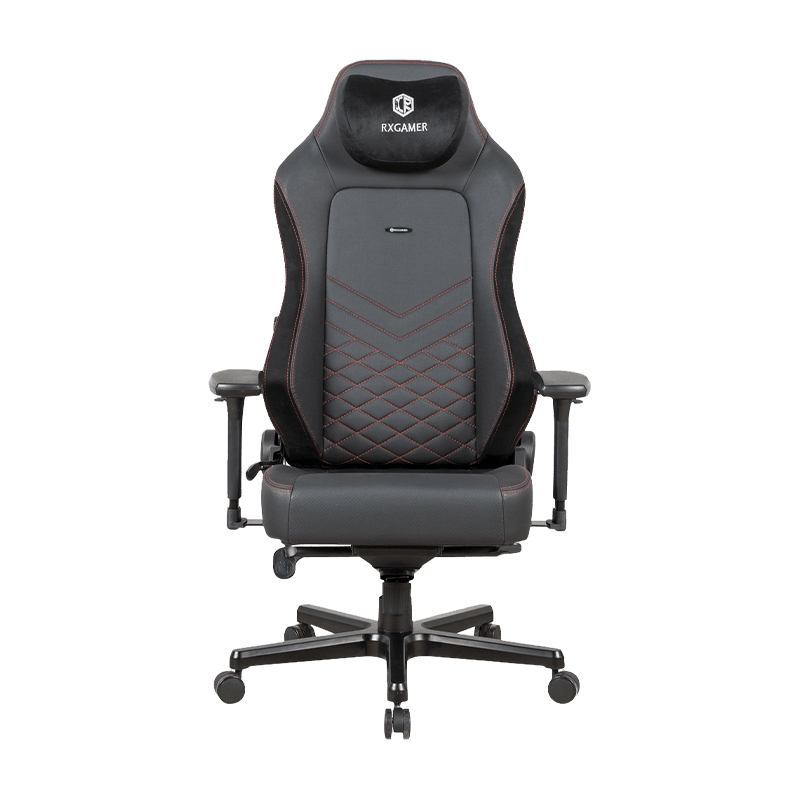
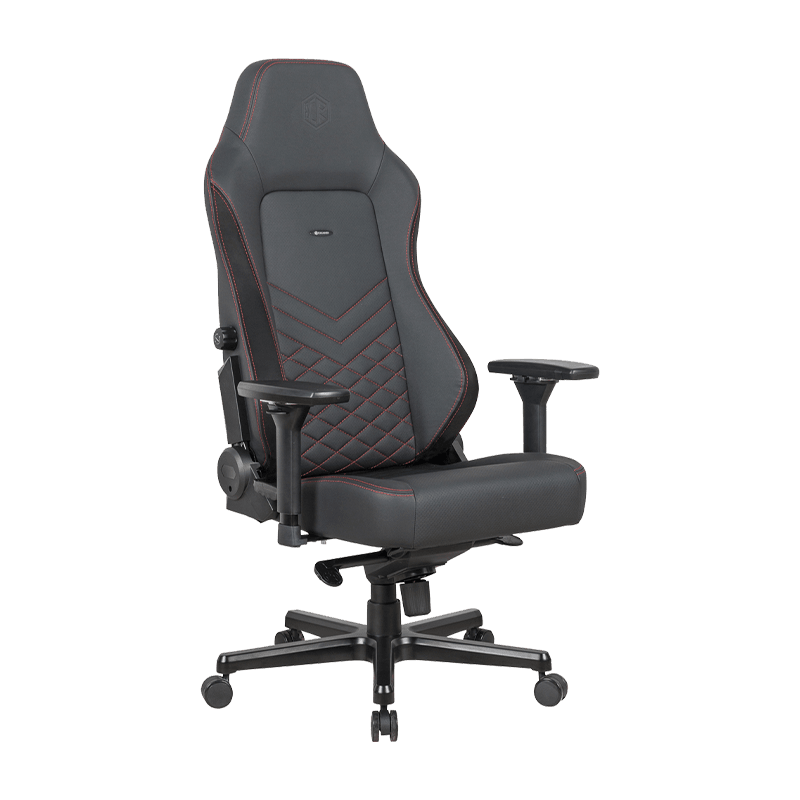
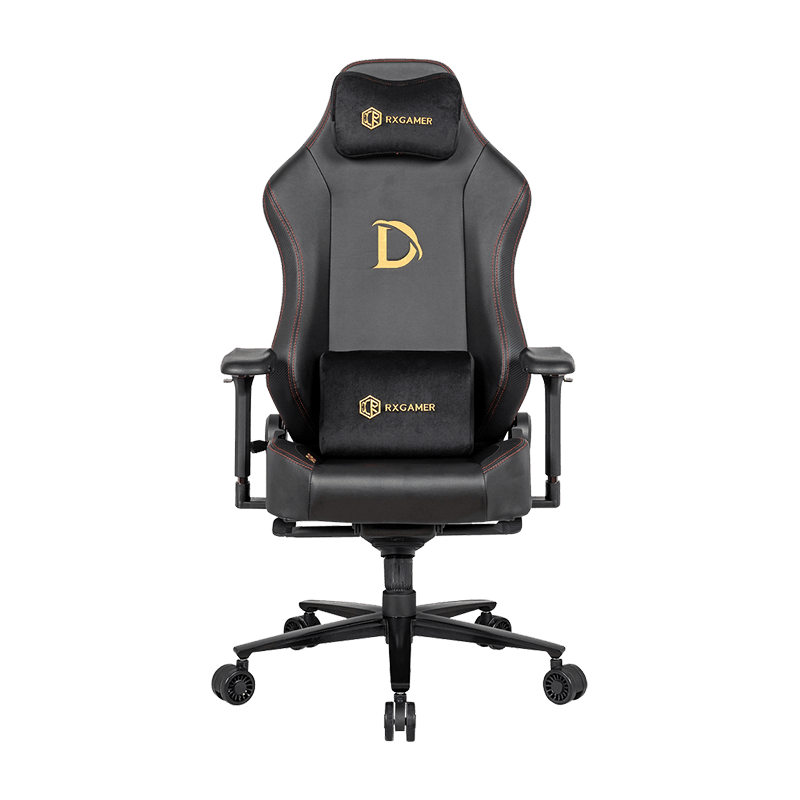
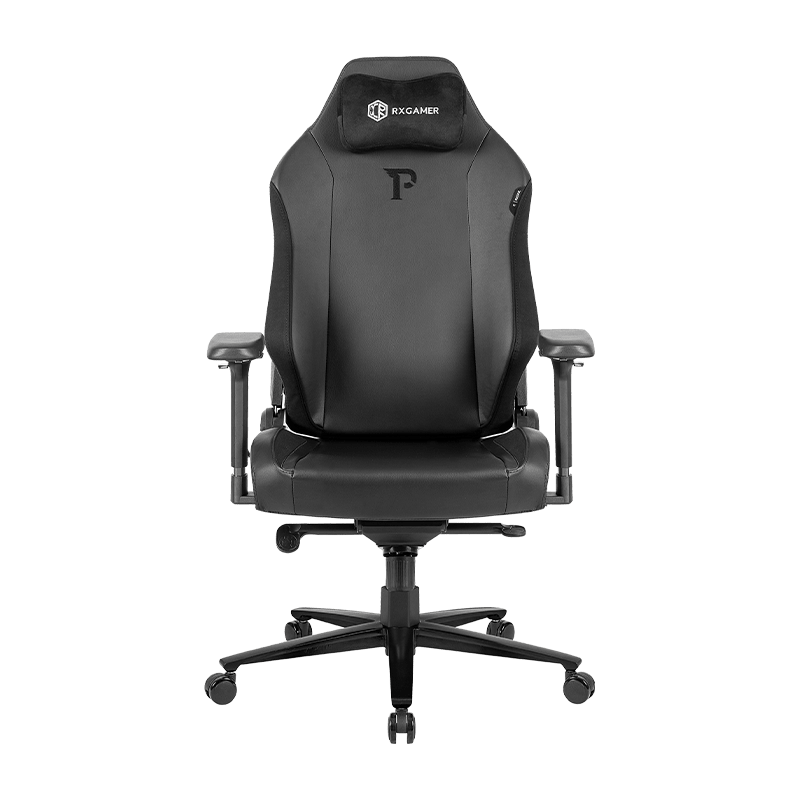
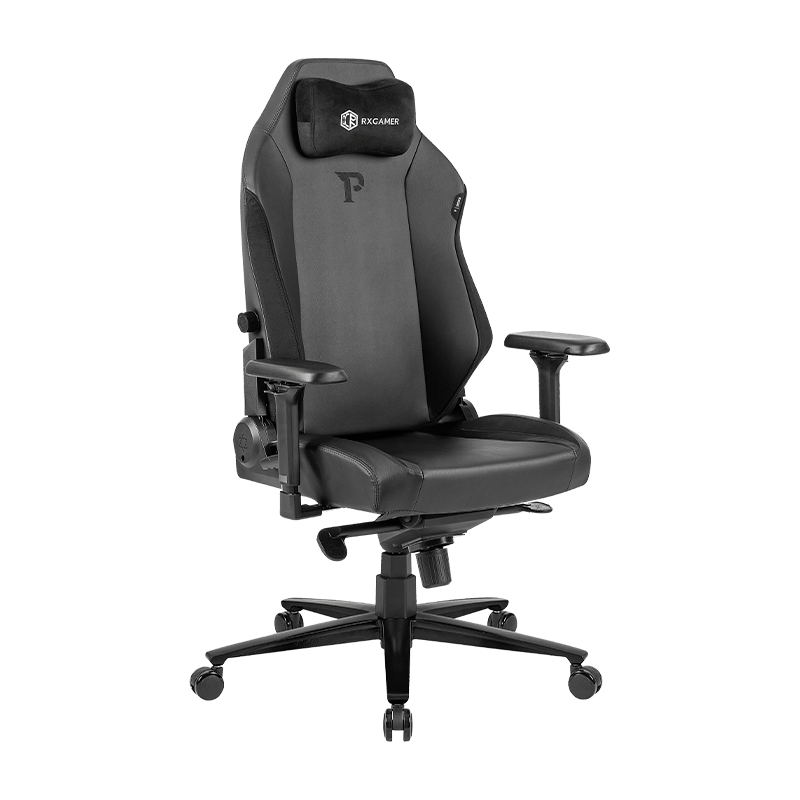
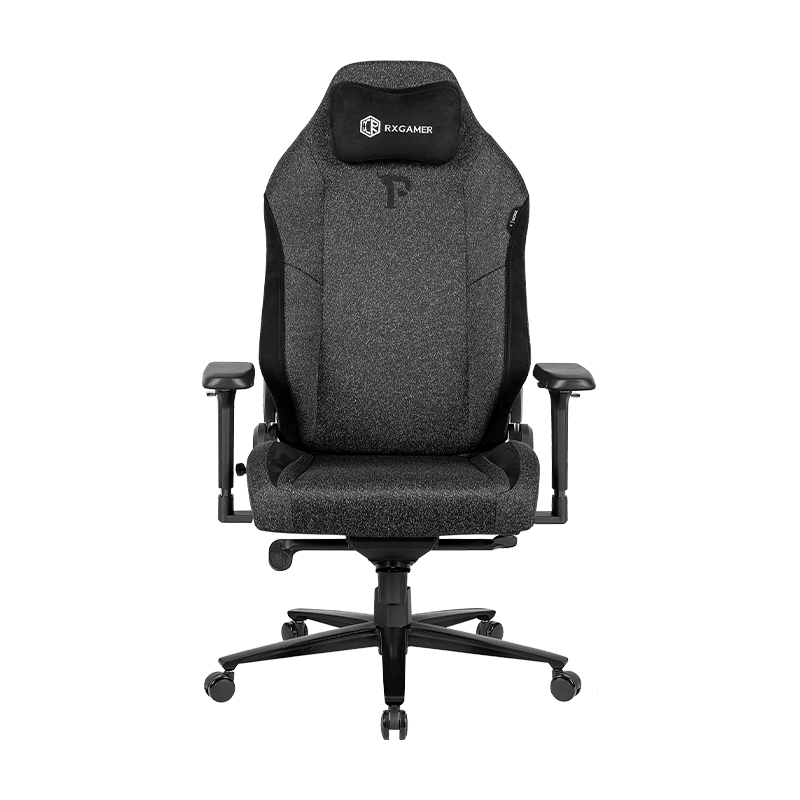
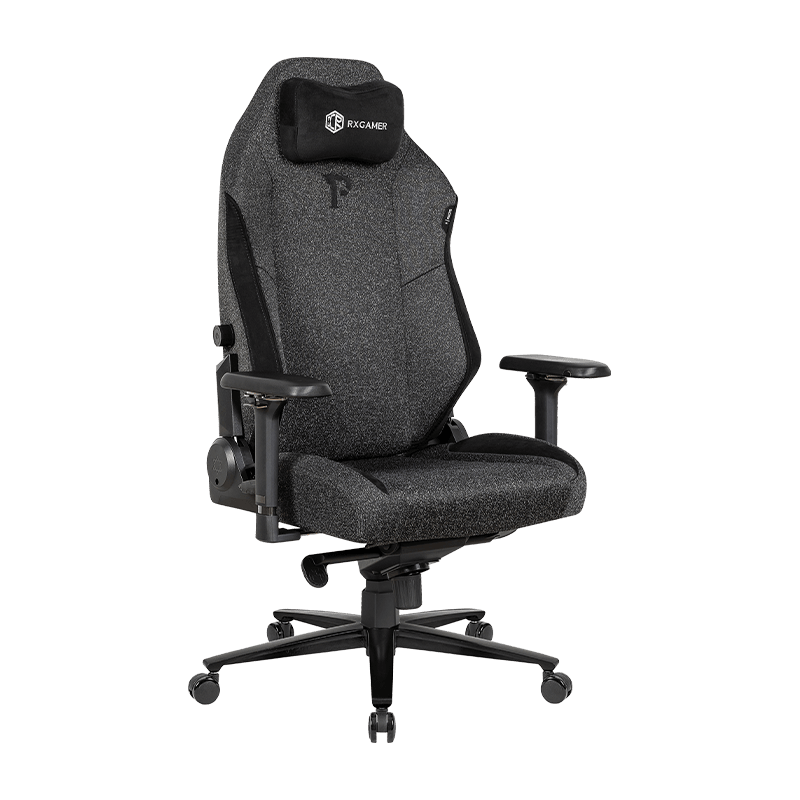
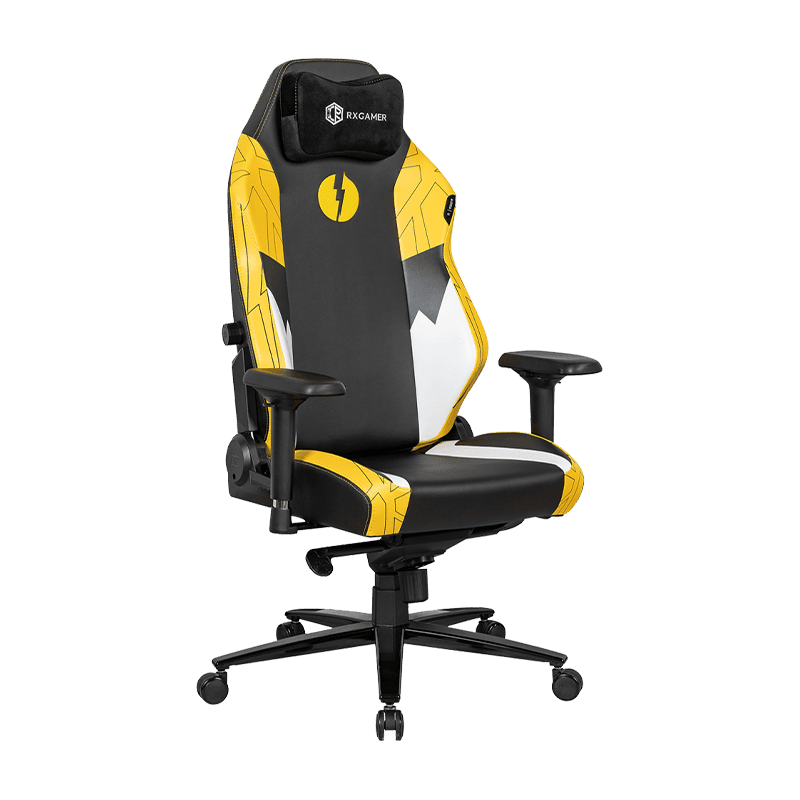
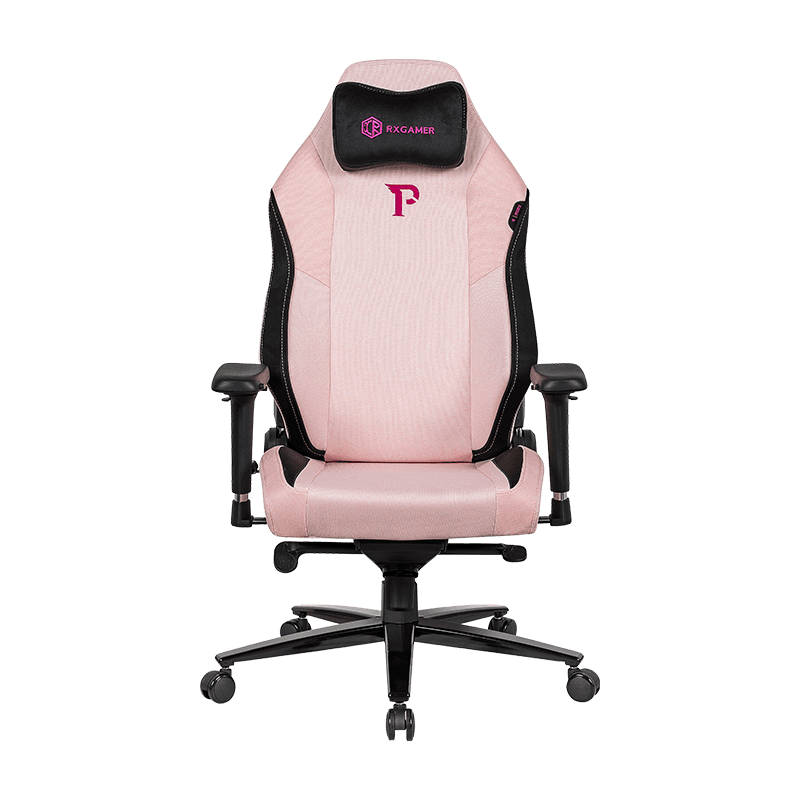
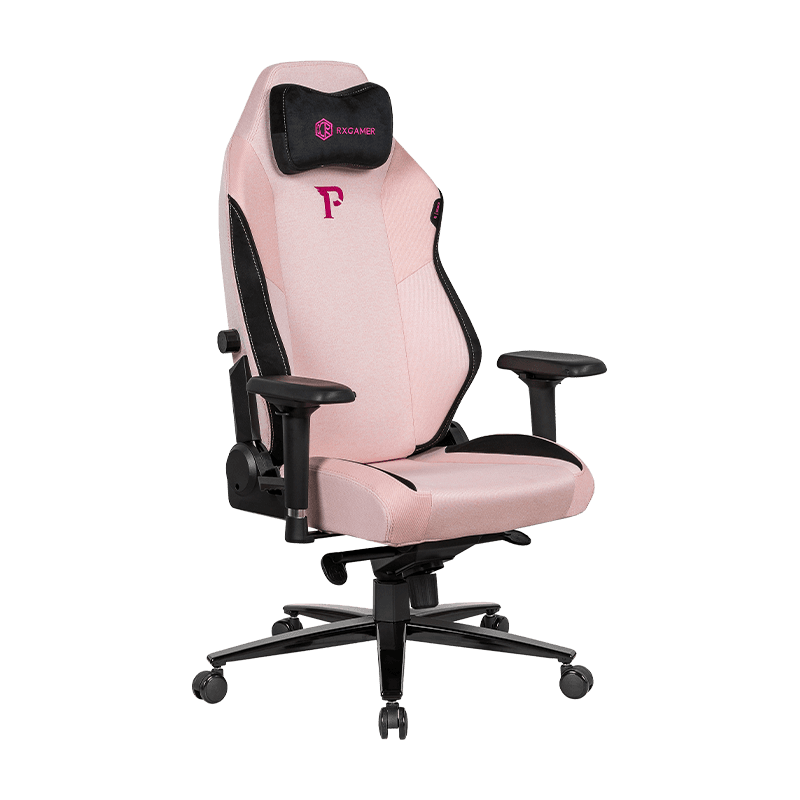
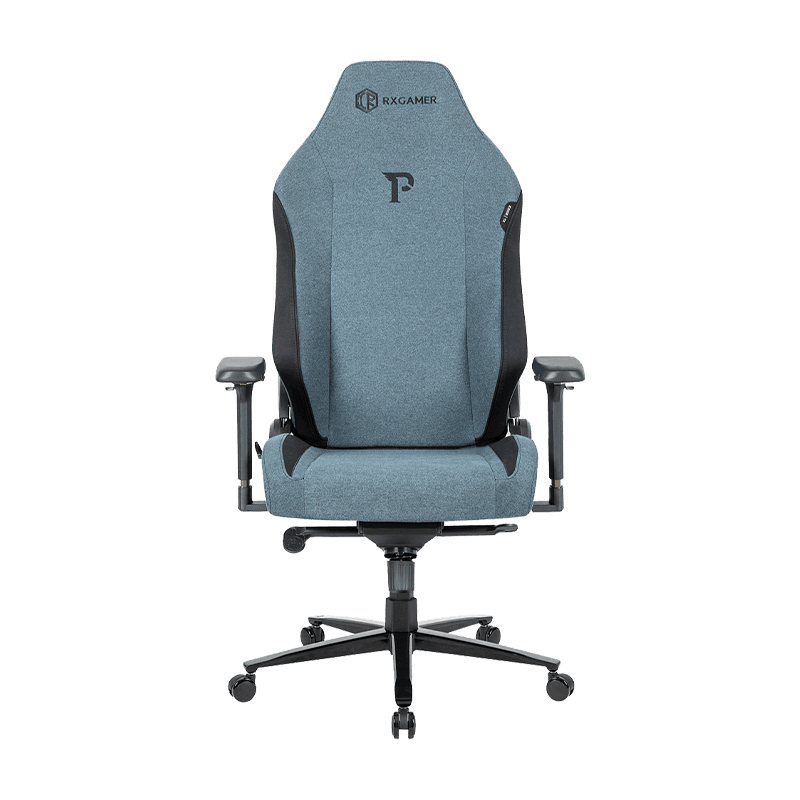
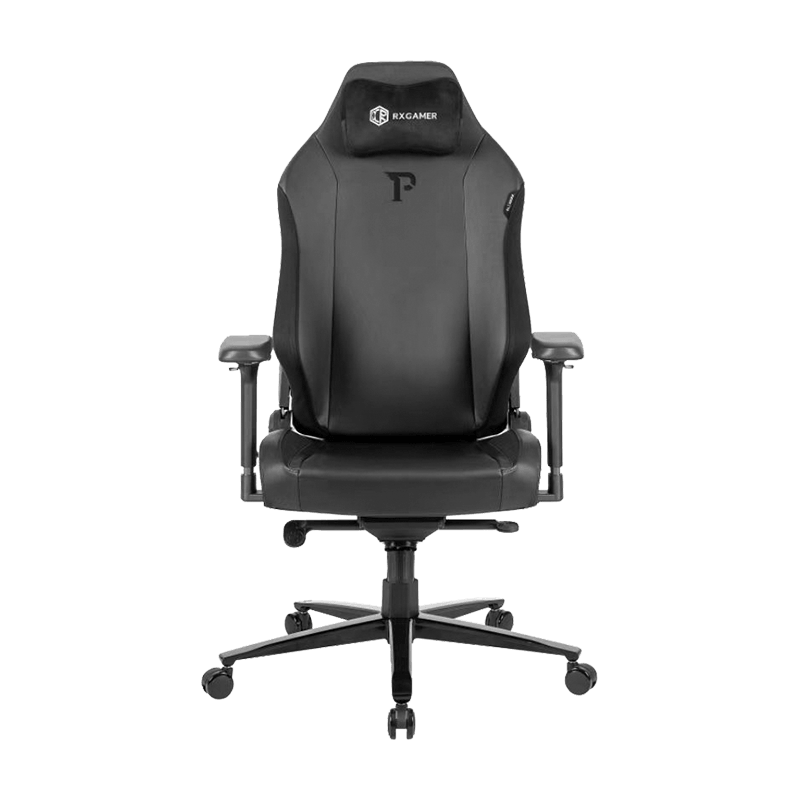
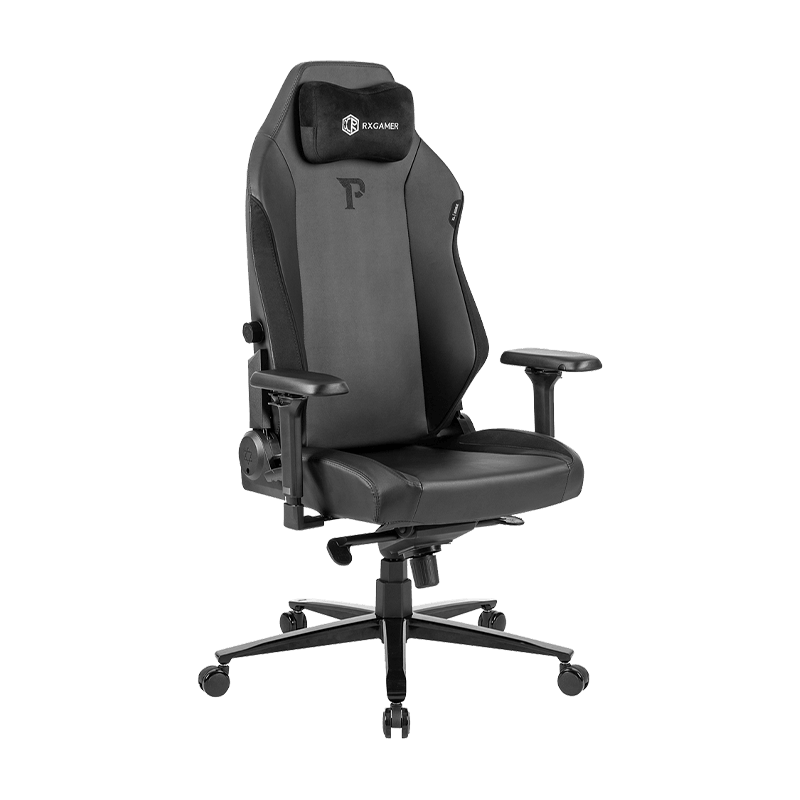
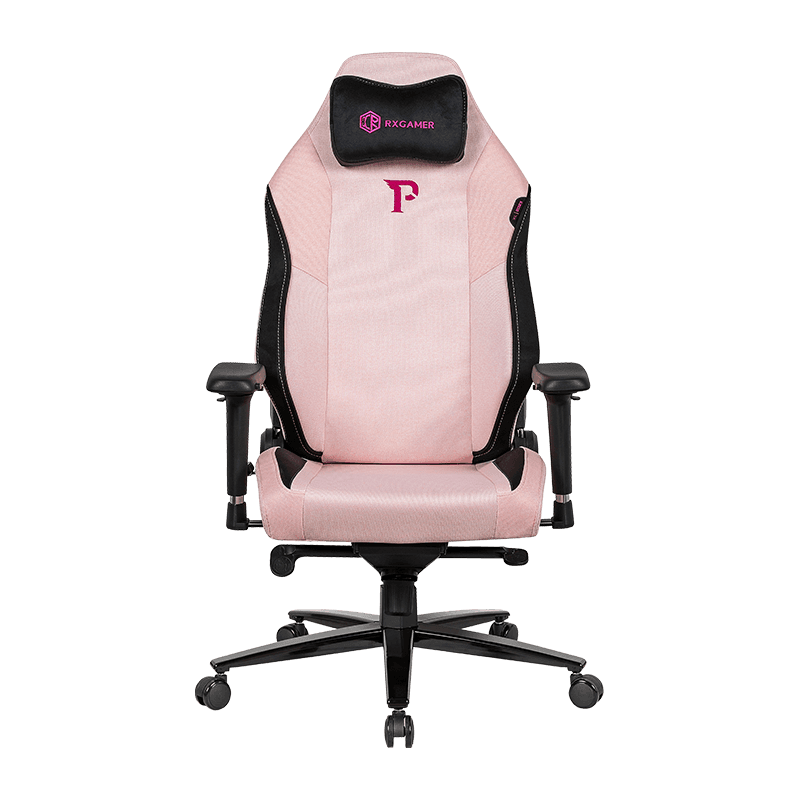
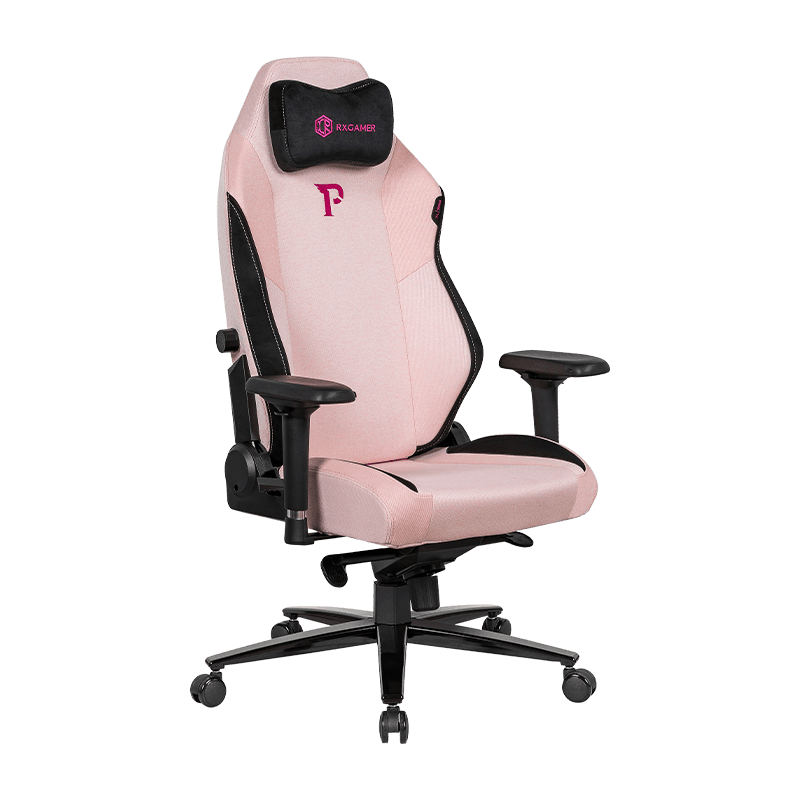
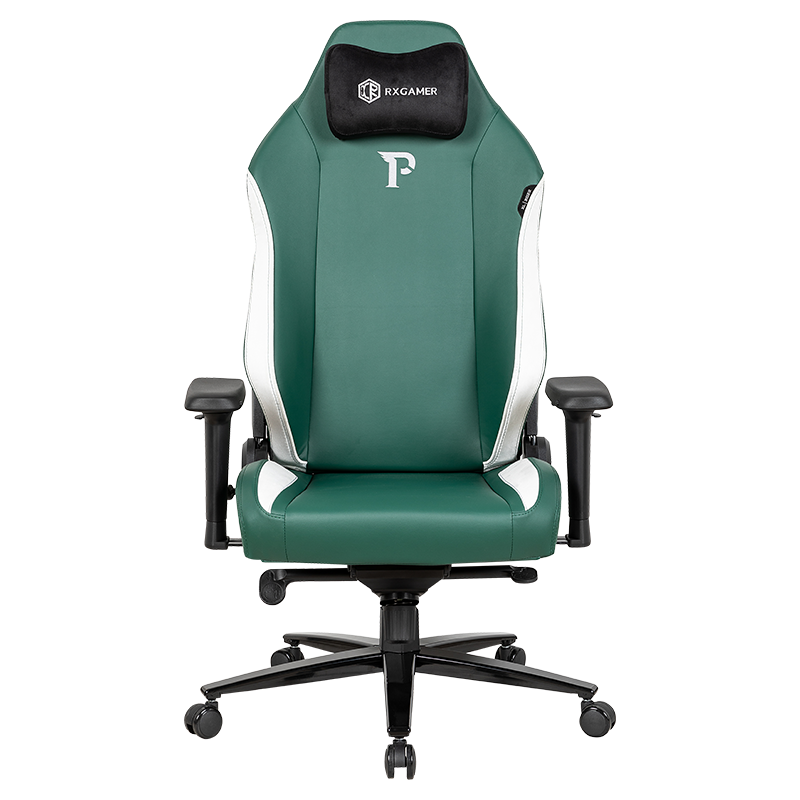
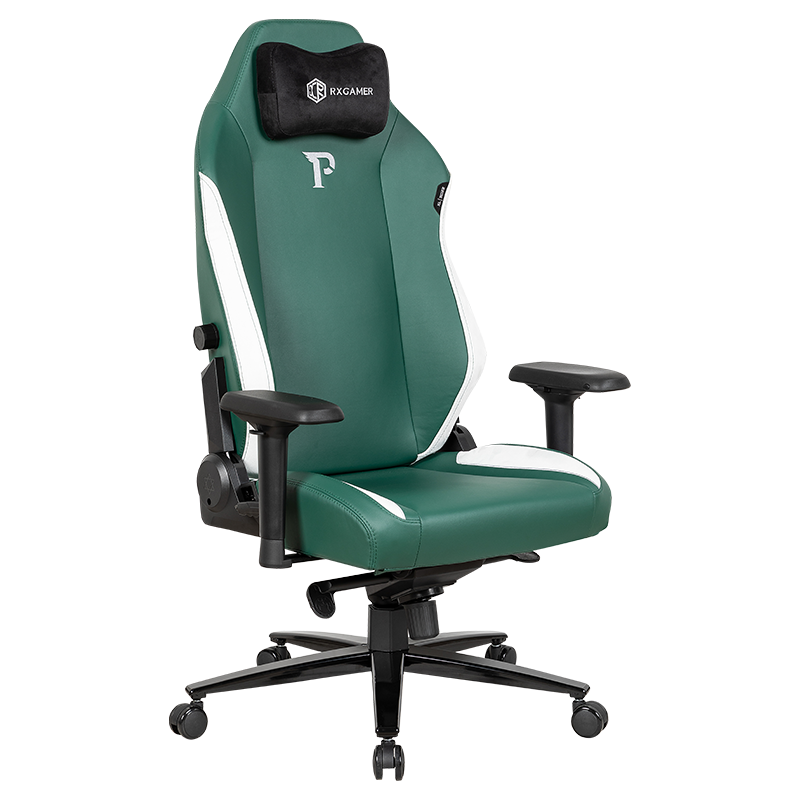
To see how these principles play out, consider the specification sheet of the RX-9123 adjustable reclining model from RXGAMER. The sheet describes a seat and backrest in a No. 12 velvet-style textile without padding, black powder-coated metal armrests, a Class 3 black powder-coated gas lift, a five-claw decorative cover over a square-tube base, and all-black polyurethane casters rated Class B. The free-tilt function is the defining mechanism feature.
How to Read These Specifications
- Unpadded velvet-style textile: favors a firm, stable seat and a breathable feel, though users who want more cushioning may add a thin layer of dense foam.
- Powder-coated metal armrests: durable and consistent in appearance, though fixed armrests offer less shoulder flexibility than pivoting designs.
- Free-tilt mechanism: useful for moving between upright work and reclined thinking, provided the tension is set to match your body weight.
- Class 3 gas lift and square-tube base: point to attention to load and stability, which matters most during daily height changes.
- Class B polyurethane casters: choose wheels suited to your floor type before buying, since mismatched casters are a common source of frustration.
Whether this model fits your workspace depends on the factors discussed above rather than on the model name alone. Measure your desk, note your floor type, and decide how much cushioning you want before comparing it with other options. A specification that matches your routine will always matter more than a long feature list.
Frequently Asked Questions
Q1: Is an unpadded seat ever better than a padded one?
Yes, for some users. A firmer, unpadded seat keeps its shape under sustained load and often encourages a more upright, stable posture. Padded seats feel welcoming at first but can compress unevenly over long sessions. People who value airflow and a responsive feel often prefer the firmer option, while those who need extra cushioning can add a thin layer of dense foam.
Q2: How high should armrests be set?
Set them so your forearms rest lightly with the elbows bent at about a right angle and the shoulders relaxed. Check this with the chair pulled up to your actual desk. If you have to raise your shoulders to reach the keyboard, the armrests are likely too high. If your forearms slide off them, they are probably too low.
Q3: What is the practical difference between locked and free tilt?
Locked tilt holds the backrest at set angles and feels stable but can be abrupt between positions. Free tilt lets the backrest follow your body while the seat adjusts, producing a smoother recline. Free tilt works best when the tension control is set to match your body weight, so the backrest responds without pushing you forward off the seat.
Q4: Do casters matter if the chair stays in one place?
Yes. Even a chair you rarely move rests on its casters every day, and a mismatch with the floor can cause scratching, noise, or stalling. Choose softer treads for hard floors and harder-rolling wheels for carpet, and confirm that the wheels fit the base socket securely before use.
Q5: How can I tell whether a fabric will last?
Look for a stated abrasion rating, a tight weave with a reasonable fabric weight, and either a single-layer construction or a well-bonded backing. Then test a hidden area by rubbing it and checking for pilling or fuzzing. Front seat edges and armrest contact points show wear first, so those areas deserve the closest attention when you evaluate a sample.