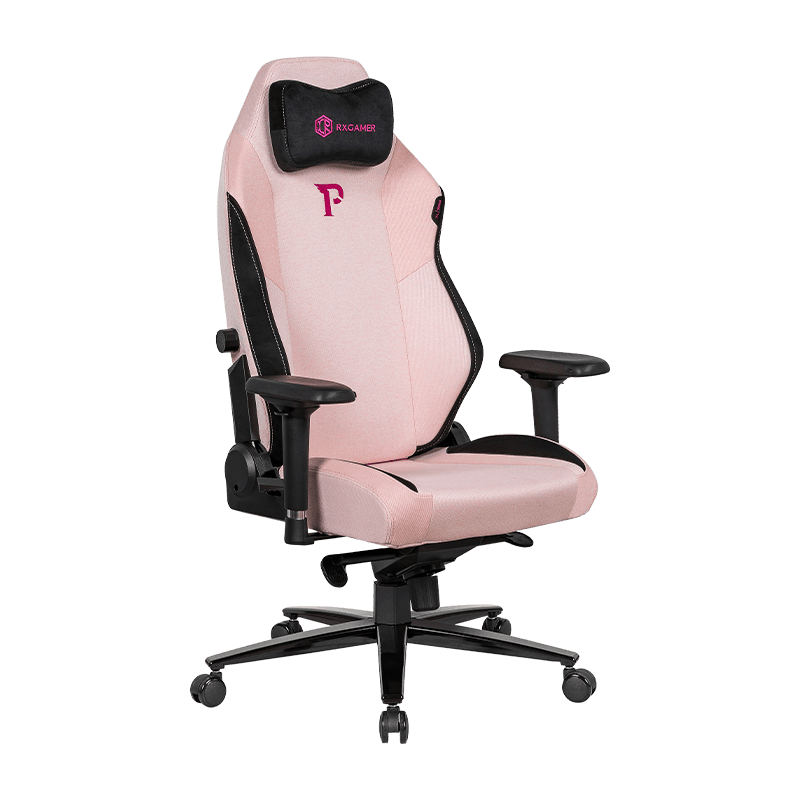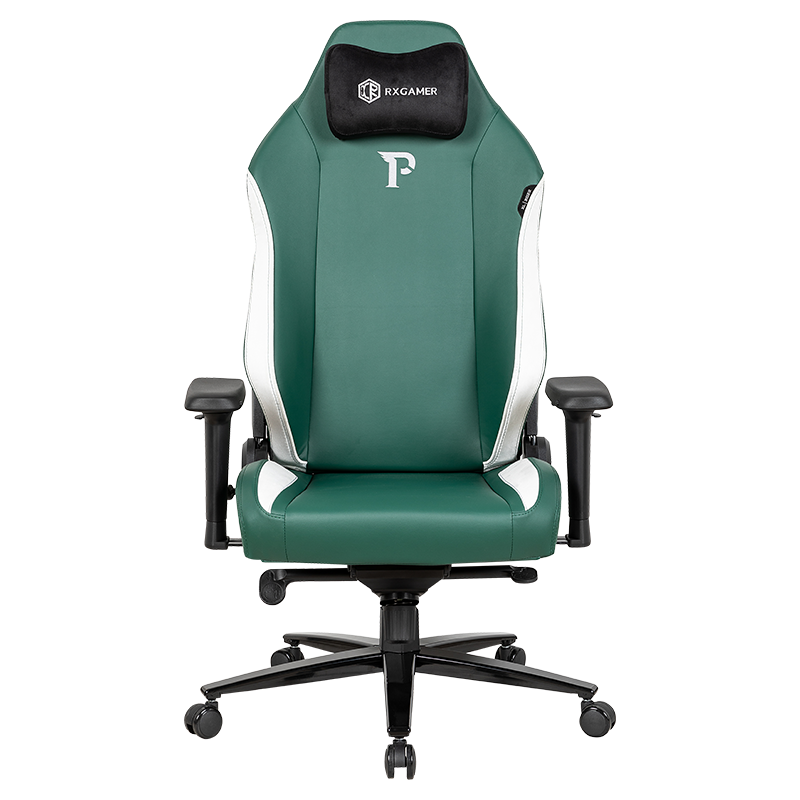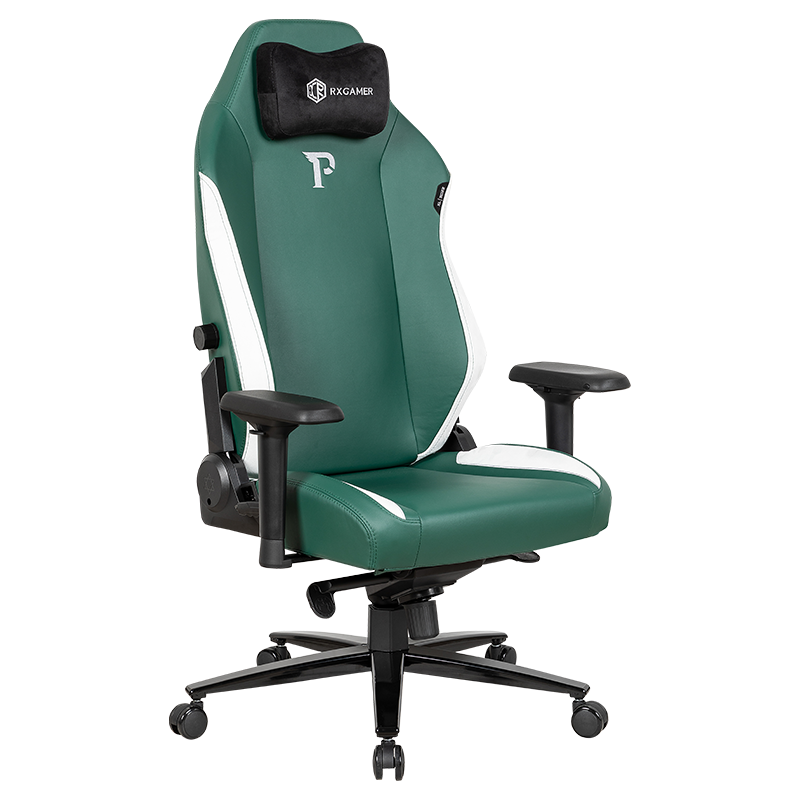

 English
 中文简体
中文简体 русский
 Español
 عربى
عربى
Long gaming sessions place a surprising amount of demand on the lower back. Many players sit for two, three or even five hours at a time, often leaning toward the screen, shifting weight onto one hip, and letting the pelvis roll backward without noticing. A well-designed seat can soften these habits, and among the features that matter most, adjustable lumbar support stands out. This guide explains how that support works, why it changes comfort so noticeably, and how to set it up for your own body. The discussion focuses on practical mechanics rather than marketing claims, so you can evaluate any RXGAMER seat or similar chair with the same clear criteria.
Lumbar support is not a single feature. It is a combination of pad position, pad firmness, backrest geometry and the way the recline mechanism interacts with the spine. When these elements work together, the lower back receives gentle, consistent contact instead of pressure concentrated at one point. When they do not, the body compensates through muscle tension, and that tension is often what players later describe as fatigue, stiffness or restlessness.
Why the Lower Back Becomes the Weak Point in Gaming Seating
The lumbar region, the lower part of the spine, naturally follows a gentle inward curve when a person sits upright with good support. This curve helps distribute body weight through the pelvis and reduces strain on the discs and surrounding muscles. In a seat without adequate support, the curve tends to flatten. The upper body slumps, the head moves forward and the pelvis rotates backward. This combination shifts load toward the lower back in a way most people never notice until the session is well underway.
Gaming adds several factors that make this drift more likely than in ordinary office work. Attention is intense, so posture changes happen gradually and unconsciously. Hands are fixed on controls, which encourages leaning toward the monitor. Session length is also unpredictable, and many players extend their sessions well past the point where they planned to stop. Each of these factors increases the time the lower back spends outside its preferred alignment.
How Posture Drifts During a Session
Posture changes follow a fairly predictable sequence. Recognizing these stages helps players understand where lumbar support can make the most difference.
- The first 20 minutes usually feel comfortable, with the back resting lightly against the backrest.
- Between 30 and 60 minutes, the pelvis tends to slide forward, reducing contact at the lower back.
- After about an hour, the upper body often leans into the screen, pushing the head forward.
- Beyond two hours, muscles in the lower back may begin to fatigue, producing stiffness and restlessness.
These stages vary between individuals, but the sequence is common enough to serve as a useful reference point for seat design. Lumbar support is most valuable in the middle stages, where it can interrupt the forward slide before fatigue sets in.
How Adjustable Lumbar Support Changes Spinal Load
A lumbar support pad works by providing a firm but yielding surface at the point where the lower spine naturally curves inward. Instead of letting the back fall into a flat or forward-tilted position, the pad maintains a slight forward push. The effect is subtle but noticeable in comfort terms. Muscles spend less effort holding the torso upright, and the weight of the upper body is carried more evenly by the seat.
The key word is adjustable. Human spines differ in length, curvature and the position of the hip joints. A pad placed too high can press against the middle back, while a pad placed too low may miss the curve entirely. Adjustability lets the user align the support with the natural hollow of their own back, which is why the same seat can feel very different from one person to another.
The diagram shows how a single pad interacts with the spine across three adjustment points. Each point affects comfort differently, and small changes can produce large differences in how the lower back feels after an hour of play.
- Height determines which part of the back receives the most contact.
- Depth controls how far the pad pushes forward into the curve.
- Firmness decides how much load the pad takes compared with the seat cushion.
Fixed Versus Adjustable Lumbar Designs
Not every chair offers the same level of control. Fixed designs use a pad at a set position, chosen to suit an average body. Adjustable designs allow the user to change the pad's position, and sometimes its depth, to suit a particular body. The difference becomes clear when the comparison is made across several practical factors.
| Factor | Fixed Support | Adjustable Support |
|---|---|---|
| Pad position | Set by the manufacturer | Changed by the user |
| Fit for varied body builds | Limited | Broad |
| Response to changing posture | Static | Customizable |
| Setup effort | None required | A few minutes |
| Consistency over long sessions | Moderate | High when tuned |
Fixed support can work well for people whose body proportions closely match the design target. For everyone else, the lack of adjustment often results in a pad that sits slightly too high or too low. Over several hours, that small mismatch can cause the body to compensate, which is exactly what lumbar support is meant to prevent. Adjustable designs cost more to manufacture, but they offer a wider margin of comfort, especially for players who share a chair or whose preferences change over time.
When comparing options, look for a pad that moves vertically through a meaningful range and that can be secured firmly once positioned. A pad that slides out of place during play offers little benefit, no matter how well it was initially set.
Setting Up Lumbar Support Step by Step
Correct setup matters more than the number of adjustment features. A well-tuned chair can outperform a more expensive model that is left at default settings. The following sequence provides a reliable starting point for most users.
- Sit with the hips as far back in the seat as they will comfortably go, so the lower back meets the backrest.
- Place the feet flat on the floor or on a footrest, with knees roughly level with the hips.
- Raise or lower the lumbar pad until it sits in the hollow just above the belt line.
- Set the depth so you feel gentle, even pressure rather than a single sharp point.
- Adjust the recline so the head and shoulders rest comfortably without the chest collapsing forward.
- Sit for ten minutes in a relaxed position, then make a final fine adjustment to the pad.
Common Setup Mistakes
Several errors appear repeatedly among players who report back discomfort. Most can be corrected within a single session.
- Setting the pad too high, which pushes against the middle back and leaves the lower back unsupported.
- Making the pad too firm, which creates pressure points and encourages the user to shift constantly.
- Leaning forward while setting the pad, so the chair is tuned to a posture that is not sustained during play.
- Ignoring the seat depth, which can cause the thighs to press against the front edge and pull the pelvis backward.
Headrest, Armrests and the Wider Support System
Lumbar support rarely works in isolation. The head, neck and arms are connected to the lower back through the spine and the muscles that stabilize posture. When the upper body is unsupported, the lower back often takes on extra work to keep the torso balanced. A headrest reduces forward head movement, and adjustable armrests take weight off the shoulders, which in turn allows the lower back to relax.
Many players underestimate how much the arms contribute. Arms that float unsupported above the keyboard or controller create tension across the upper back, and that tension can pull the torso forward. Armrests set to a height that keeps the elbows close to the sides help the shoulders settle, which supports a more upright spine.
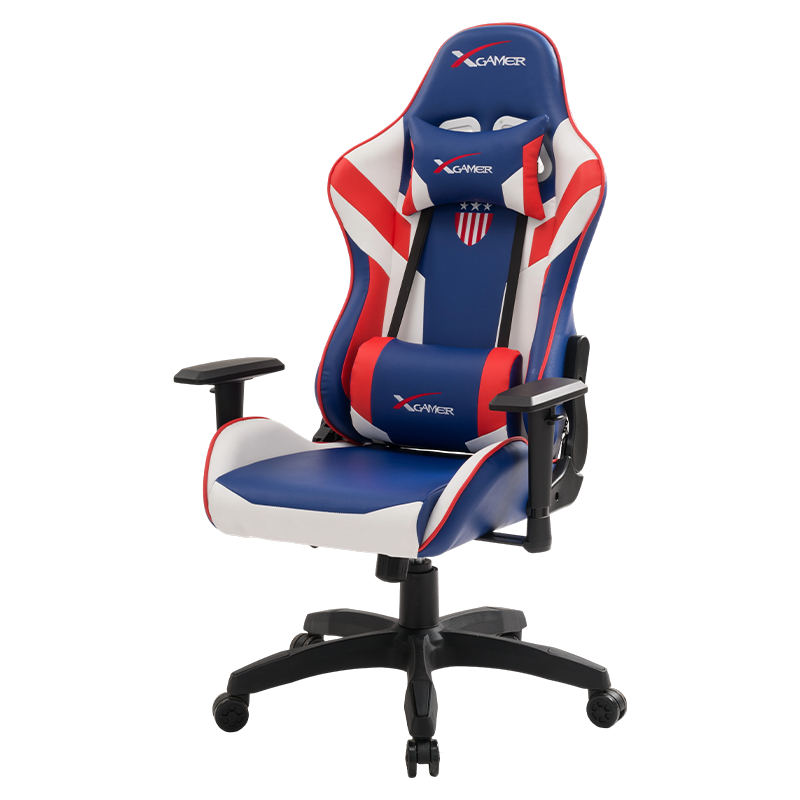
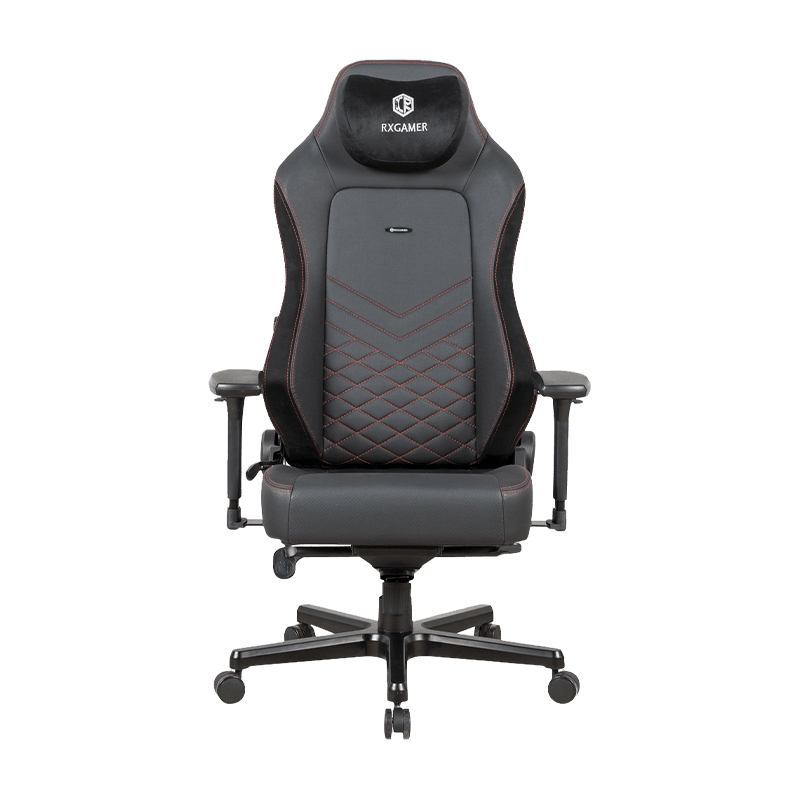
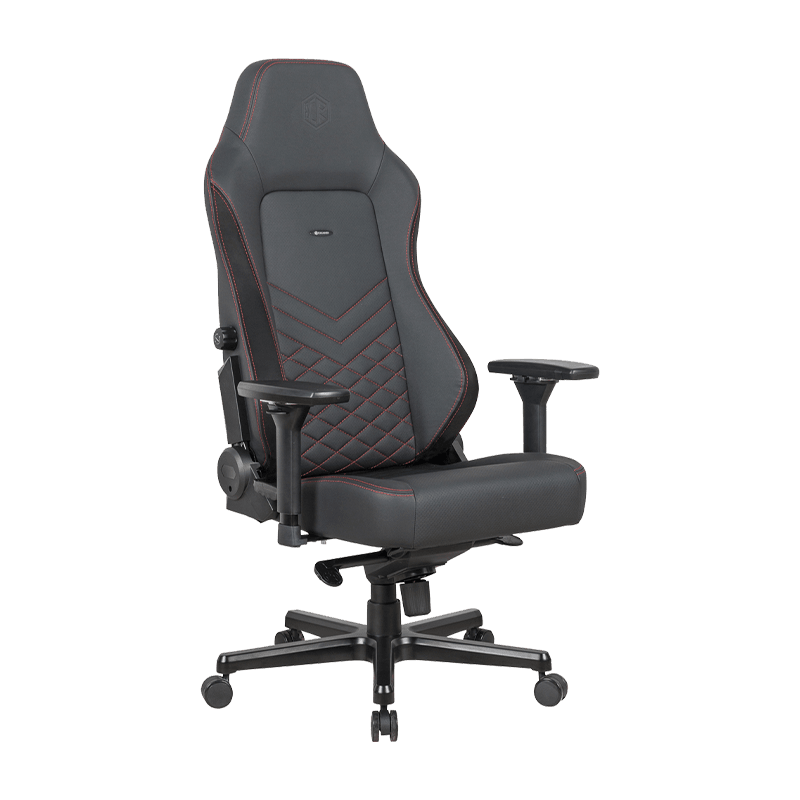
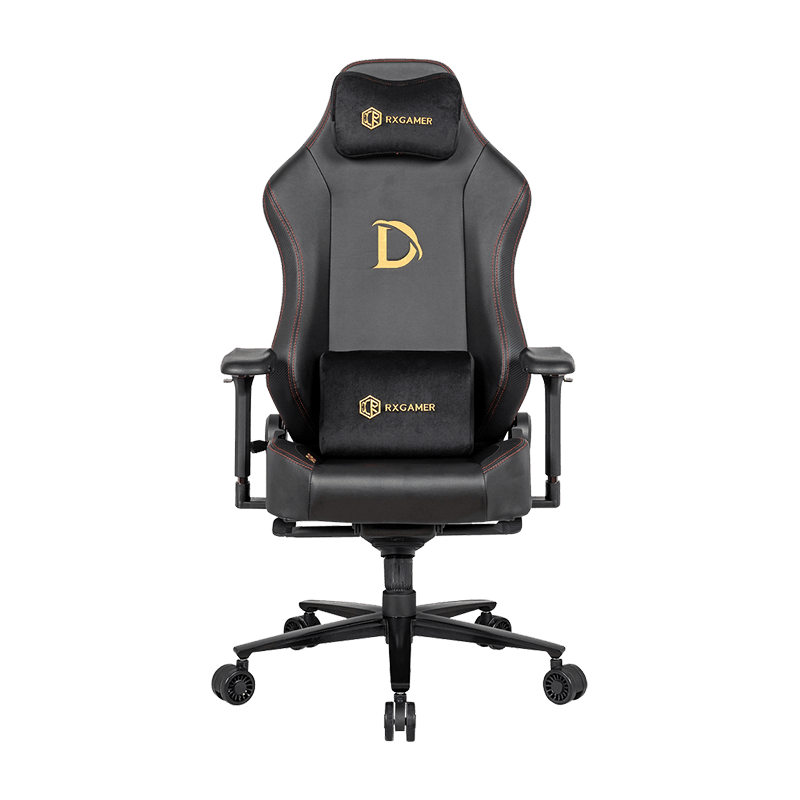
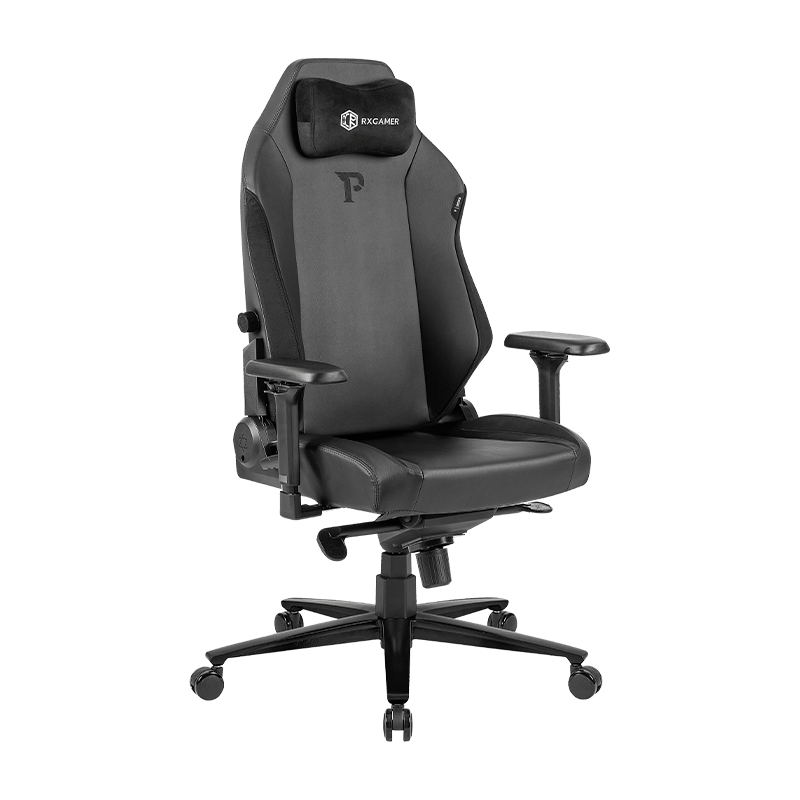
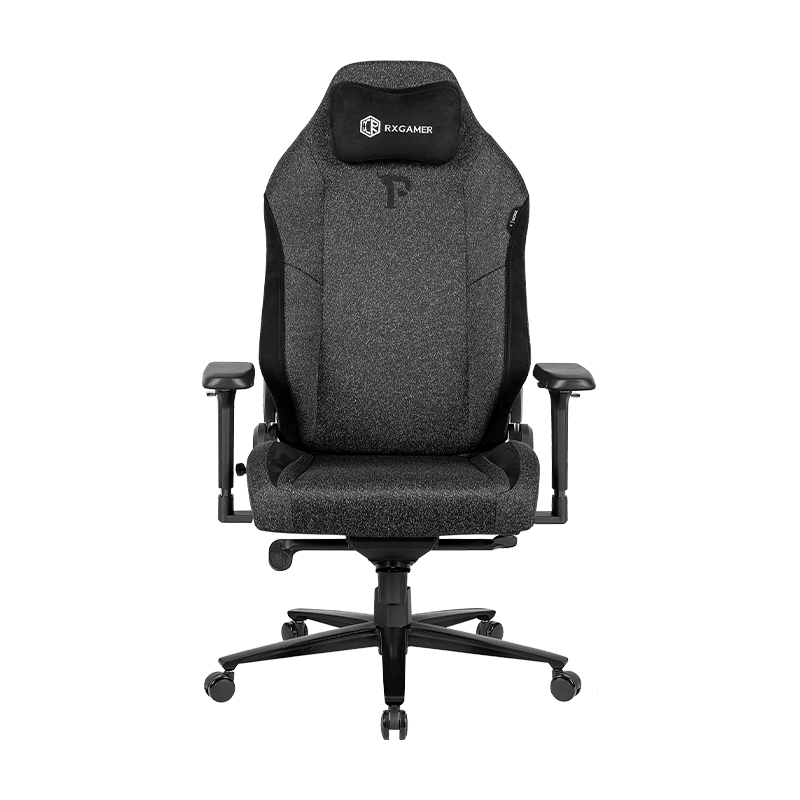
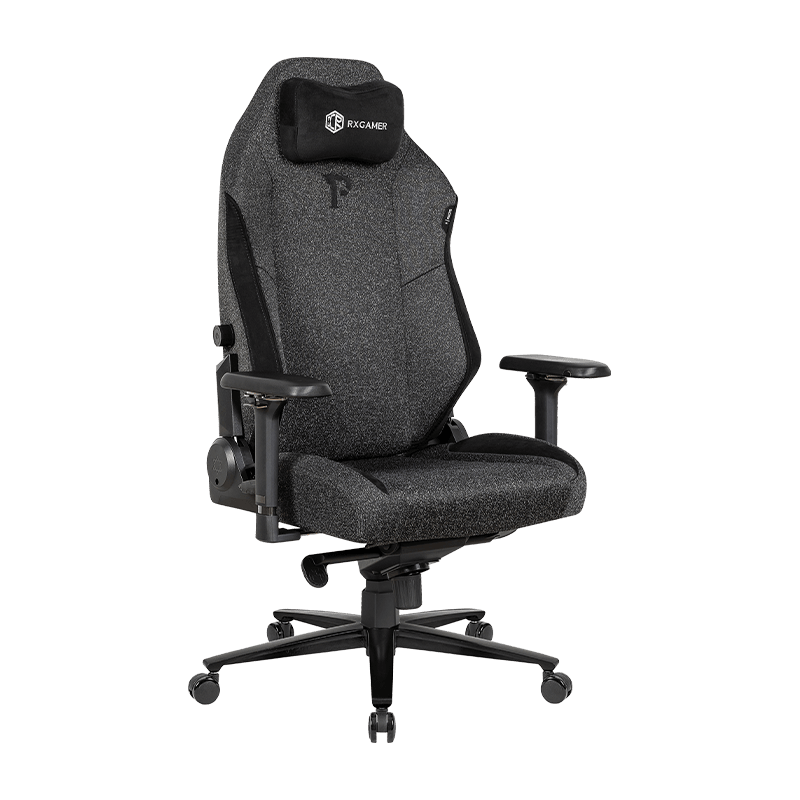
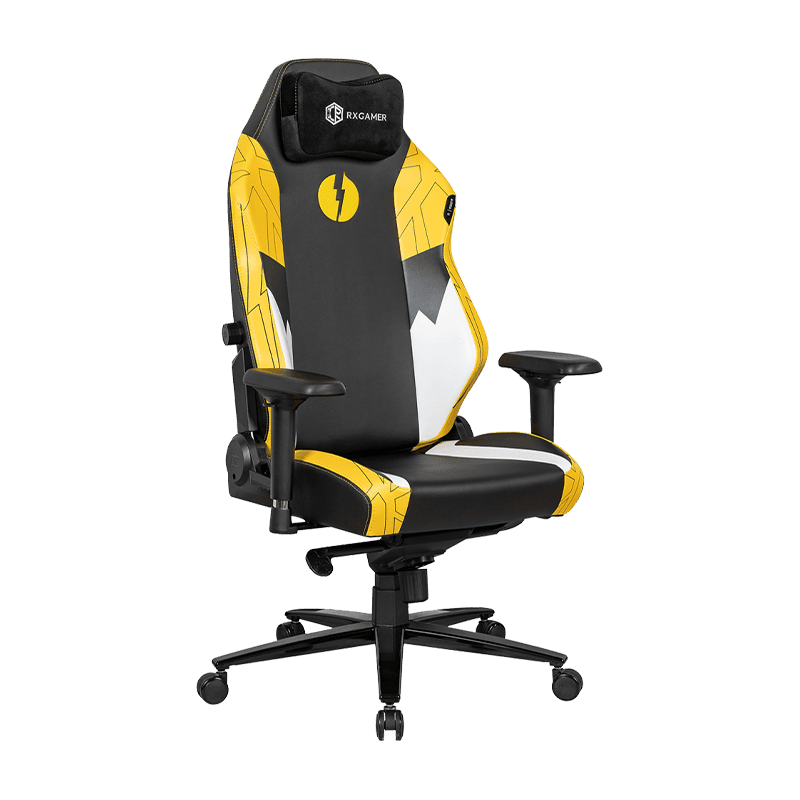
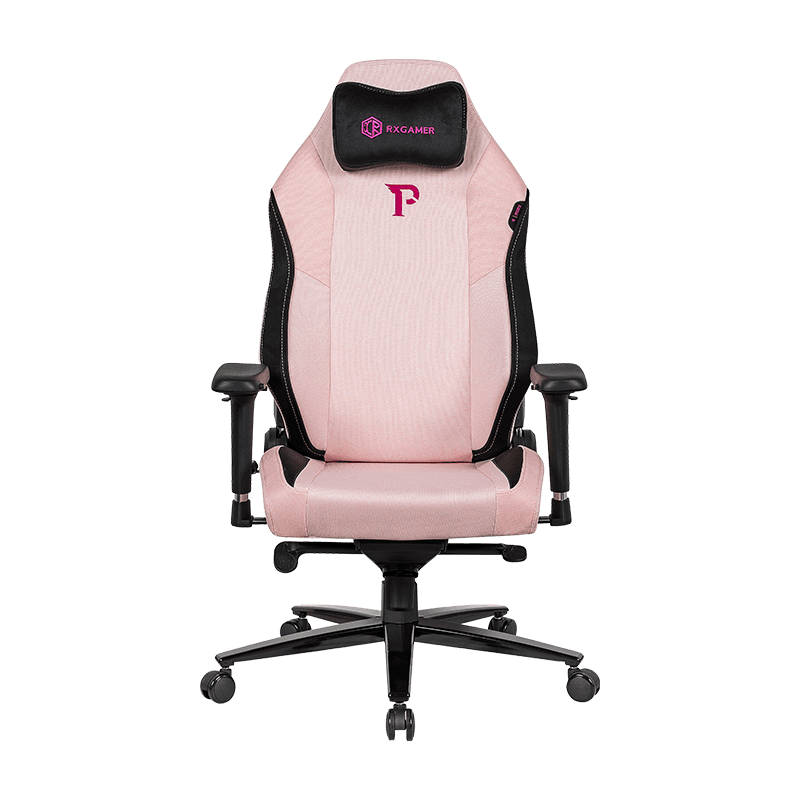
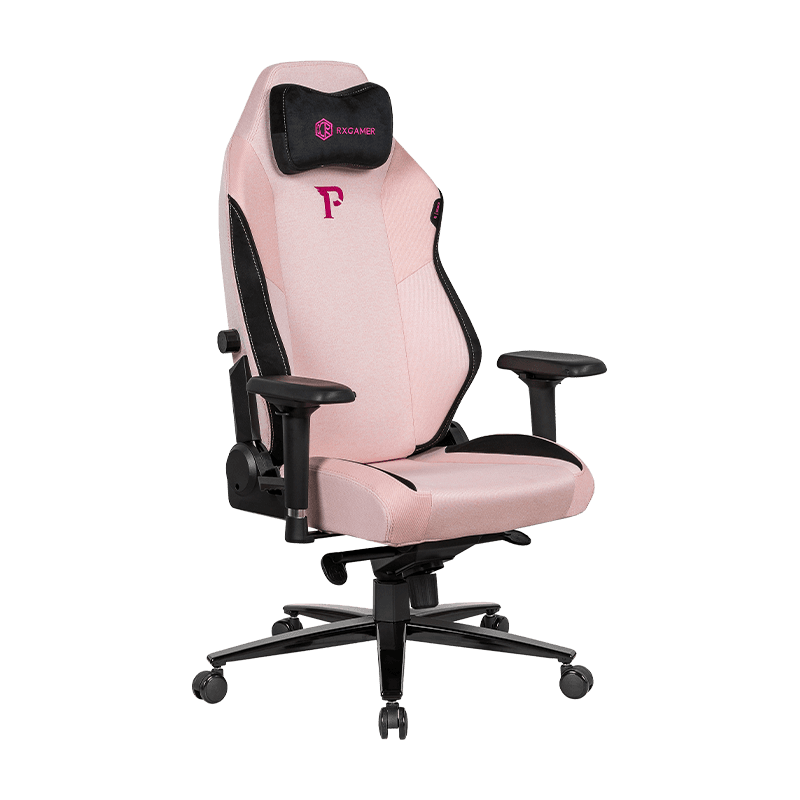
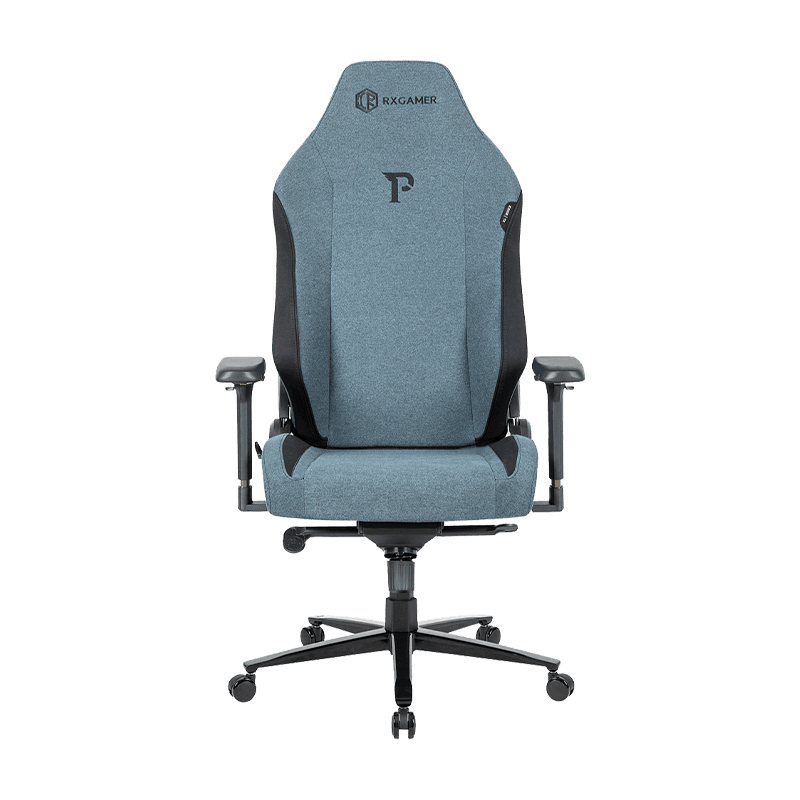
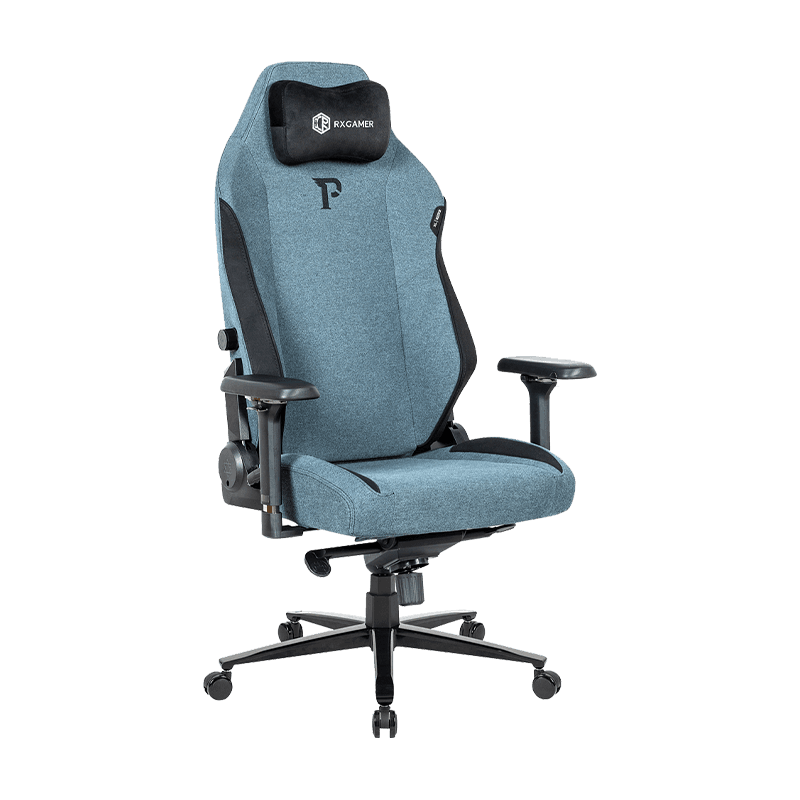
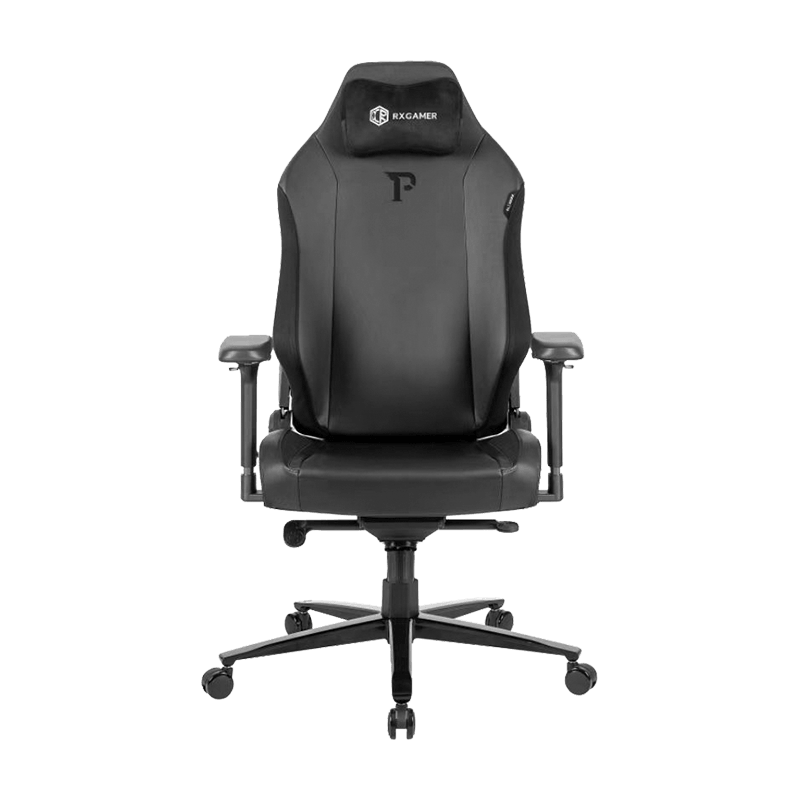
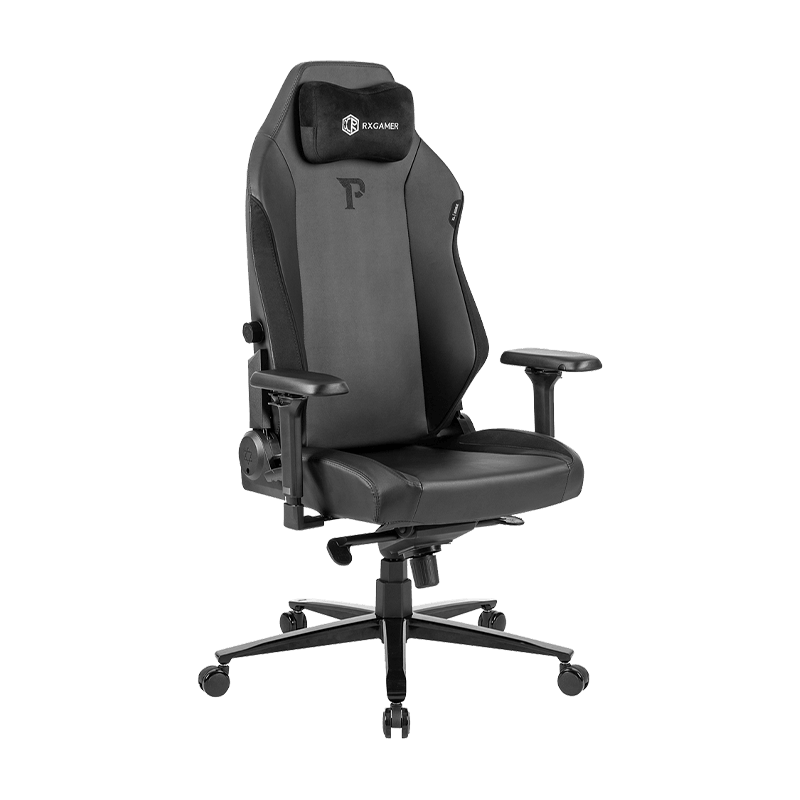
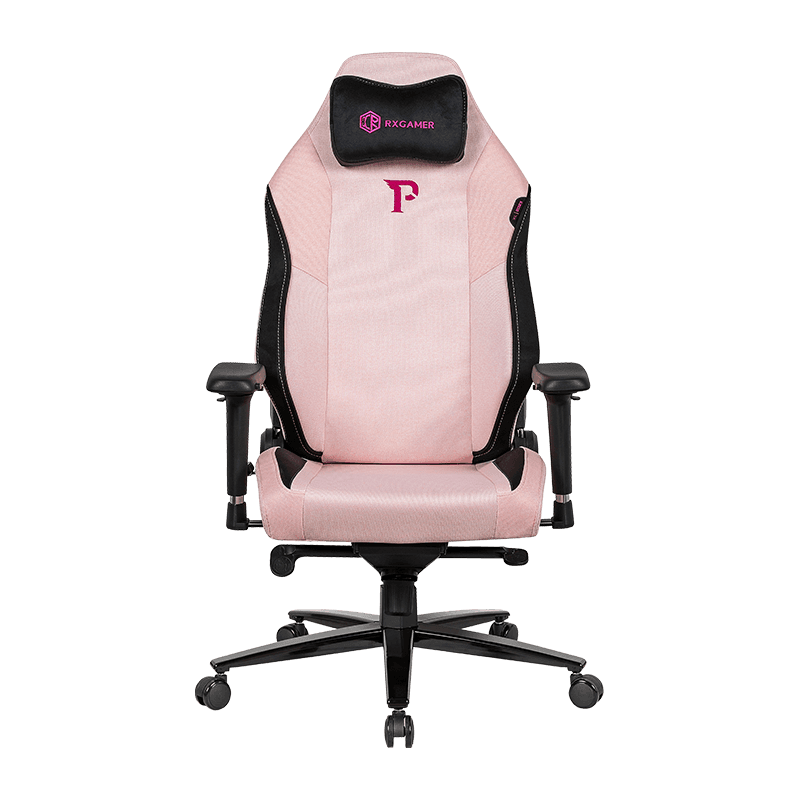
Chairs that combine lumbar, headrest and armrest adjustment in one design, such as the RX-2030, give users more ways to match the seat to their posture. The practical value lies in coordination. Each support point should be tuned with the others in mind, rather than set in isolation.
Materials and Breathability for Long Sessions
Comfort is not determined by support alone. Surface materials influence heat, moisture and the way pressure is distributed across the body. A cover that traps heat encourages the user to shift position often, while a surface that feels too slick can cause the body to slide forward. Both situations work against stable lumbar contact.
Seat covers built from a textured synthetic surface with a cotton or fabric backing tend to balance grip and breathability. A layer of around 2 mm, with a supportive foam core beneath, is typically enough to cushion the pelvis without making the lumbar pad feel mushy. Stitched panels and smooth transitions between the seat and backrest also reduce the chance of pressure lines forming during long sessions.
- Textured surfaces improve grip and reduce forward sliding.
- Breathable backings reduce heat buildup over multi-hour sessions.
- Foam density should be firm enough to hold the pad in place.
- Smooth seams prevent pressure points against the lower back.
Key Specifications and What They Mean for Comfort
Specification sheets can look technical, but each figure connects to a specific comfort outcome. Understanding that connection makes it easier to compare chairs on substance rather than appearance.
| Specification | Stated Value | Comfort Impact |
|---|---|---|
| Gas lift | Three-stage, 100 mm | Fine control of seat height for natural hip alignment |
| Recline range | 90 to 155 degrees | Allows the spine to unload during rest periods |
| Armrest | One-dimensional adjustment | Supports the shoulders and reduces upper body tension |
| Base rating | 350 lb | Stability for a wider range of body weights |
| Upholstery | Textured cover with backing | Balances grip, breathability and pressure distribution |
The recline range deserves particular attention. A seat that reclines far enough lets the user shift from an upright gaming position to a semi-reclined rest without losing lumbar contact. This matters because changing position regularly is one of the most effective ways to prevent fatigue. The ability to move between postures, while keeping the lower back supported, is often more useful than any single fixed setting.
Building a Gaming Posture Routine
Good setup is only part of the solution. A simple routine helps players return to a supported position throughout the day. The sequence below can be repeated whenever a session begins, a game changes or discomfort starts to build.
Each step addresses a different source of strain. Sitting back restores the natural curve, setting the lumbar pad maintains it, adjusting the recline reduces load during pauses, and rechecking the setup catches the slow drift that occurs during extended play.
Many players find it helpful to pair this routine with short movement breaks. Standing for a minute, rolling the shoulders and gently extending the back loosens muscles that have been held in one position. These habits complement lumbar support rather than replacing it.
Maintenance That Preserves Lumbar Performance
Lumbar mechanisms and cushioning degrade over time, often so gradually that the change goes unnoticed. Regular checks keep the support performing as designed.
- Test the pad height monthly to confirm it has not slipped during use.
- Tighten any loose fasteners on the backrest and pad assembly.
- Inspect foam for flattening, which reduces the firmness needed to hold the lower back.
- Clean the cover regularly to maintain grip and reduce heat trapped by residue.
When the pad begins to feel softer or less stable, it is worth adjusting the position first. If the problem persists, the foam or the mounting hardware may need replacement. Addressing these issues early prevents small losses of support from becoming ongoing discomfort.
Frequently Asked Questions
Q1: Why does adjustable lumbar support matter more than the chair's overall size?
Overall size affects how a chair fits the body, but lumbar alignment determines how the spine is supported. A large chair with a poorly placed pad can be less comfortable than a smaller chair with a well-positioned one.
Q2: How often should I adjust the lumbar pad during a long session?
Check the position at the start of a session, then again after about an hour. Small corrections are usually enough, and frequent large changes often indicate that the initial setup needs refinement.
Q3: Can lumbar support replace breaks from sitting?
No. Support reduces strain, but muscles still benefit from movement. Brief standing or stretching breaks restore circulation and prevent stiffness, complementing the support provided by the chair.
Q4: What firmness is best for a lumbar pad?
A firm but slightly yielding pad usually works best. It should hold its shape under light pressure while still feeling gentle against the back. Pads that feel rigid can create pressure points, while overly soft pads collapse under load.
Q5: Does a higher recline always improve comfort?
Not necessarily. A higher recline can relieve the lower back during rest, but it may pull the body away from the screen during active play. The best recline angle depends on the activity and on how the upper body is supported.
Q6: How can I tell if my lumbar setup is wrong?
Common signs include a sense of pressure in one spot, a constant urge to shift position, or a dull ache across the lower back after sessions. If these symptoms persist despite careful adjustment, consult a qualified health professional for individual guidance.