
 English
 中文简体
 русский
 Español
 عربى

Why Long Sessions Expose a Weak Chair Design
Most gamers judge a chair in the first ten minutes, when adrenaline is high and almost any seat feels acceptable. The real test arrives around the third hour, when a quick match has stretched into a long evening of ranked queues, raids or campaign missions. At that point, small misalignments that were invisible at the start begin to add up. Shoulders drift forward, the lower back rounds, and the neck tilts toward the screen. Discomfort rarely arrives as one dramatic moment. It builds slowly, which is why many people blame their posture or desk height when the real problem is the seat.
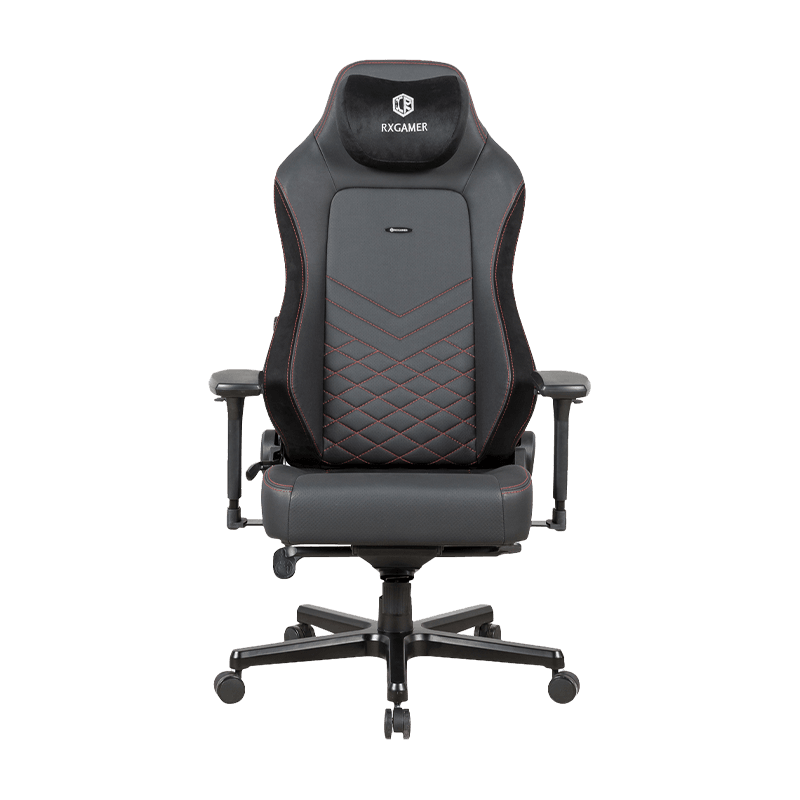
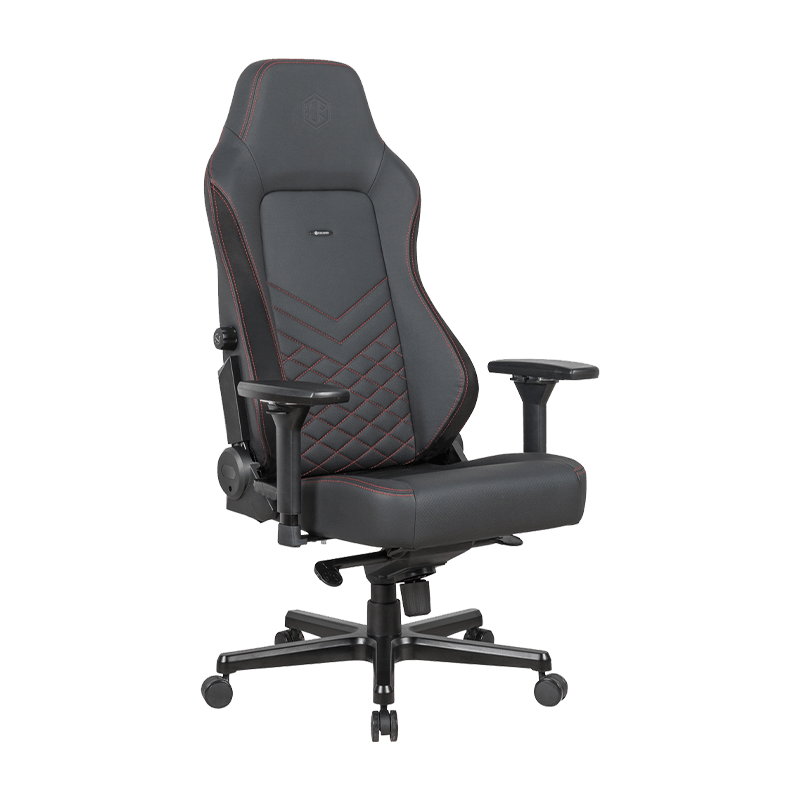
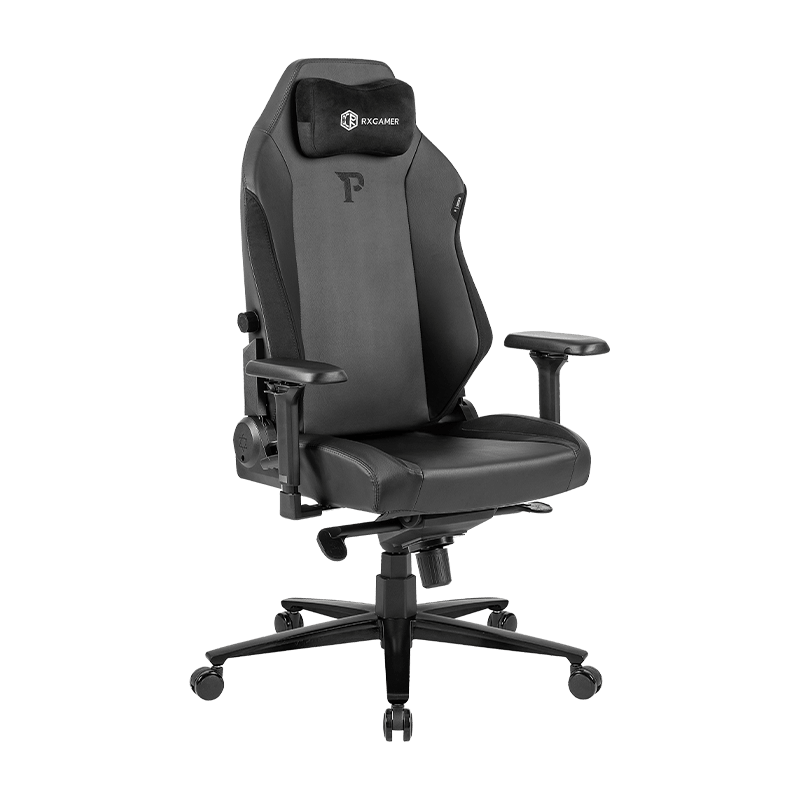
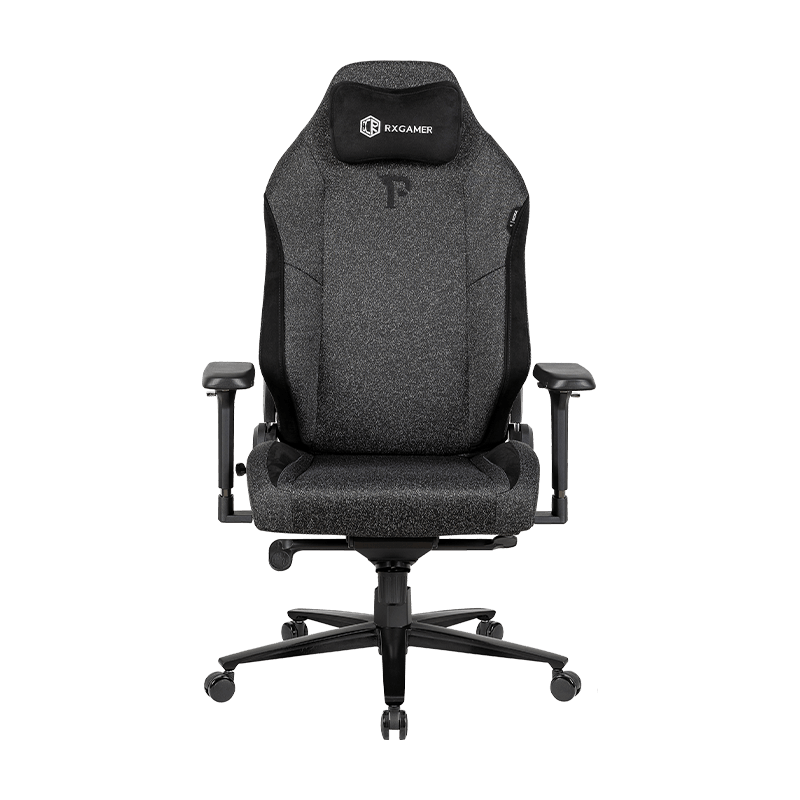
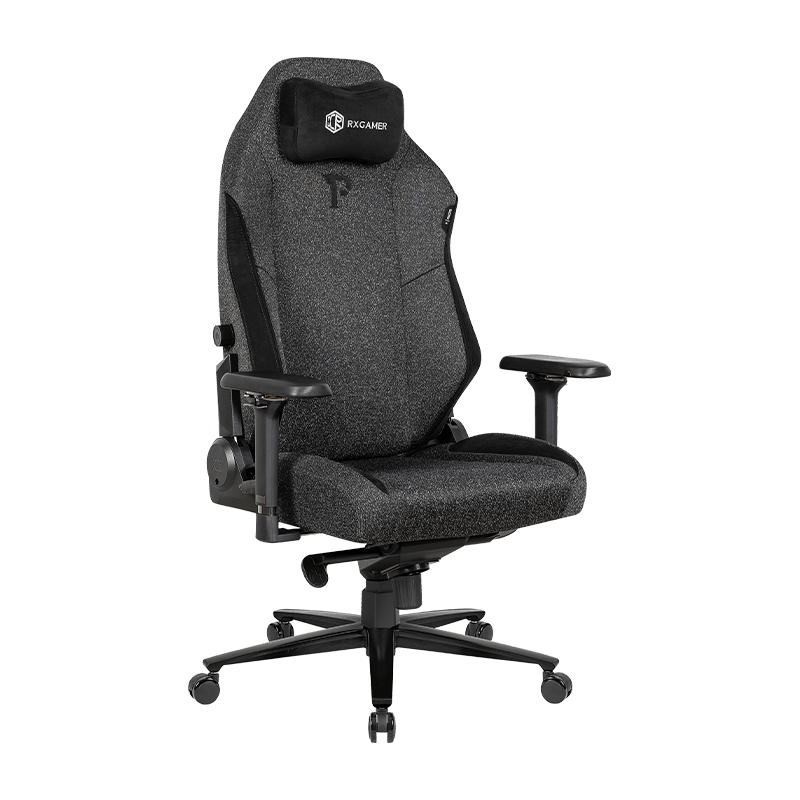
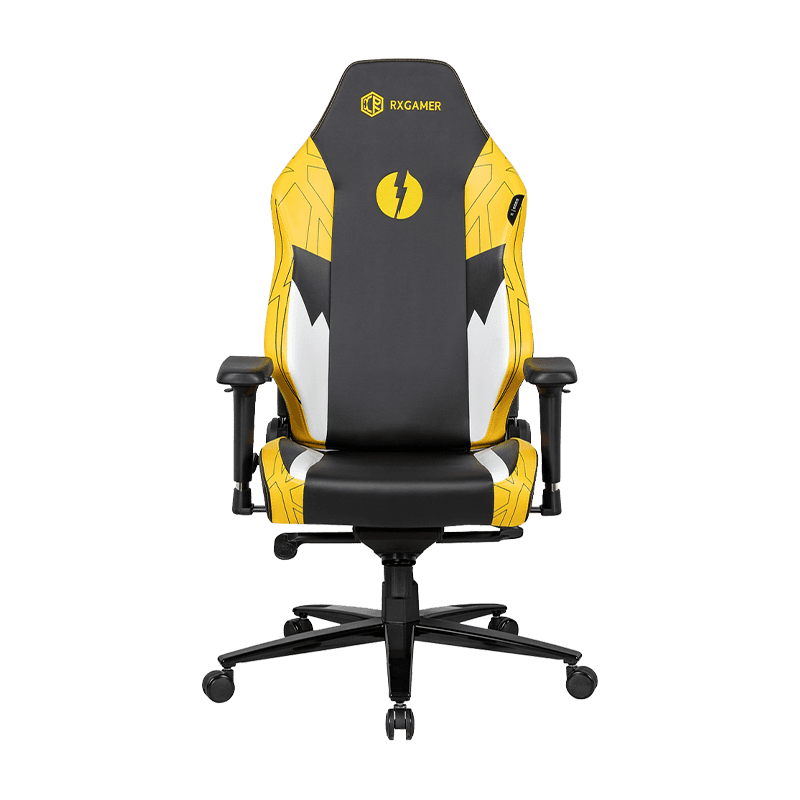
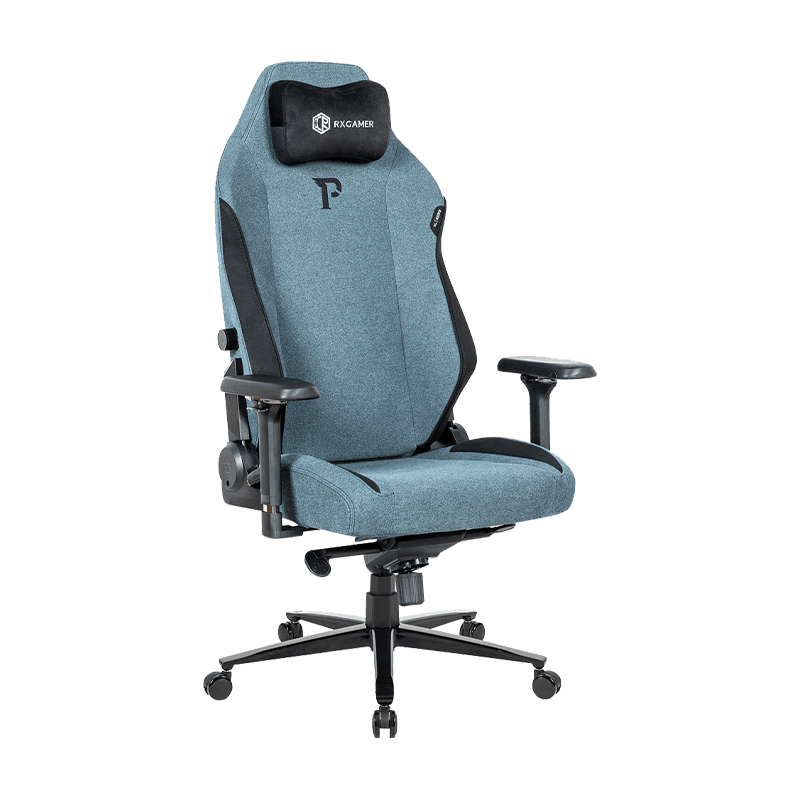
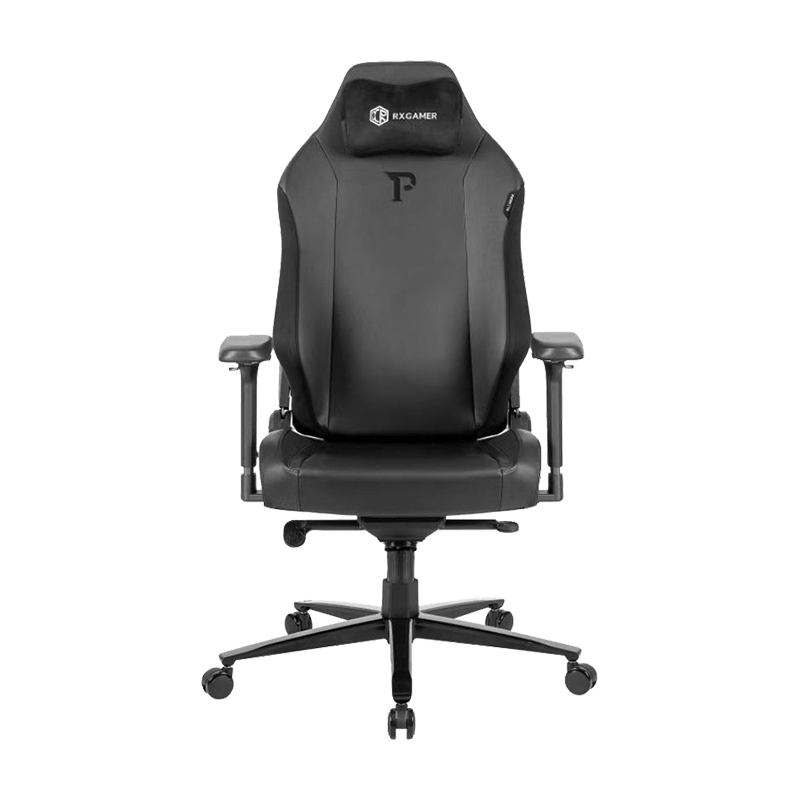
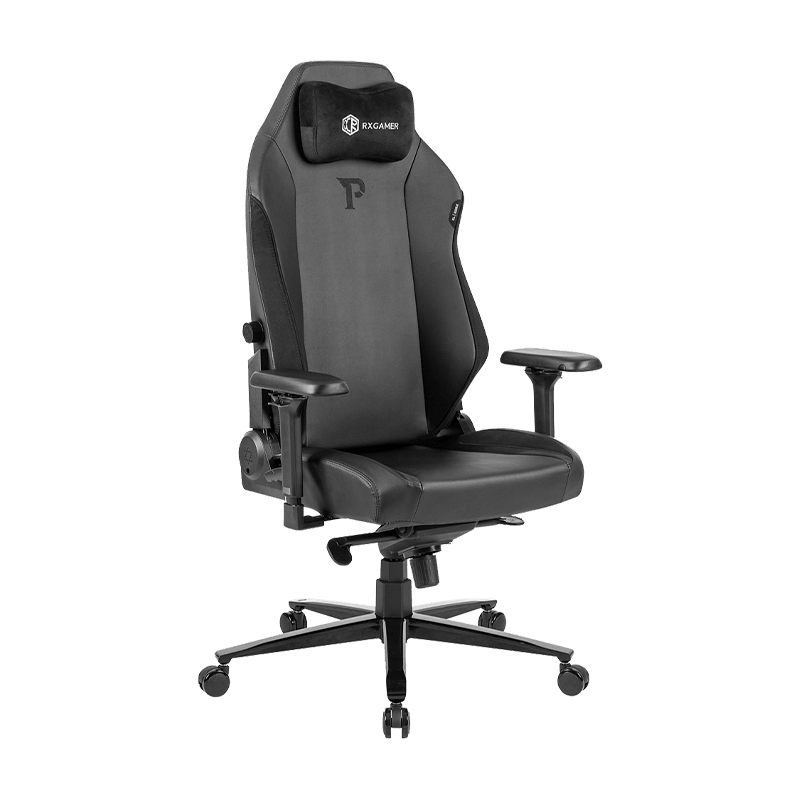
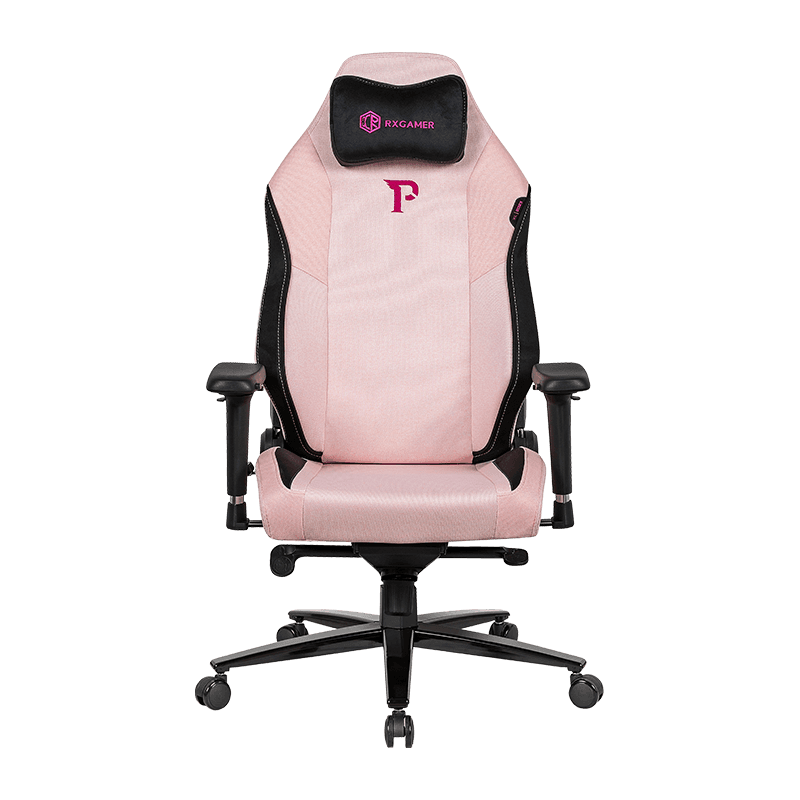
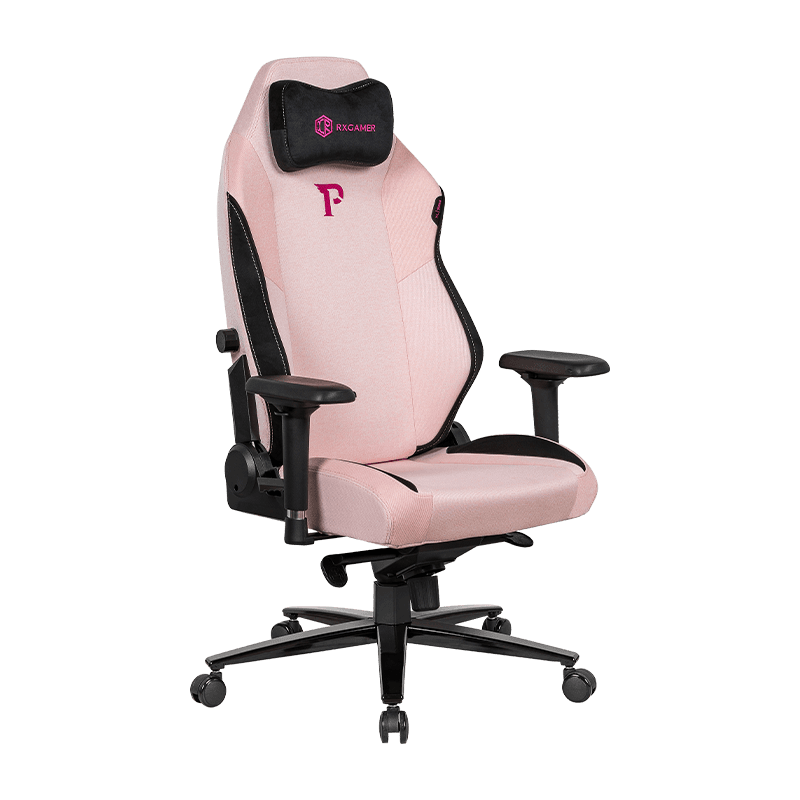
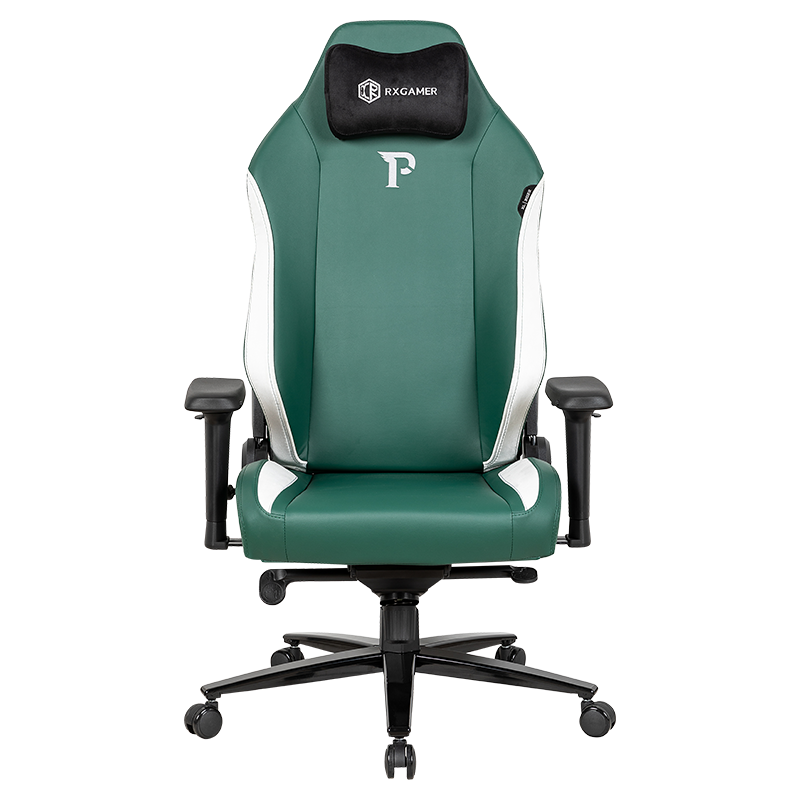
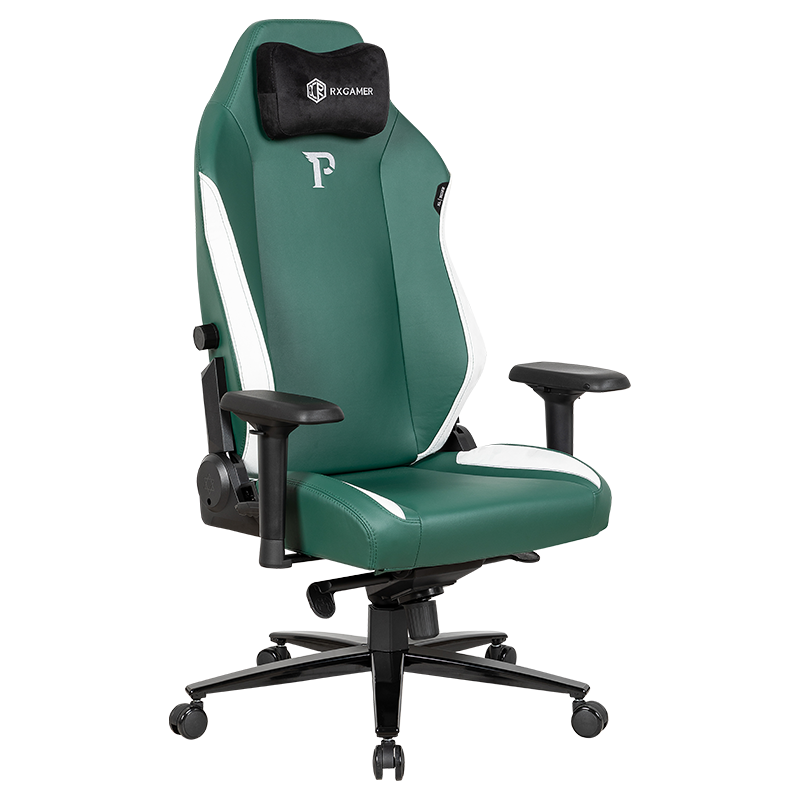
An ergonomic chair is designed around the idea that the body should be supported rather than forced into a single position. For a gaming chair, that means a seat that suits your leg length, a backrest that follows the natural curve of the spine, armrests that support the forearms without lifting the shoulders, and a recline range that lets you shift weight during long stretches. A well-built RXGAMER style chair follows these principles, but the same logic applies to any model you compare.
A chair cannot correct poor posture by itself. Its job is to make good posture easier to hold for longer. If you can sit tall at the start of a session and still feel comfortable two hours later, the chair is doing its job. If you find yourself constantly readjusting, leaning forward or slumping to relieve pressure, the geometry is probably wrong for your body. The sections below explain what to measure, which features matter most, and how to compare specifications using practical criteria instead of appearance alone.
Lumbar Support and Spine Alignment
What lumbar support is supposed to do
The lumbar region of the spine has a natural inward curve. When you sit without support, that curve tends to flatten, and the pelvis rolls backward. Over time, this shifts load onto the spinal discs and the muscles around the lower back. Good lumbar support fills the gap between the chair and the lower back so the curve is maintained, even when you are leaning toward the screen to track a fast-moving target.
Support that is too firm can be just as problematic as support that is too weak. A pressure point pushing into the spine will feel fine for a few minutes and then become sore. The most comfortable designs use a zone of moderate, slightly rounded resistance that sits roughly between the belt line and the lower ribs, and that adjusts in height or depth so it can meet different body shapes.
Built-in support versus a separate pillow
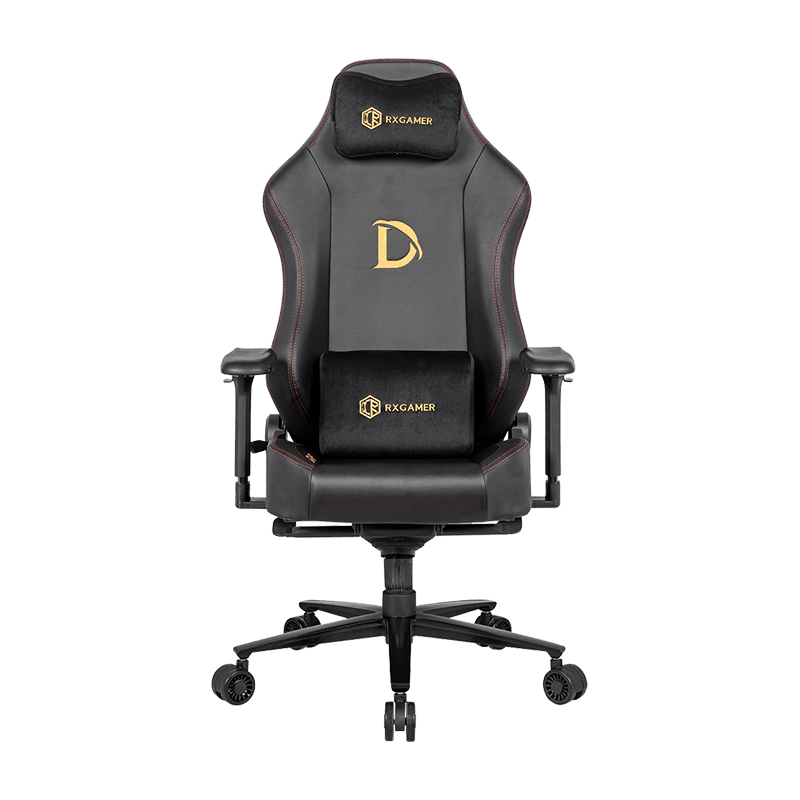
Many gaming chairs include a detachable lumbar pillow. These can help, especially if the chair's backrest is generic and does not contour to the spine. However, a pillow that slides down during a session stops doing its job, and it can push the upper back forward. A built-in support that is shaped and anchored to the backrest usually gives more consistent results over long periods. If a pillow is included, look for straps or a fixed position, and test whether it stays in place when you lean back and forward several times.
Seat Depth, Seat Height and Recline: The Geometry That Matters
Seat dimensions determine whether a chair fits your body or forces you to adapt to it. Two numbers deserve the most attention: seat height and seat depth. Seat height should let your feet rest flat on the floor with your knees roughly level with or slightly below your hips. If the seat is too high, the thighs press against the edge and restrict circulation. If it is too low, the knees rise and the lower back loses support. Seat depth should leave a gap of a few finger widths between the front edge of the seat and the back of the knee, so the thighs are supported without being pinched.
Recline is the third element, and it is often underrated. A chair that only reclines a little forces you to choose between an upright working posture and a relaxed one. A wider range lets you alternate between positions during a session, which reduces static load on the spine. Recline mechanisms that lock at several points tend to feel more stable than those that allow free movement, because you can hold a position without the backrest slowly drifting.
The table below summarizes practical ranges that many people find comfortable. Your own measurements may differ, so treat these values as a starting point and adjust based on how the chair feels after a full session.
| Dimension | Practical range | What to check |
|---|---|---|
| Seat height | Adjustable across a wide band | Feet flat, knees near hip level |
| Seat depth | Gap of a few fingers at the knee | Thighs supported, no pinching |
| Backrest recline | Several lock points | Stable at each position |
| Lumbar height | Reaches the lower back curve | Contact without pressure |
When you compare models, look for a ergonomic pc gaming chair with published dimensions rather than vague claims. Specifications that list seat width, depth, backrest height and recline angles allow you to check fit before you buy.
Armrests and Shoulder Relief
Armrests are often treated as an afterthought, yet they carry a significant share of the upper body load during long sessions. When arms are unsupported, the shoulders lift slightly and the upper trapezius muscles begin to tighten. When arms are too high, the shoulders are pushed up into a shrugged position. When arms are too low, the elbows drop and the forearms sag. The goal is a neutral position where the forearms rest lightly and the shoulders stay relaxed.
Several adjustment features make this possible:
- Height adjustment that lets the armrest sit just below the elbow when the arms are relaxed.
- Width adjustment that keeps the arms close to the body without forcing the elbows outward.
- Pivot or swivel movement that follows the natural angle of the forearm during keyboard and mouse use.
- Padding that is firm enough to support weight but soft enough to avoid pressure on the elbow.
A useful test is to sit with your hands on the keyboard and mouse, then lower your shoulders deliberately. If the armrests remain in contact without forcing your shoulders up, the height is probably suitable. Buttons or levers that are easy to reach without leaning sideways also reduce the small twisting movements that accumulate over hours of play.
Headrest Design and Neck Load
Why the headrest matters more than it seems
The head weighs several kilograms, and every degree it tilts forward increases the load on the neck. A headrest does not fix forward head posture, but it provides a point of contact that lets the neck relax when you lean back during a pause, a loading screen or a conversation with teammates. Without a headrest, many players hold their heads forward for the whole session because there is nothing to rest against.
Fixed, adjustable and two-dimensional headrests
Fixed headrests are simple and durable, but they cannot match every head position. Adjustable headrests move up and down, which helps align the pad with the base of the skull. Two-dimensional designs add a second axis of movement, often forward and back, so the pad can sit closer to the neck or further away depending on the recline angle. A two-dimensional headrest is particularly useful when you alternate between upright and reclined positions, because the pad stays in contact with the head in both.
The RX-K6-6101 is one example of a chair that uses a 2D headrest, which allows height and angle to be tuned separately. When evaluating any chair with this type of feature, check that the pad locks firmly, moves smoothly, and remains in place when you lean back.
Materials, Heat and Long-Term Durability
Material choice affects comfort, cleaning, breathability and how well the chair ages. Long sessions amplify these differences, because skin contact and moisture build-up become noticeable after several hours. The table below compares common options based on typical performance.
| Material | Breathability | Cleaning | Durability |
|---|---|---|---|
| Imitation leather (PU) | Moderate | Easy to wipe | Good with care |
| Imitation cashmere leather | Moderate | Easy to wipe | Soft feel, needs gentle cleaning |
| Breathable mesh | High | Needs brushing | Good, may sag over time |
| Fabric upholstery | High | Harder to clean | Depends on weave density |
Look at the seams, stitching and edge finishing as well. Seams that run along pressure points, such as the sides of the backrest, are where wear appears first. Foam density matters too. Dense foam retains its shape over years of use, while low-density foam can flatten within months, which reduces lumbar support and seat comfort.
Heat is another consideration. Covering that feels pleasant in a cool room can become sticky during a warm evening session. If you live in a humid climate or tend to sweat during intense play, breathable fabric or mesh can make a noticeable difference. Some people prefer a hybrid design that uses leather-look panels on the sides and a breathable center section.
Base, Casters and Stability
The base carries the full weight of the chair and the user, and it absorbs the forces created by leaning, swiveling and rolling. A stable base is especially important for heavier users, because a weak or flexible base can wobble, reduce control and create unexpected movement during fast turns.
- Metal bases, particularly aluminum alloy, generally offer better rigidity than thin plastic designs.
- Caster diameter affects rolling smoothness. Larger, transparent or polyurethane casters tend to glide across hard floors and carpets more evenly.
- Weight capacity should exceed your body weight comfortably, with a margin for dynamic movement.
- Locking mechanisms in the seat and backrest keep the chair from tipping back unexpectedly when you lean.
Consider the floor surface when choosing casters. Hard floors benefit from soft polyurethane wheels that prevent scratching, while thick carpet may require wider or more rigid wheels that can roll over the pile. The RXGAMER product line lists features like an aluminum alloy base and a self-contained weight tray, which are useful indicators of build quality when comparing specifications.
Gas Lift Class and Height Adjustment
The gas lift cylinder under the seat controls height adjustment, and its quality determines how reliably the seat holds its position. Cylinders are often described by class or grade, with higher grades generally indicating greater load capacity and longer lifespan. A cylinder that slowly sinks is a common complaint in lower-quality chairs, and it can disrupt the setup you spent time calibrating.
When testing height adjustment, raise the seat to the highest comfortable position and wait several minutes. A quality cylinder should hold its height without drifting. Check the lever or button as well. It should be easy to reach from the seated position and should release smoothly without sudden drops.
Signs of a reliable lift system
Reliable lift systems share a few traits. They operate with minimal noise, they return to the same height after being adjusted, and they remain stable when the user shifts weight. If the seat dips or wobbles during normal use, the cylinder may not be suited to your body weight or may be nearing the end of its service life.
Setup Checklist for Your First Week
Even a well-designed chair needs to be configured for your body. The following sequence helps you dial in fit without relying on guesswork.
- Set the seat height so your feet rest flat and your knees sit close to hip level.
- Adjust seat depth so there is a gap of a few fingers between the seat edge and the back of your knees.
- Position the lumbar support so it contacts the lower back curve, then test by leaning forward and back.
- Set the armrests so your shoulders are relaxed and your forearms rest lightly.
- Place the headrest at the base of the skull, then check that it does not push the chin down.
- Choose a recline lock point you can hold for an hour, and keep a second position for breaks.
- Play for a full session and note any pressure points, numbness or stiffness, then make small corrections.
Most people need several days to adapt to a new chair. Early discomfort is normal, but persistent pain, tingling or numbness is a signal to re-check the settings or consult a healthcare professional.
A Practical Scoring Method for Comparing Chairs
Comparing chairs by appearance alone leads to disappointing purchases. A simple scoring approach helps you weigh the features that matter most for long sessions. Assign each category a weight based on your priorities, then rate each chair from one to five in that category. Multiply the rating by the weight to create a weighted total for side-by-side comparison.
| Category | Typical weight | Questions to ask |
|---|---|---|
| Lumbar support | High | Does it hold the curve without pressure? |
| Seat geometry | High | Does depth and height fit your legs? |
| Armrests | Medium | Can you relax your shoulders? |
| Materials | Medium | Is it breathable and easy to clean? |
| Base and casters | Medium | Is it stable on your floor type? |
This weighting reflects a common priority order for long sessions, but you can adjust it. A player who spends most evenings in a reclined position might give more weight to recline range and headrest design, while someone in a hot climate might rank materials higher. The key is to make the scoring reflect your body and habits rather than the features that look most impressive in product photos.
Common Mistakes That Undermine Comfort
Many discomfort problems come from predictable errors. Recognizing them early can save time and money.
- Choosing the tallest or most aggressive-looking design without checking whether the seat height fits your legs.
- Ignoring seat depth, which leads to pressure behind the knees during long sessions.
- Relying on a loose lumbar pillow that slides out of position after the first hour.
- Leaving armrests at default height, which forces the shoulders into a raised posture.
- Sitting in a single recline position for the entire session instead of alternating.
- Skipping the break routine, which allows stiffness to build even on a well-fitted chair.
Breaks are worth emphasizing. A short pause every hour, where you stand, stretch the chest and shift weight, lowers the accumulated strain on the back and neck. A good chair makes those breaks easier to take, but no chair removes the need for movement.
Frequently Asked Questions
Q1: How long should a gaming chair last with daily use?
With regular use, a well-built chair often lasts several years. Lifespan depends on frame quality, foam density, gas cylinder grade and how often the chair is adjusted or moved. Checking screws and bolts every few months helps maintain stability.
Q2: Is a high back gaming chair better for long sessions?
A high back supports more of the spine and head, which is helpful for reclined positions. However, height alone does not guarantee comfort. Lumbar shape, seat depth and armrest adjustment matter just as much, so evaluate the whole system rather than the backrest height.
Q3: Do I need a footrest with an ergonomic gaming chair?
A footrest is useful when the chair reclines significantly, because it keeps the legs supported and reduces pressure on the lower back. If you usually sit upright with feet flat on the floor, a footrest may not be necessary.
Q4: How often should I readjust my chair settings?
Check settings after the first week, then whenever your posture or desk setup changes. Small adjustments are normal, but if you need to make large changes every session, the chair may not match your body dimensions.
Q5: What weight capacity should I look for?
Choose a chair with a rated capacity comfortably above your body weight. A margin helps prevent stress on the gas cylinder and base during dynamic movement, which is when most structural wear occurs.
Q6: Can a gaming chair replace a desk chair for work?
Many people use gaming chairs for both gaming and office tasks. The same fit principles apply, so if the chair suits your body for gaming, it will often work well for desk tasks. Check that the armrests and lumbar support remain comfortable during typing and reading.