
 English
 中文简体
 русский
 Español
 عربى

Why This Comparison Deserves a Closer Look
Office chair shopping often starts with price and color, yet the mechanism underneath determines how your body feels after four or five hours at a desk. Two designs dominate most catalogs. The first is a standard task chair with a tilt function that lets the backrest move a limited distance. The second is a reclining office chair that allows the backrest to travel much further, usually with a stepped locking system. Both can be well built, but they solve different problems.
Many buyers assume reclining is simply a premium feature. In practice, the difference affects how often you can change posture, how the lower back shares load during the day, and how easily you can rest without standing up. For someone who types, reads, and takes calls in the same session, a chair that rewards small position changes can matter as much as the quality of the seat foam.
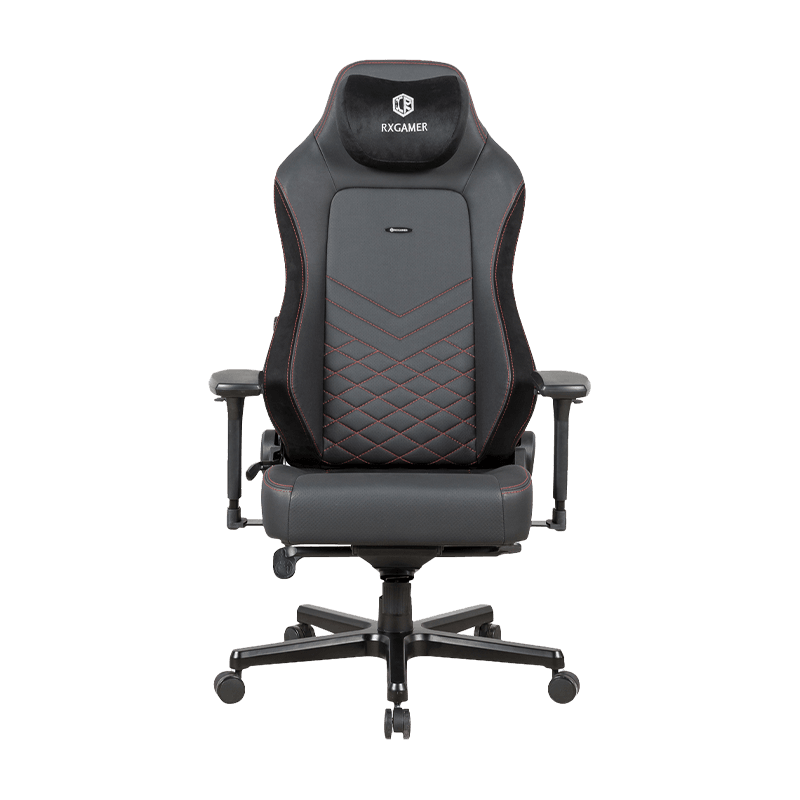
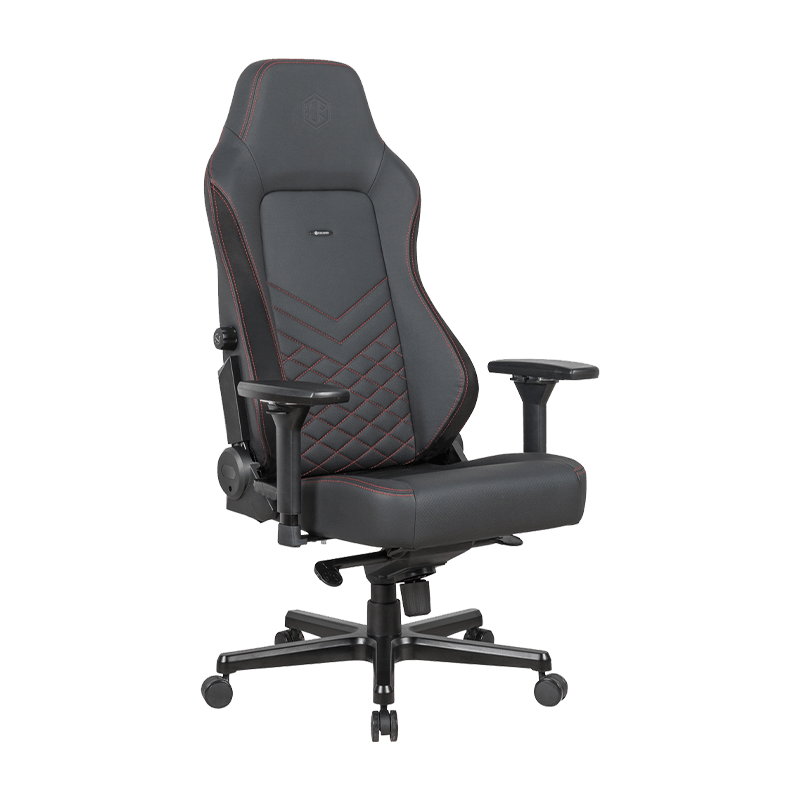
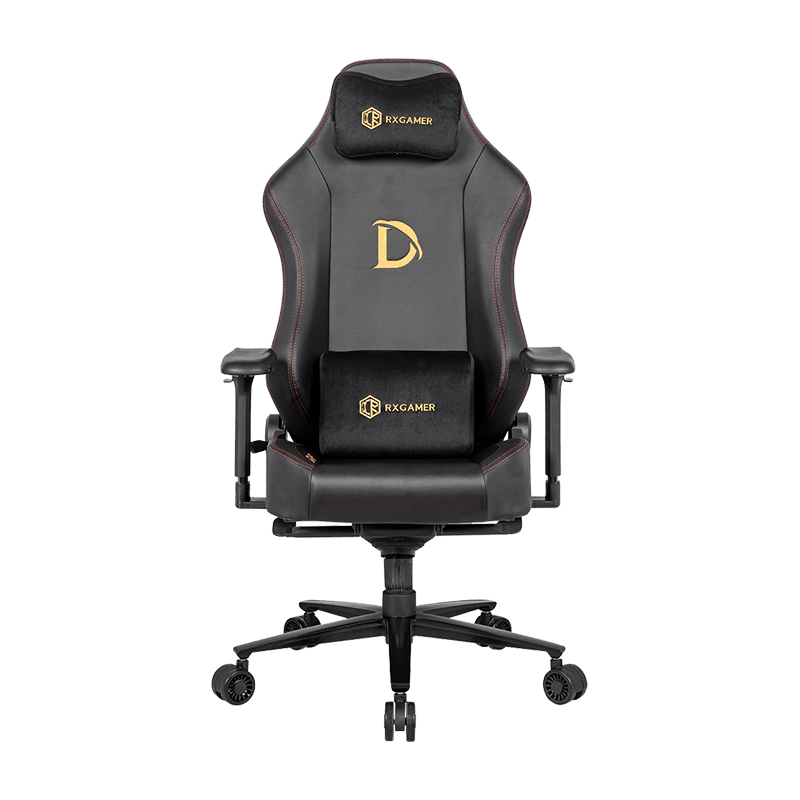
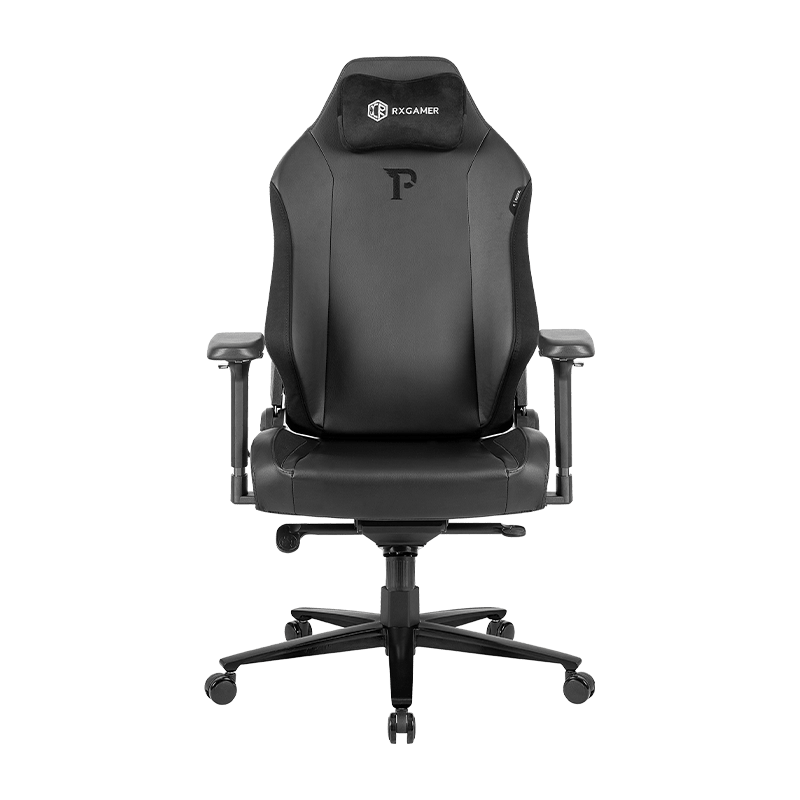
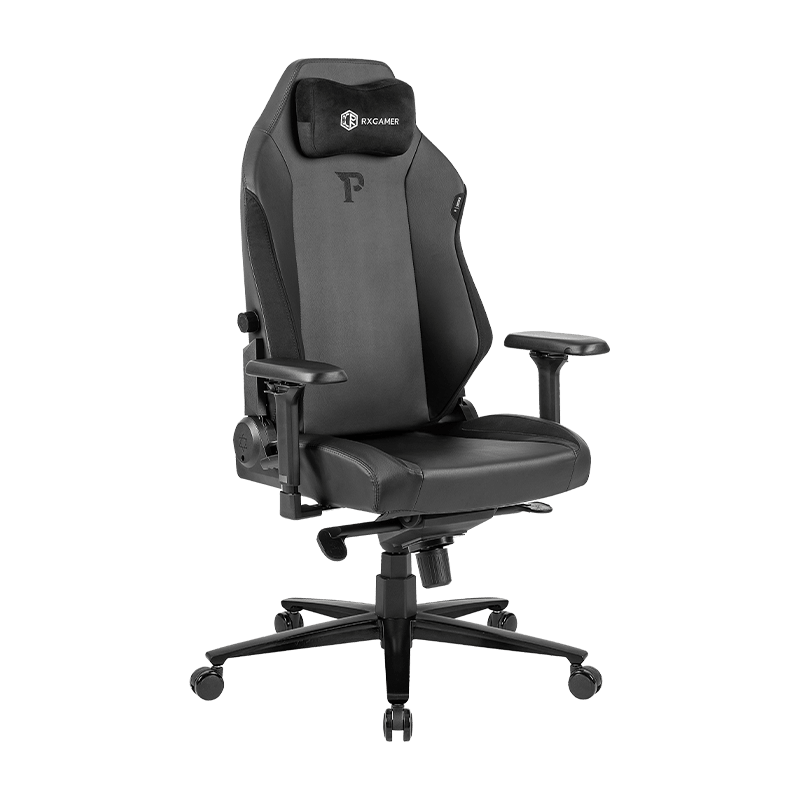
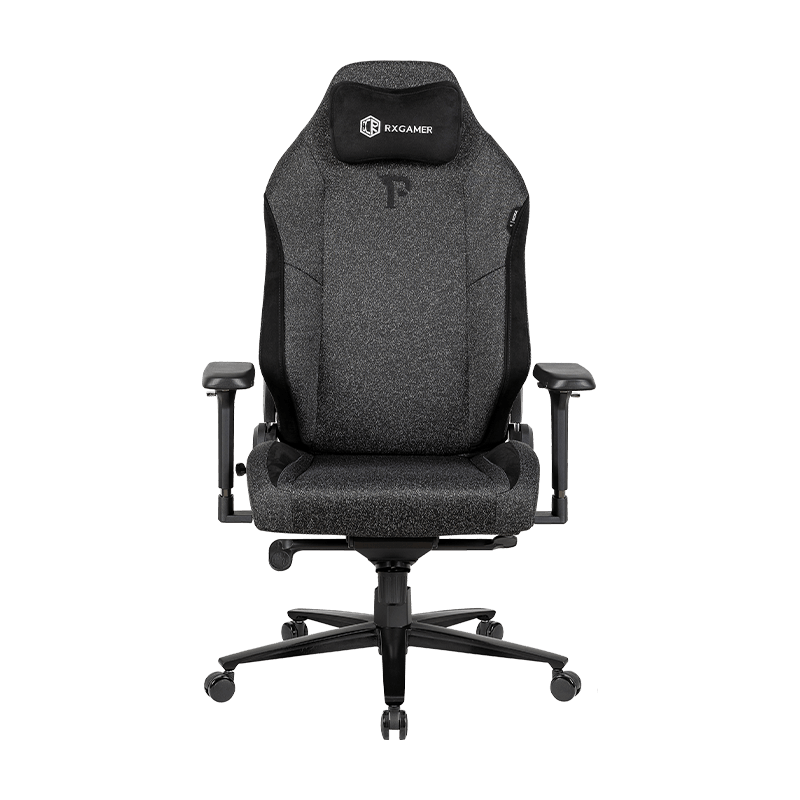
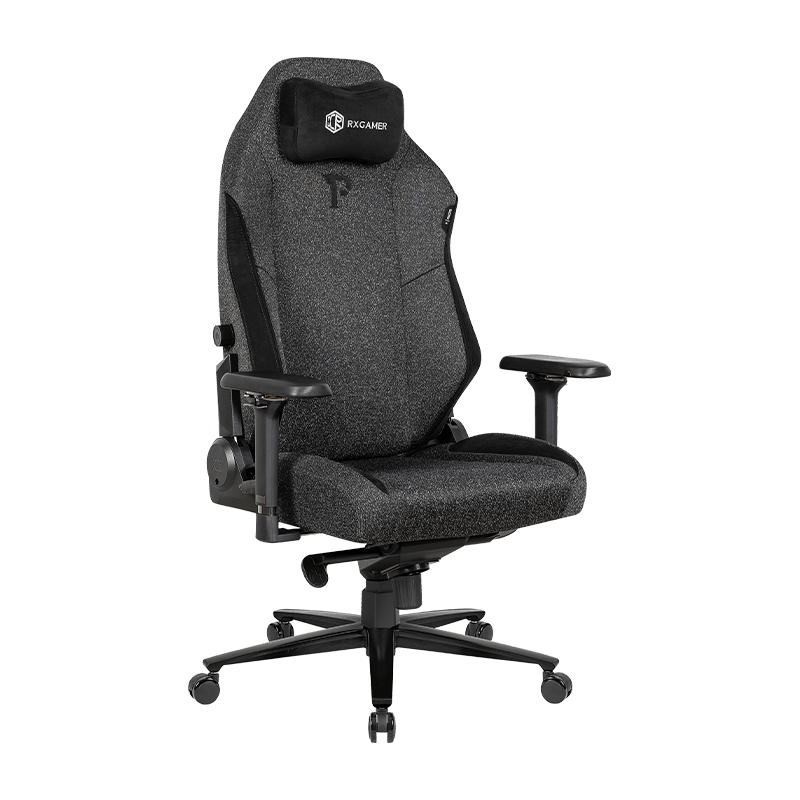
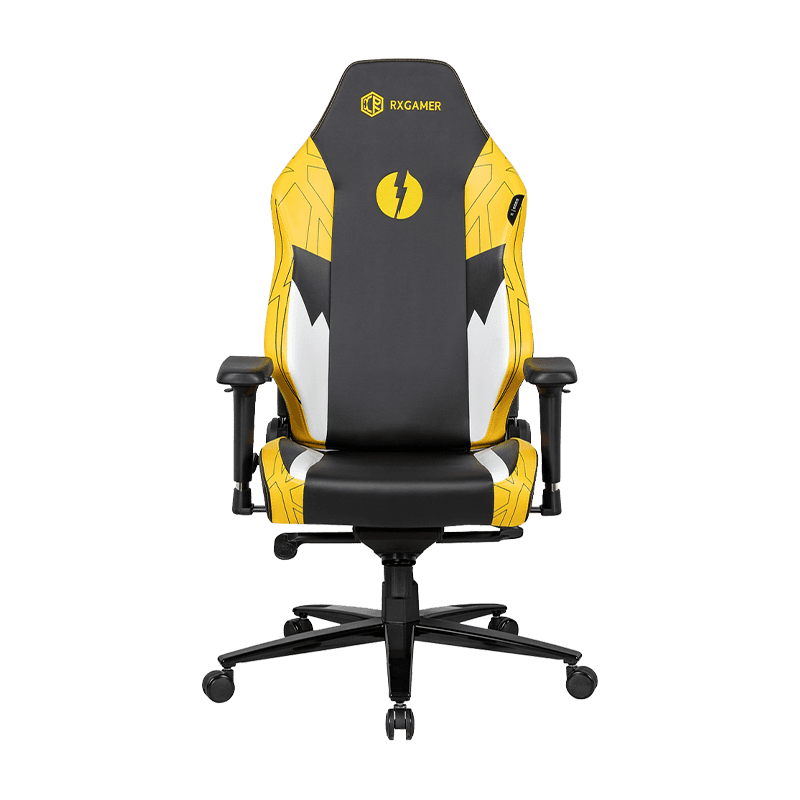
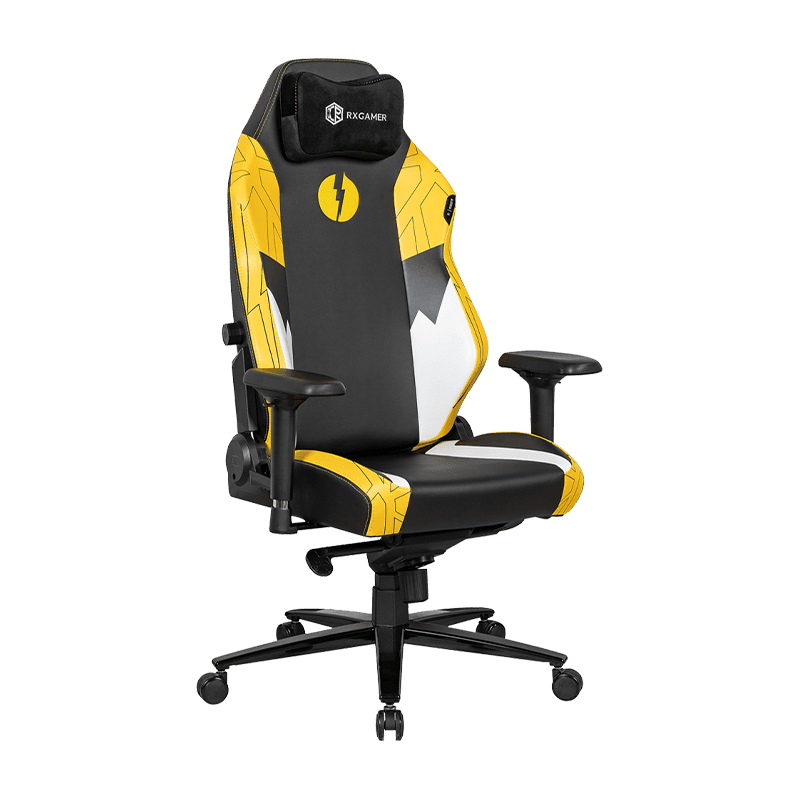
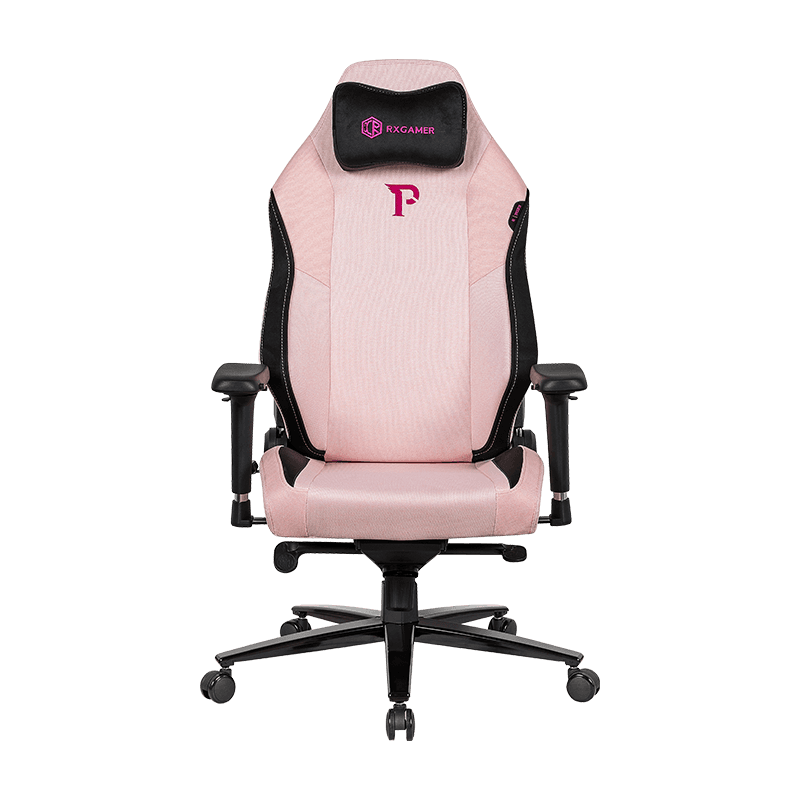
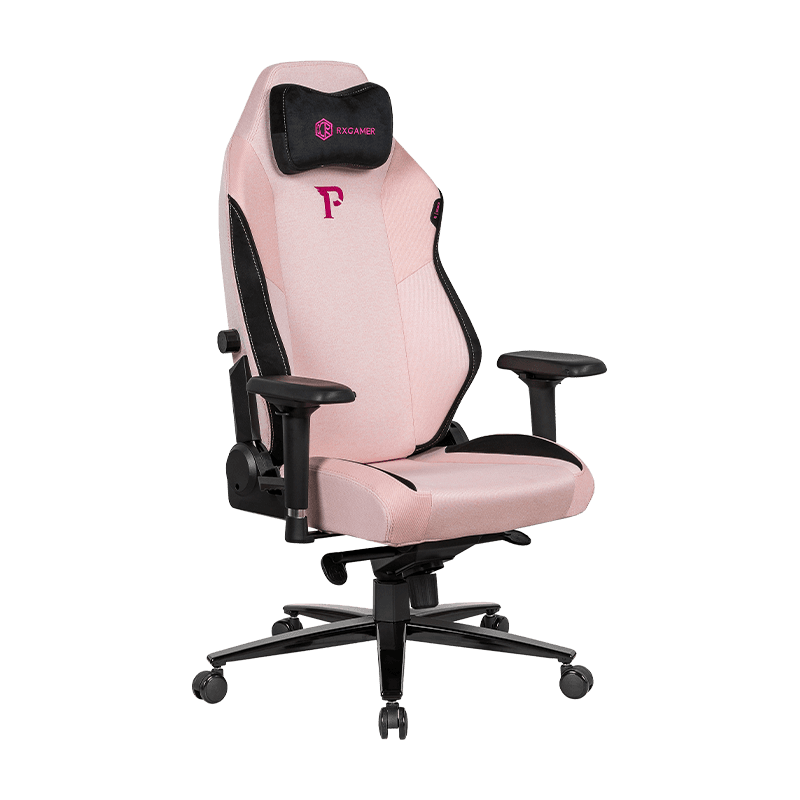
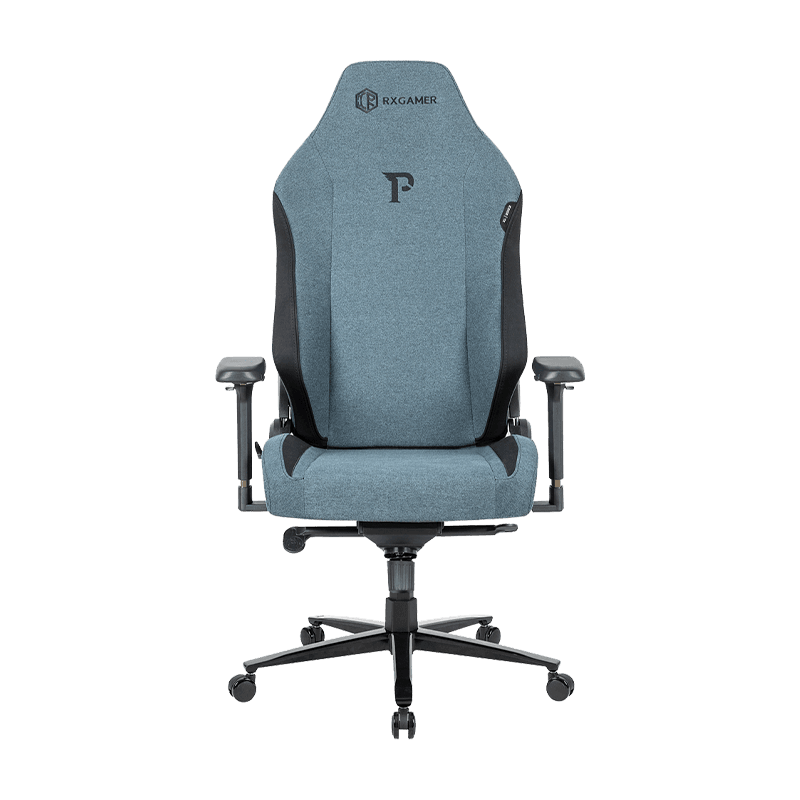
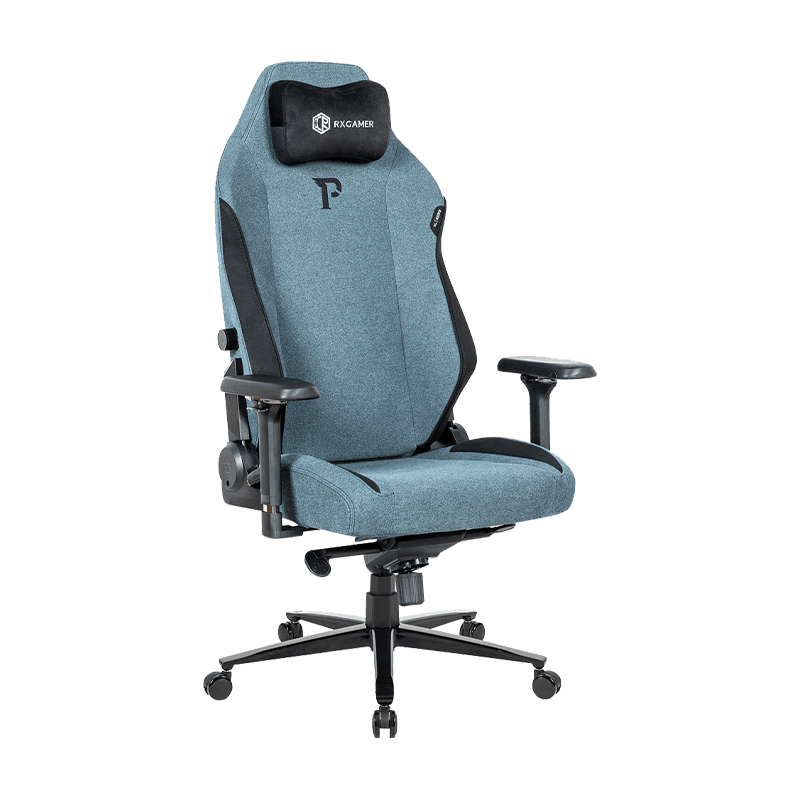
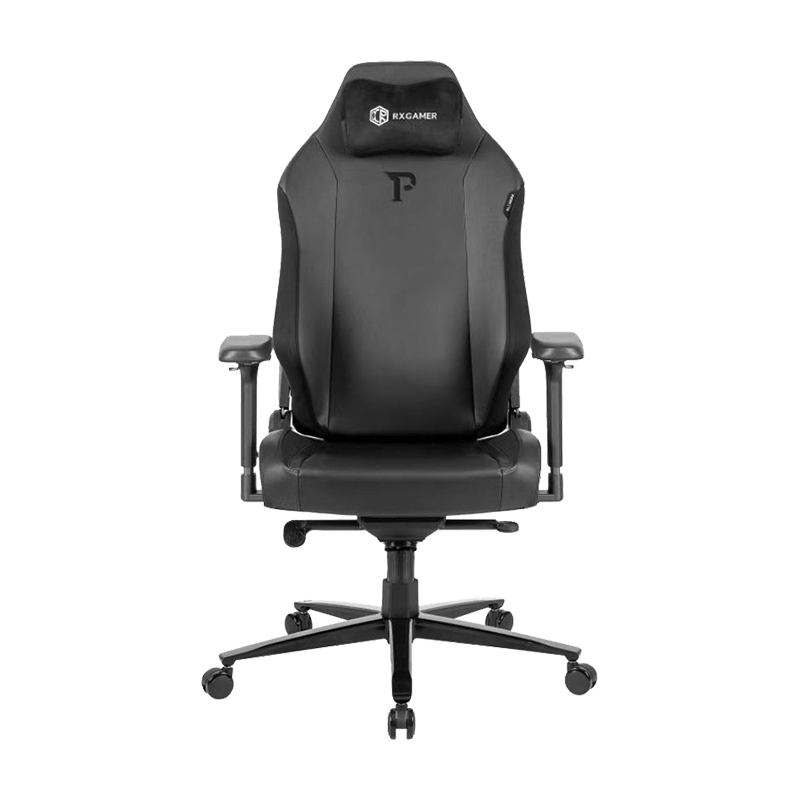
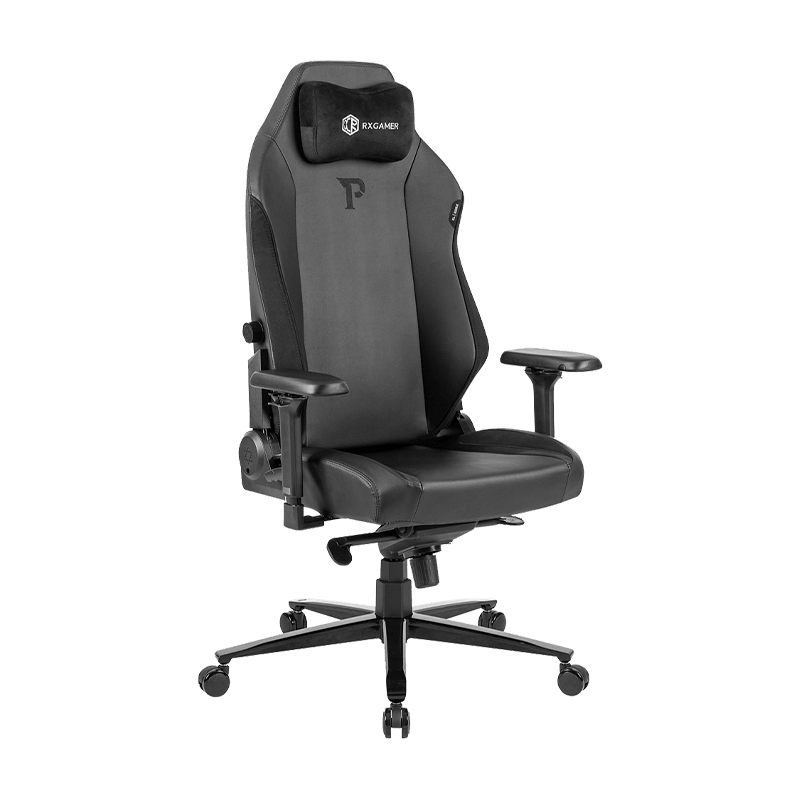
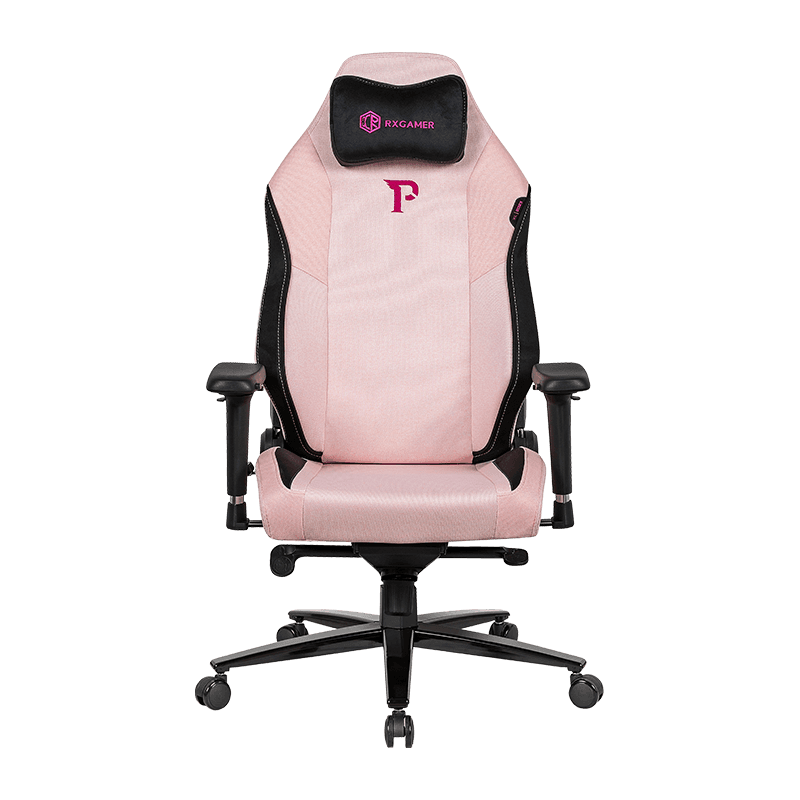
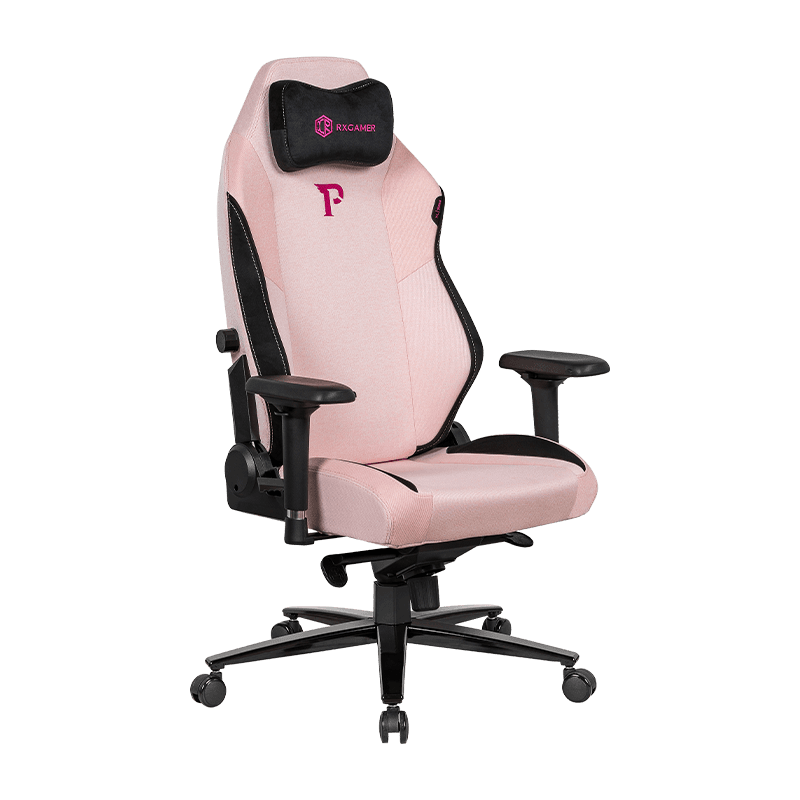
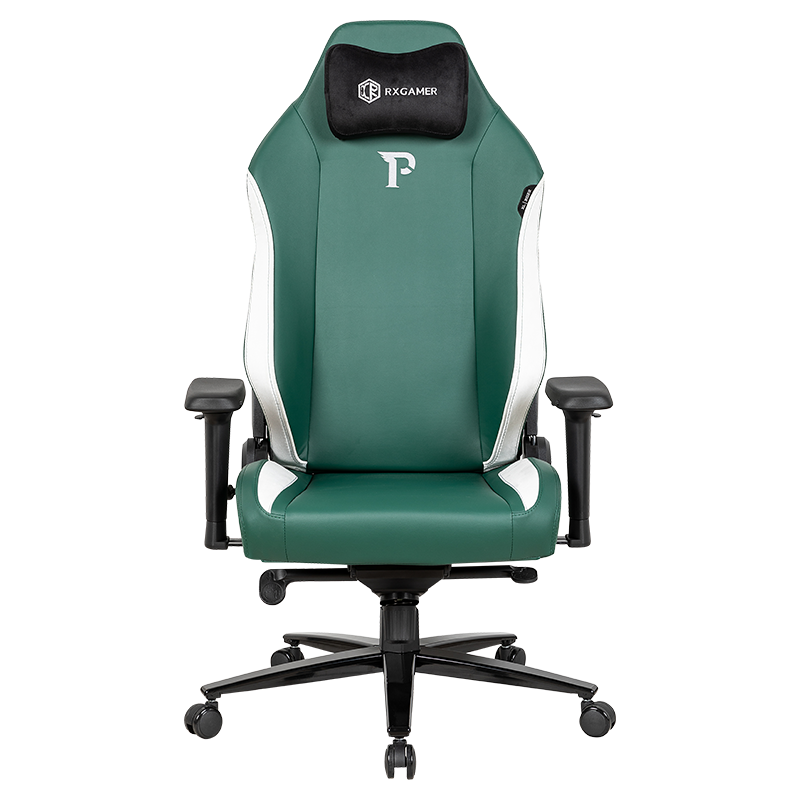
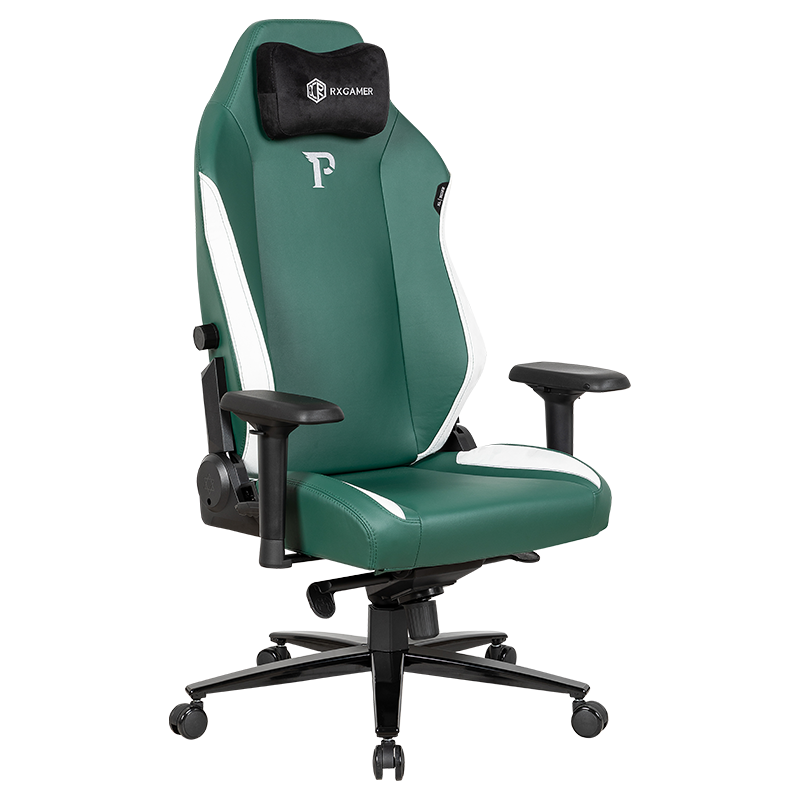
This guide looks at the mechanical differences, the ergonomic trade-offs, and the practical questions that help you choose. It also uses a reclining model sold under the RXGAMER brand as one concrete example of how these features are combined, without suggesting that a single layout suits everyone.
How a Standard Office Chair Is Built
Seat and Backrest Geometry
Standard task chairs connect the seat pan and backrest through a tilt mechanism mounted beneath the seat. The backrest pivots through a modest arc, often enough to shift weight during a short pause but not enough to support a fully relaxed posture. The geometry is designed around upright work, which keeps the screen, keyboard, and hands in a predictable relationship.
Most designs include a handful of core controls. These typically cover the features listed below.
- Seat height adjustment through a gas cylinder
- Tilt tension control to match body weight
- An optional tilt lock that holds the backrest at one angle
- Fixed or height-adjustable armrests
Where the Tilt Mechanism Stops
The limit of a standard tilt is the main reason people look for an alternative. When the backrest reaches its end stop, the only way to keep leaning is to push the body forward, which shifts pressure onto the seat edge and the lower back. A chair that works well for focused typing can feel restrictive during reading, phone calls, or short breaks.
What a Reclining Mechanism Actually Changes
Extended Backrest Travel
A reclining mechanism lets the backrest travel much further, often into a near-horizontal range that suits brief rests. A well-engineered design also moves the seat pan slightly as the back reclines. This prevents the sensation of sliding forward off the seat, which is a common complaint with cheaper recline systems.
Locking Positions and Control
Stepped locks are the most common approach. Instead of a free-floating range, the chair holds fixed positions that you select with a lever. Five stops offer a practical balance: an upright setting for typing, a slight recline for focused reading, and deeper positions for pauses. Fewer stops can feel limiting, while many more can make the lever tedious to use.
Weight Distribution and Stability
When the backrest reclines, the body's center of mass shifts behind the seat pan. Reclining designs therefore need a stronger base, reinforced hinges, and a more stable lock. Wider casters and a sturdy star base help the chair stay steady when you lean back, especially on hard floors.
Key Differences at a Glance
The table below summarizes the main differences between the two designs. Real models vary, so use it as a starting point rather than a strict rule.
| Feature | Standard Office Chair | Reclining Office Chair |
|---|---|---|
| Backrest travel | Limited tilt arc | Extended recline range |
| Locking positions | One or two, or free tilt | Commonly three to five |
| Armrest role | Support during typing | Support in upright and reclined positions |
| Best use | Focused, upright work | Mixed tasks with frequent posture changes |
| Mechanism weight | Lighter | Heavier, with reinforced hinges |
| Maintenance focus | Tension and lift checks | Hinge, lock, and pivot checks |
5
Lock positions common on reclining models
2
Core variables: recline range and lock steps
30
Minutes between small posture shifts often recommended
Ergonomic Trade-offs: Posture, Spine, and Pressure
Ergonomics guidance generally favors changing posture over holding one position all day. A fixed upright posture keeps the spine active but can increase sustained load on the lower back and neck when muscles tire. Moderate reclining reduces some of that load by letting the backrest carry part of the upper body's weight. Ergonomics literature often cites a torso angle between roughly 110 and 120 degrees as a comfortable compromise, though individual anatomy and tasks change the ideal.
Why Upright Sitting Is Not Automatically Best
Upright sitting is excellent for precise tasks, but it is not a permanent solution. Many people hunch forward as the workday progresses, which shifts the head ahead of the shoulders and increases strain. A chair that supports a range of positions gives you an easy way to reset without leaving the desk.
Where Reclining Can Go Wrong
Reclining is not automatically healthier. Problems usually come from setup rather than the mechanism itself. Common issues include the following.
- A monitor placed too far away, causing the neck to drift forward
- Armrests too high, lifting the shoulders during reclined reading
- A recline tension set so loose that the body keeps sliding
- Insufficient clearance behind the chair, forcing awkward angles
Choosing the Right Layout for Your Workday
The right choice depends mostly on how you spend your hours. The decision path below captures the logic most people can apply in a few minutes.
Answer the following questions before comparing models.
- How many hours per day do you sit without a break?
- How often do you switch between typing, reading, and calls?
- Do you need to recline during breaks or while reviewing documents?
- What body weight range should the tilt tension accommodate?
If your answers point to frequent switching and long sessions, a reclining design is usually worth the extra cost. If your work is steady and upright, a well-made standard chair may serve you better.
Armrests, Lumbar Support, and Other Details That Change Comfort
Armrests are often underrated. In a standard chair, they mainly support the forearms while typing. In a reclining chair, they must work in both upright and reclined positions, which makes adjustability more important. Height, width, and pivot angle all affect how relaxed the shoulders feel.
Adjustable Armrest Geometry
A model such as the RX-9150 combines a five-position adjustable armrest with a reclining backrest, which illustrates how the two systems interact. When armrests can rise, lower, and pivot, the forearms can stay supported as the backrest moves, rather than dropping off the edge.
Lumbar Support and Backrest Shape
Lumbar support should sit in the natural curve of the lower back. Many people find that a support that is too prominent pushes them forward, while one that is too flat provides little benefit. Adjustable or contoured lumbar designs give more flexibility across body sizes.
- Height-adjustable lumbar pads for a custom fit
- Seat depth that leaves a small gap behind the knees
- Headrests that support the neck during deeper reclines
Materials, Mesh, and Long-Term Durability
Upholstery affects comfort through breathability and feel. Mesh backs allow airflow, which helps during warm periods or long sessions. Padded fabric or synthetic leather feels softer at first but can trap heat. Composite fabrics attempt to combine both, with a textile face and a breathable structure underneath.
Look for these indicators when comparing build quality:
- A reinforced steel or heavy-duty plastic base with a wide footprint
- Electroplated or coated metal parts that resist corrosion
- Casters suited to your floor, such as softer rubber for hard surfaces
- Detachable legs or armrests that simplify repair or replacement
Over time, the most common failures are worn lock pins, sagging cushions, and cracked armrest pivots. Inspecting these every few months can extend service life considerably.
Common Buying Mistakes to Avoid
Many disappointing purchases share the same causes. Avoiding the following mistakes will save time and frustration.
- Judging the mechanism in a two-minute test. Sit in the chair for at least fifteen minutes, switching between upright and reclined positions, before deciding.
- Ignoring seat depth. A seat that is too deep presses behind the knees, while one that is too shallow reduces thigh support.
- Assuming reclining always helps. A recline that is too deep without a headrest can strain the neck.
- Overlooking the desk. A chair that reclines needs space behind it, so measure the clearance.
- Choosing casters by appearance. The wrong caster type can scratch hard floors or roll poorly on carpet.
Setup and Habits That Make Either Chair Work Better
Even a strong chair underperforms with poor setup. Use the sequence below to dial in a new chair in about ten minutes.
- Adjust seat height so the feet rest flat and the thighs slope slightly downward.
- Set the backrest so the lumbar support sits in the lower curve of the spine.
- Position armrests so the shoulders stay relaxed and the elbows rest at a comfortable angle.
- Set recline tension to match your body weight, so the backrest moves smoothly without pushing you forward.
- Place the monitor at arm's length with the top edge near eye level.
Daily Habits That Support Good Posture
The chair works best when paired with movement. Taking a short break every thirty minutes, using the recline position for reading, and standing up once an hour are simple ways to distribute load across the body. Consistency matters more than perfect posture.
Frequently Asked Questions
Q1: Is a reclining office chair better for back pain?
It depends on the cause and the person. Reclining can make position changes easier, which many people find helpful for lower back discomfort. However, a chair cannot replace medical advice, and an overly deep recline can strain the neck. If pain persists, consult a qualified clinician.
Q2: Do I need a headrest with a reclining chair?
Often yes, especially if you recline deeply or rest your head during breaks. A headrest supports the neck and reduces the tendency to tilt the head forward or backward.
Q3: How often should I change my position?
Small changes every thirty minutes are commonly recommended. You do not need to leave the desk. Simply shifting weight, adjusting the recline, or sitting slightly forward or back can help.
Q4: Are five lock positions necessary?
Not always, but five positions offer a practical range from upright to relaxed. Fewer positions can work for users with consistent habits, while more positions may suit people who switch tasks frequently.
Q5: Will a reclining chair fit a small desk?
It can, but you need clearance behind the chair. Measure how far the backrest travels when fully reclined and make sure there is room for it, along with a path for the casters to roll.
Q6: How do I know if the tilt tension is right?
The backrest should move with light resistance and hold you without pushing you forward. If you feel like you are sliding out of the seat, increase the tension. If the backrest is hard to move, reduce it.