
 English
 中文简体
 русский
 Español
 عربى

Why Ergonomics Matter More Than Looks in a PC Gaming Chair
Many people shop for a gaming chair based on color schemes and bold racing-style graphics, yet the features that determine comfort over a three-hour session are far less visible. A chair that looks aggressive but lacks proper lumbar support can leave you stiff, fatigued, and distracted within an hour. A well-designed ergonomic gaming chair for PC gamers addresses posture, pressure distribution, and adjustability, which together determine whether you can focus on the game or on your discomfort.
Whether you use your computer for competitive play, streaming, remote work, or long creative sessions, the same principles apply. This guide walks through the features that matter most, explains why they matter, and gives you a practical checklist you can use when comparing options.
Backrest Design and Spinal Support
The backrest is the single most important structural component of any gaming chair. Its job is to keep your spine in a neutral alignment while you lean forward toward the screen or recline during a match. Poor backrest design forces the lower back into a rounded posture, which increases fatigue and can contribute to discomfort over time.
Height and Curvature
A high backrest that reaches at least to the upper shoulder blades allows the upper back to rest against the chair rather than hanging unsupported. Look for a backrest with a subtle S-shaped curve that follows the natural inward curve of the lumbar spine. Many users find that a backrest with a contoured profile reduces the tendency to slouch after the first hour.
Headrest Support
A headrest supports the neck during reclined positions. A 2D headrest, which can adjust both vertically and forward or backward, lets you position it where your head naturally rests. This matters because a headrest set too low or too far back can cause the head to tilt forward, placing strain on the cervical spine.
Seat Height, Depth, and Cushioning
Seat dimensions determine how your weight is distributed across your thighs and buttocks. A seat that is too deep presses behind the knees and restricts circulation, while one that is too shallow provides insufficient thigh support. Adjustable seat height is equally important because it allows your feet to rest flat on the floor with knees at roughly a right angle relative to the hips.
Foam Density
Cushioning should feel firm enough to hold its shape during long sessions but soft enough to relieve pressure points. High-density molded foam tends to retain its structure longer than low-density padding, which can flatten within a year of daily use. When testing a chair in person, sit for at least ten minutes and shift your weight to check whether pressure builds up at the tailbone or the back of the thighs.
| Seat Feature | Recommended Range | Why It Matters |
|---|---|---|
| Seat height adjustment | 40 to 55 cm | Keeps feet flat and hips level with the desk |
| Seat depth | 44 to 50 cm | Leaves a gap behind the knees for circulation |
| Foam density | Medium to high | Maintains shape and reduces pressure buildup |
Armrests and Upper Body Alignment
Armrests are often overlooked, yet they carry a significant share of the arm and shoulder load during keyboard and mouse use. When armrests sit too low or too high, the shoulders hunch or the forearms float without support, both of which lead to tension in the neck and upper back.
Adjustability Checklist
- Height adjustment that lets your elbows rest at roughly ninety degrees when your hands reach the keyboard.
- Lateral movement so the armrests can slide inward when you use a mouse close to the body.
- Rotation or pivoting for different hand positions during controller or keyboard play.
- Padding that is firm enough to support the forearm without creating pressure along the wrist.
Button-type or lever-type handrail adjustments are common in mid-range designs. Test whether the locking mechanism holds firmly under weight and whether the adjustment can be made without standing up.
Upholstery Materials and Long-Term Comfort
The upholstery affects breathability, durability, and how the chair feels after several hours. Imitation leather, often called faux or synthetic leather, is widely used because it resists wear and is easy to wipe clean. Its main drawback is limited breathability, so sessions in warm rooms can become sticky. Fabric covers breathe better but may show dirt more readily.
A chair that feels pleasant for twenty minutes is not necessarily one that supports you for four hours. Evaluate comfort over a full session, not a quick test.
Look for stitching that is reinforced at stress points such as the seat edges and armrest joints. Double or triple stitching usually indicates better construction than single-line seams.
Base, Casters, and Stability
The base supports the entire weight of the chair and the user, so its construction directly affects safety and smoothness. An aluminum alloy base is generally more rigid and resistant to bending than a thinner plastic base, which matters for users above average weight or those who rotate frequently.
Casters should match your flooring. Hard-surface wheels suit wood and tile, while softer rubber or polyurethane wheels protect carpet from scratches. Transparent or translucent wheels are a stylistic choice and do not affect performance, so prioritize smoothness and locking stability instead.
Recline Mechanisms and Gas Lift Quality
The gas lift cylinder controls seat height, while the recline mechanism determines how far the backrest tilts and how much resistance you feel. Gas lifts are rated by class, and a higher class generally means a more durable cylinder capable of supporting heavier loads over many years.
Recline Locking Options
Some chairs offer a fixed recline position, while others allow you to lock the backrest at several angles. Multi-angle locking is useful when switching between focused gameplay and relaxed viewing. A tension knob that adjusts how much force is needed to recline lets you tune the feel to your body weight.
- Test the gas lift by raising and lowering the seat to confirm smooth movement without sudden drops.
- Recline the backrest slowly and check whether it stops firmly at each locked angle.
- Confirm that the tension adjustment changes resistance noticeably in both directions.
How to Evaluate a Chair Before You Buy
Specifications on a product page tell only part of the story. The most reliable evaluation combines measurements, physical testing, and a review of the warranty and assembly process.
Measure Your Body and Desk
Before comparing models, measure your height, leg length, and desk height. These numbers help you check whether the chair's seat height range and armrest height will suit your setup. A chair that works for a tall user may leave a shorter person unable to reach the desk comfortably.
Check the Warranty and Parts Availability
A reasonable warranty signals that the manufacturer expects the chair to last. Pay attention to whether replacement parts such as casters, armrest pads, and gas lifts are available separately, since these are the components most likely to wear out first.
Quick Evaluation Checklist
- Backrest reaches at least the upper shoulder blades.
- Seat height and depth can be adjusted to fit your body.
- Armrests move in height and width without wobbling.
- Gas lift rises and lowers smoothly without drifting.
- Upholstery breathes adequately in your typical room temperature.
- Base and casters suit your flooring type.
Choosing a Model That Fits Your Setup
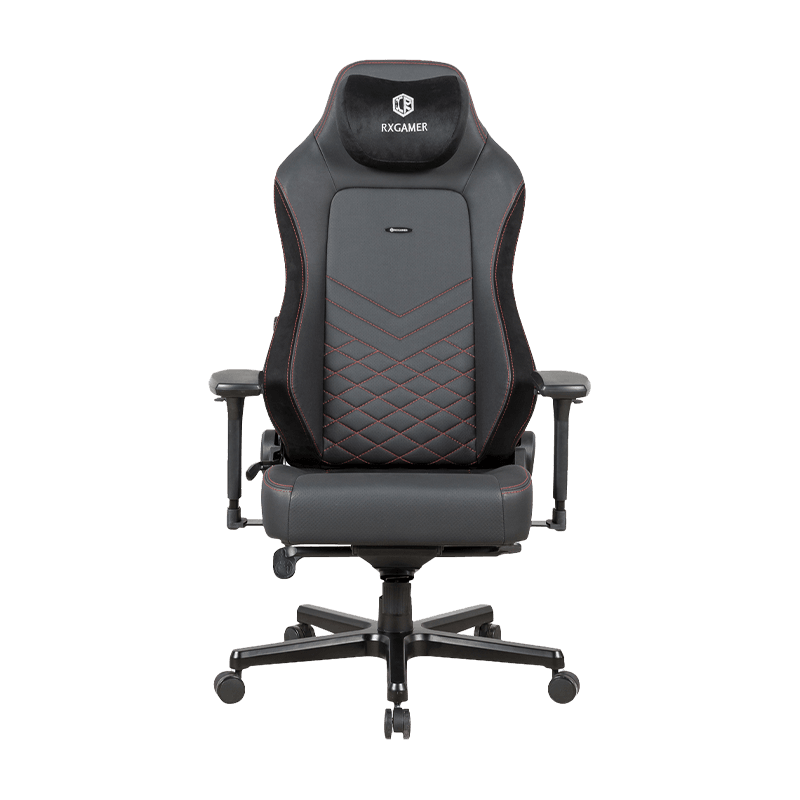
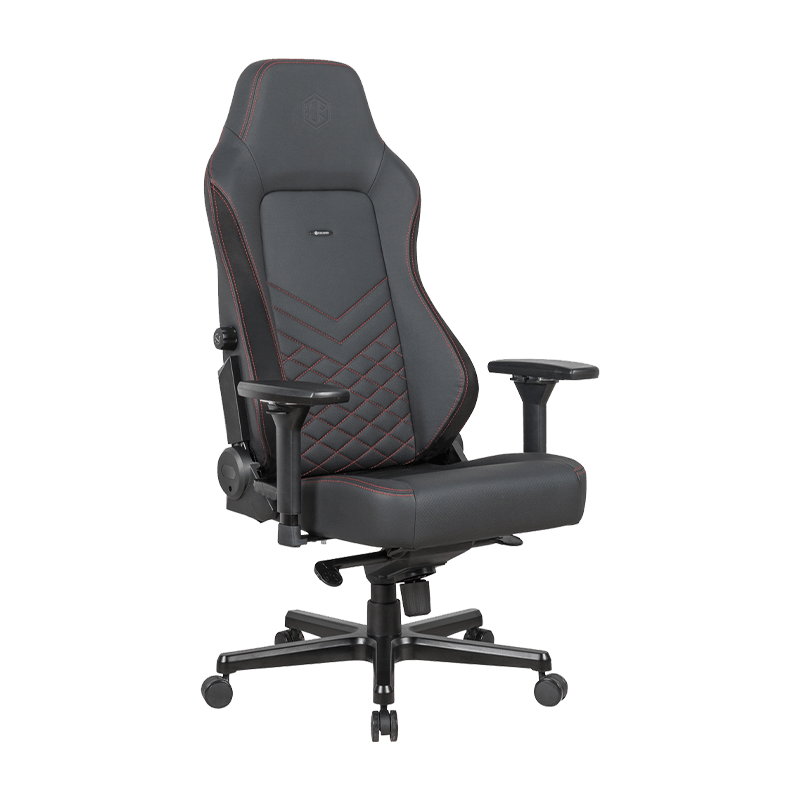
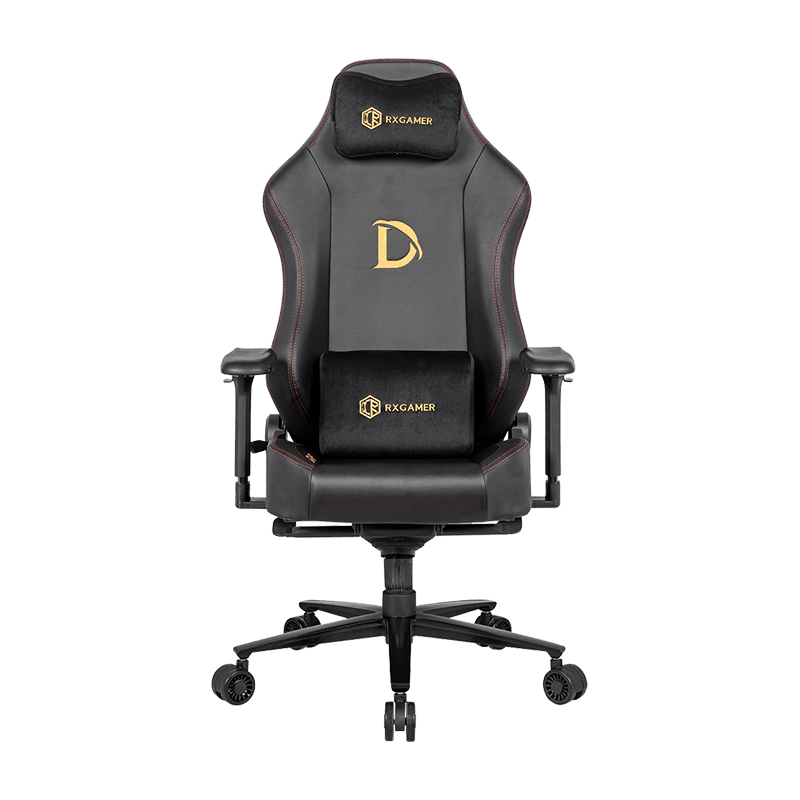
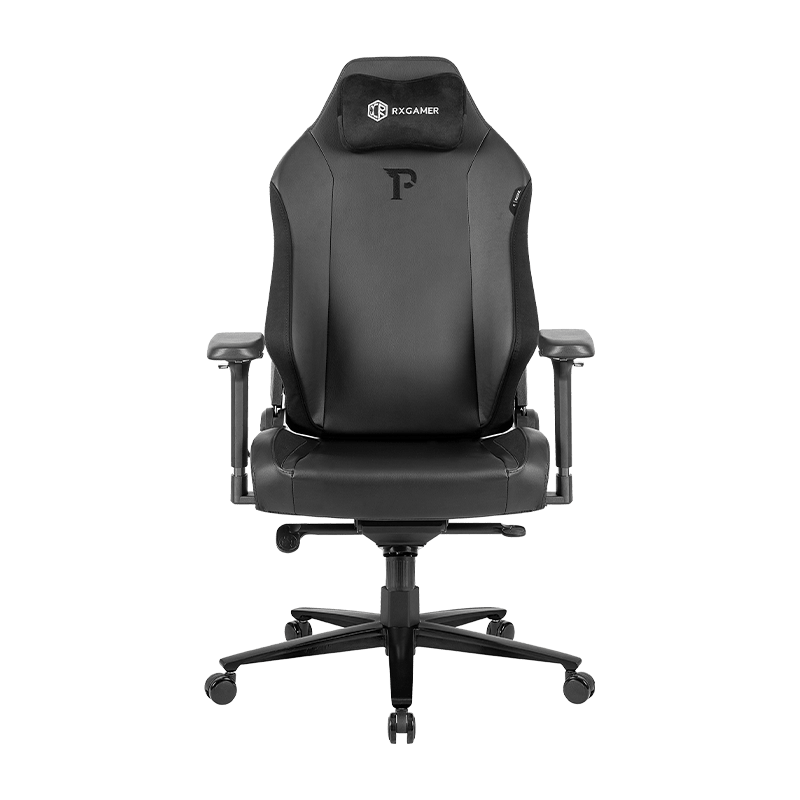
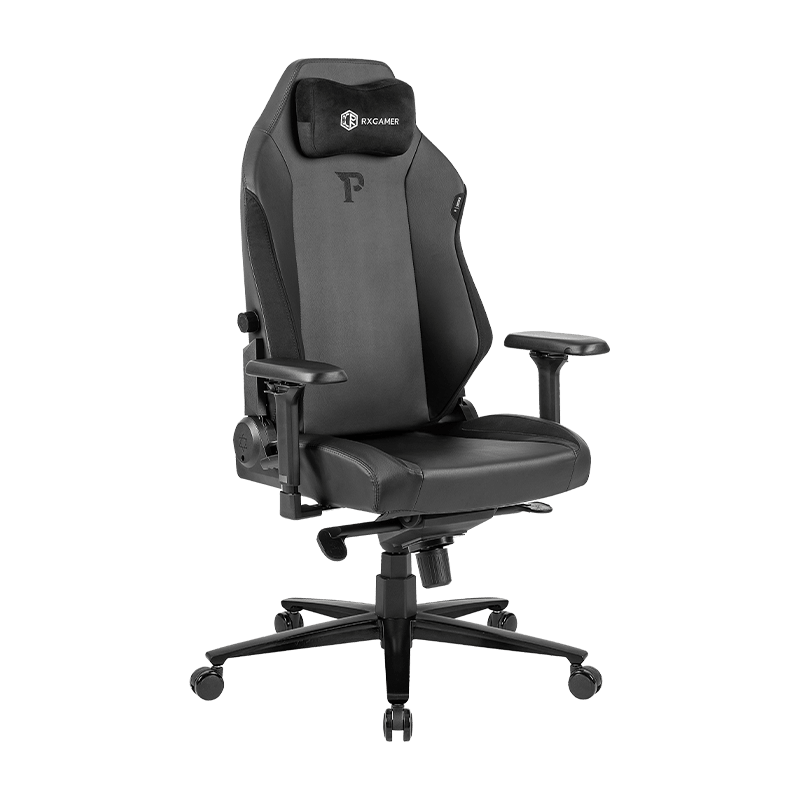
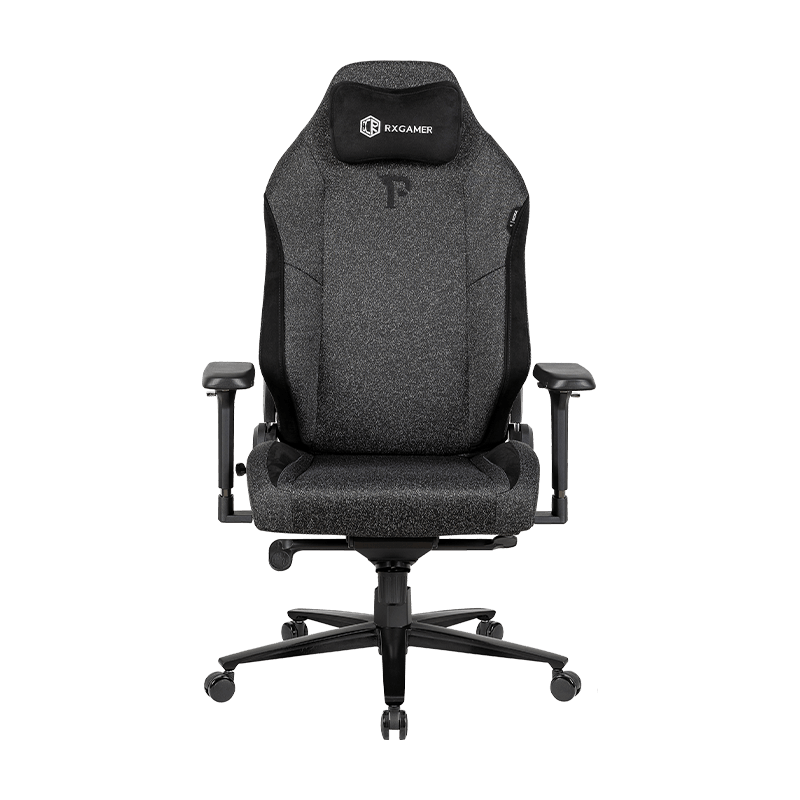
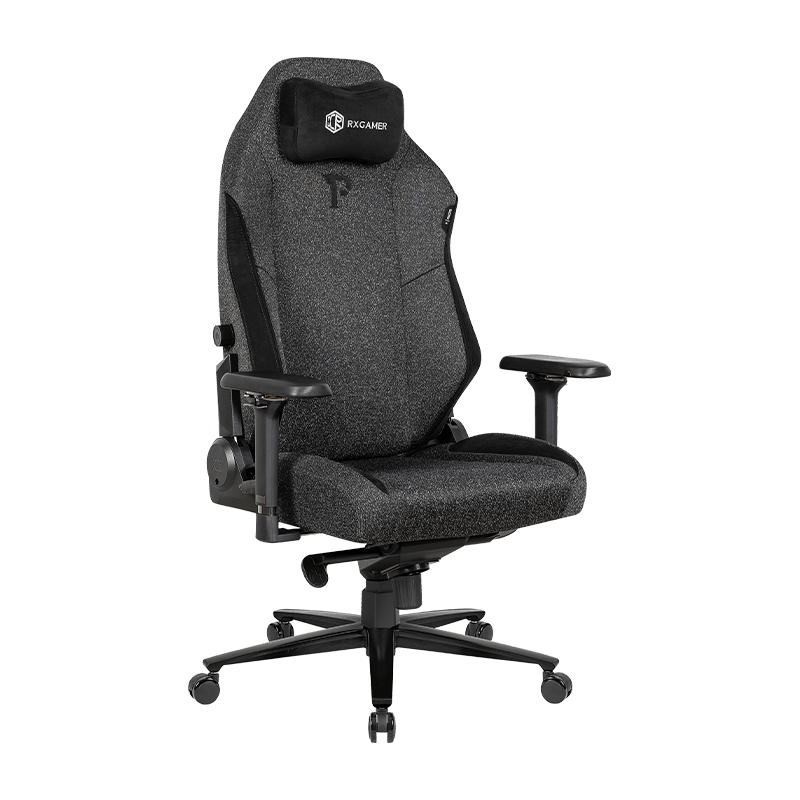
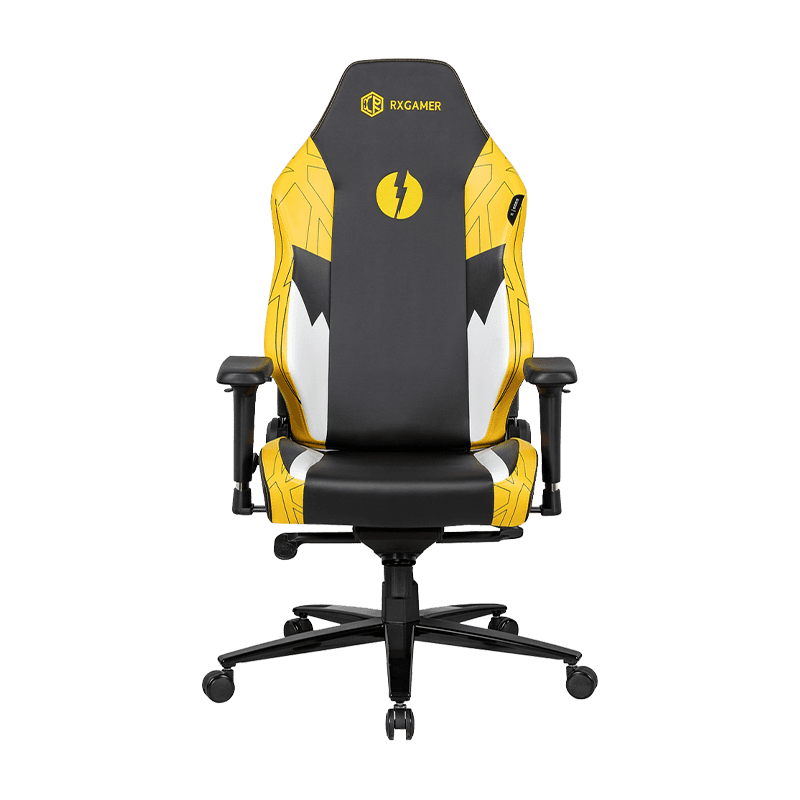
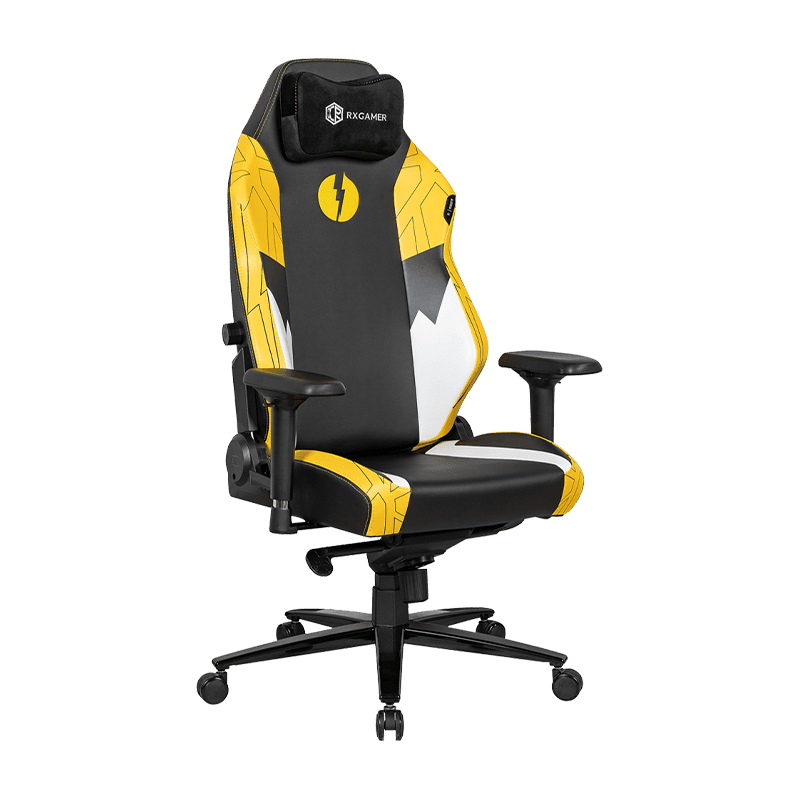
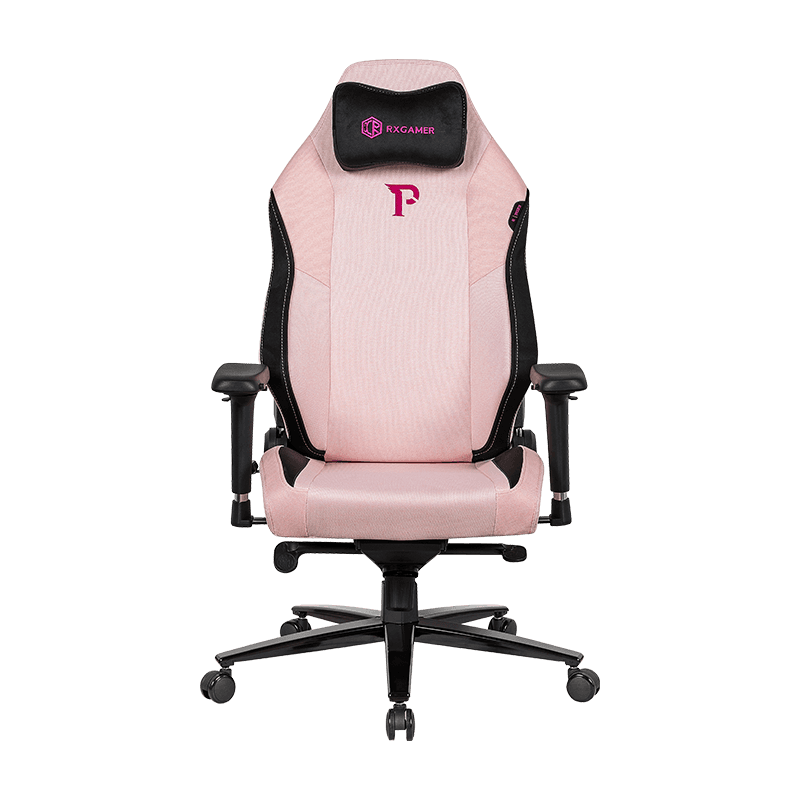
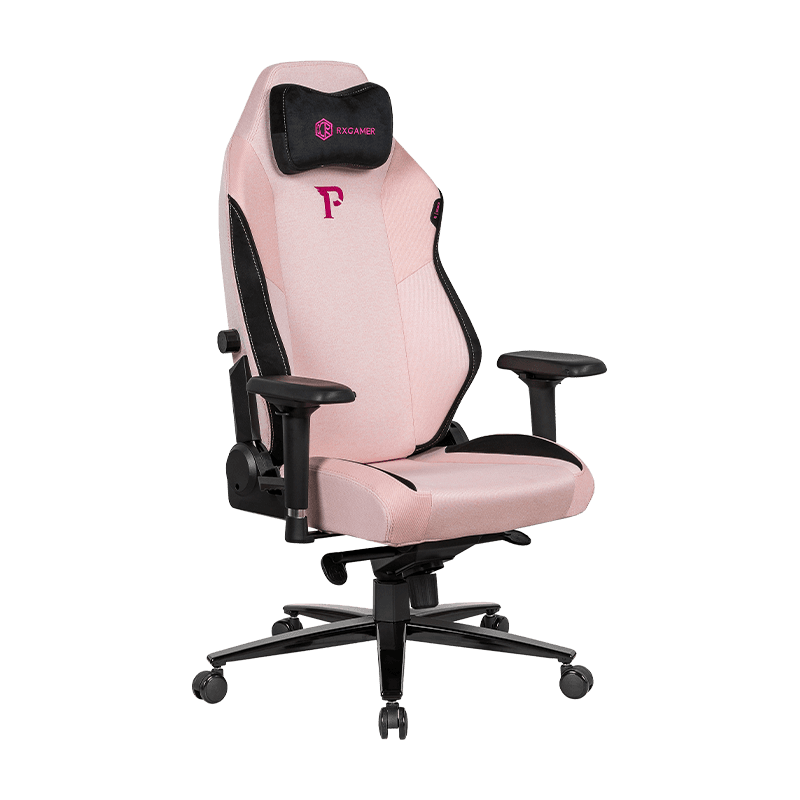
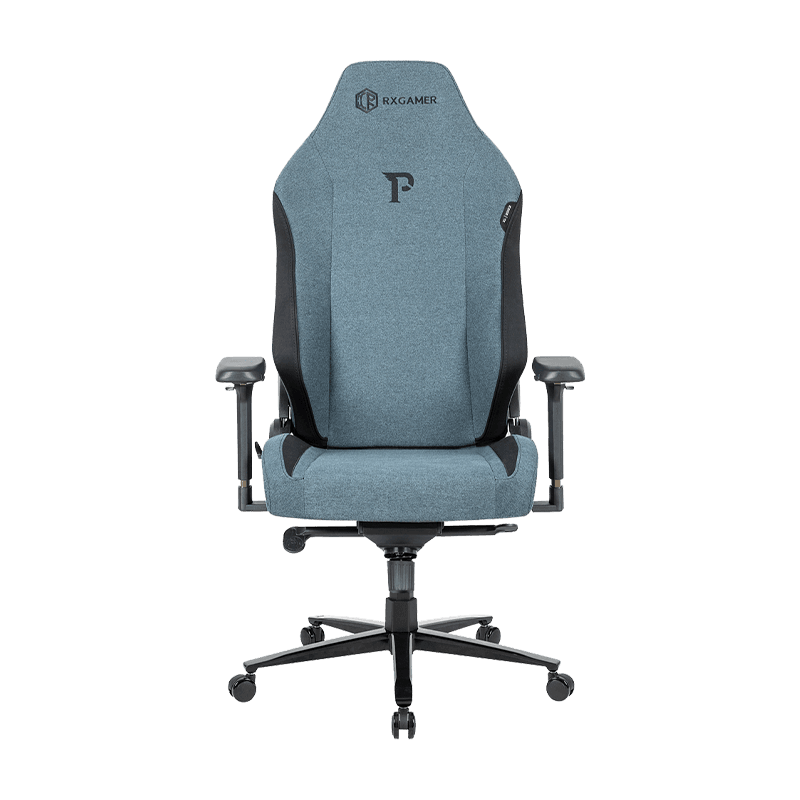
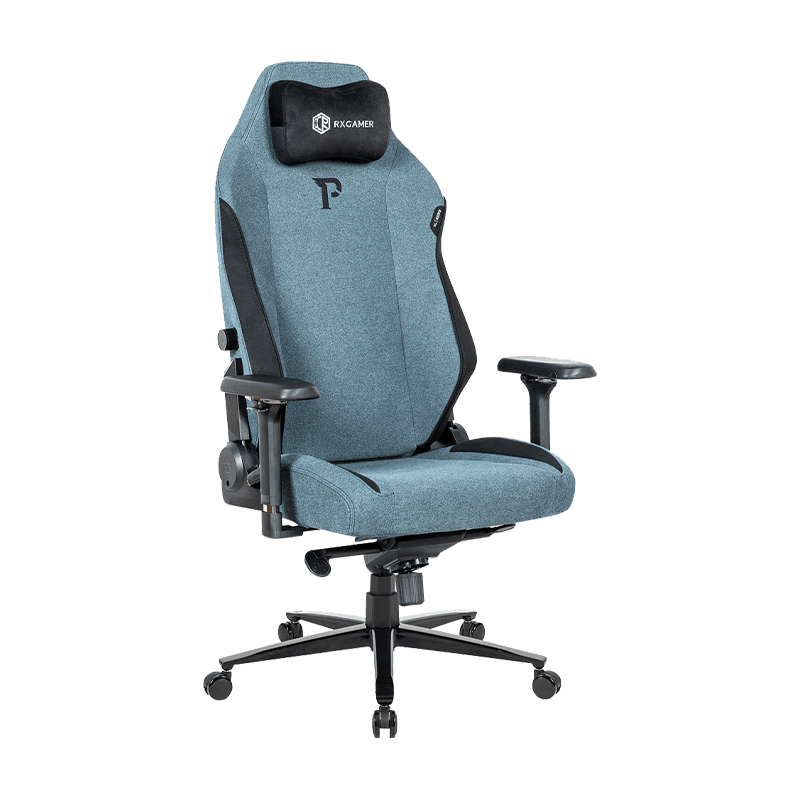
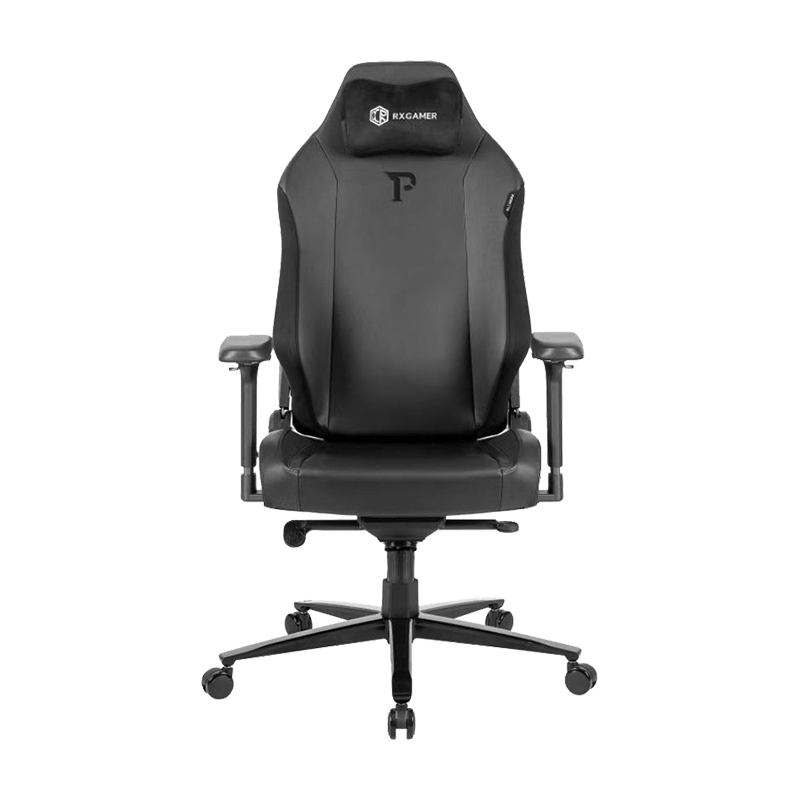
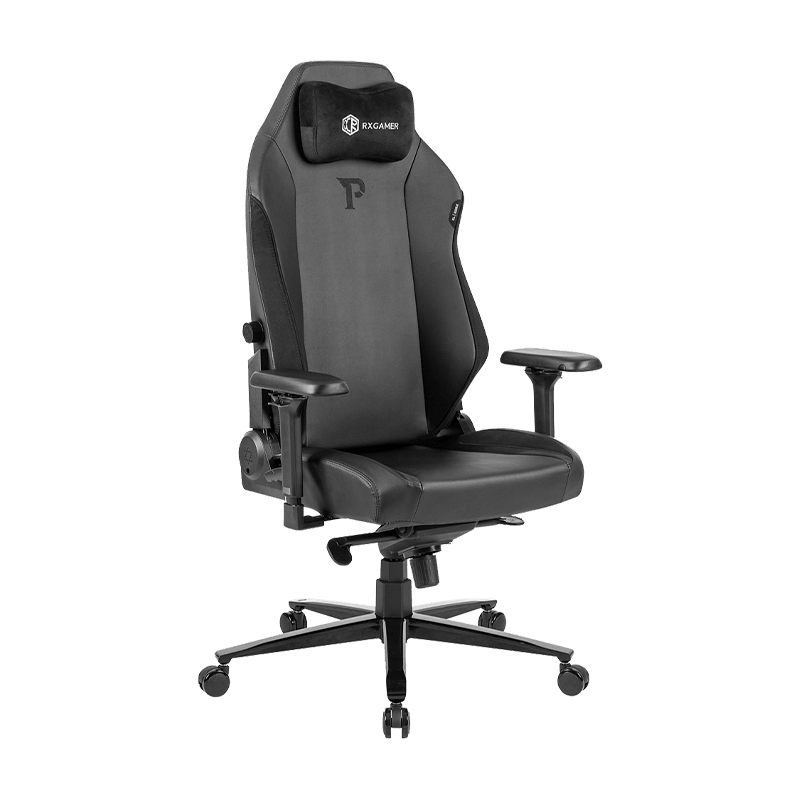
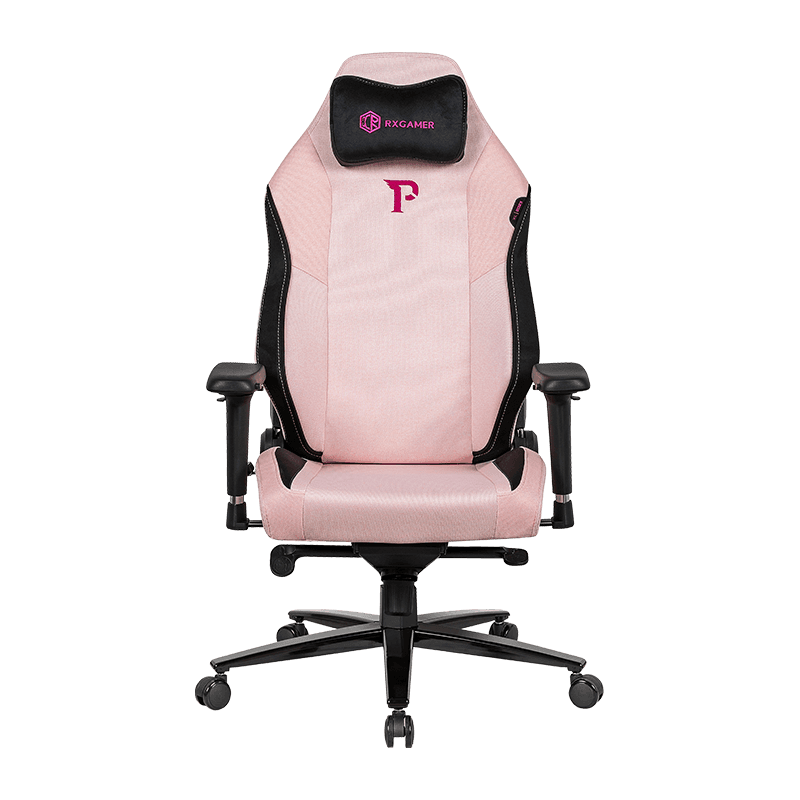
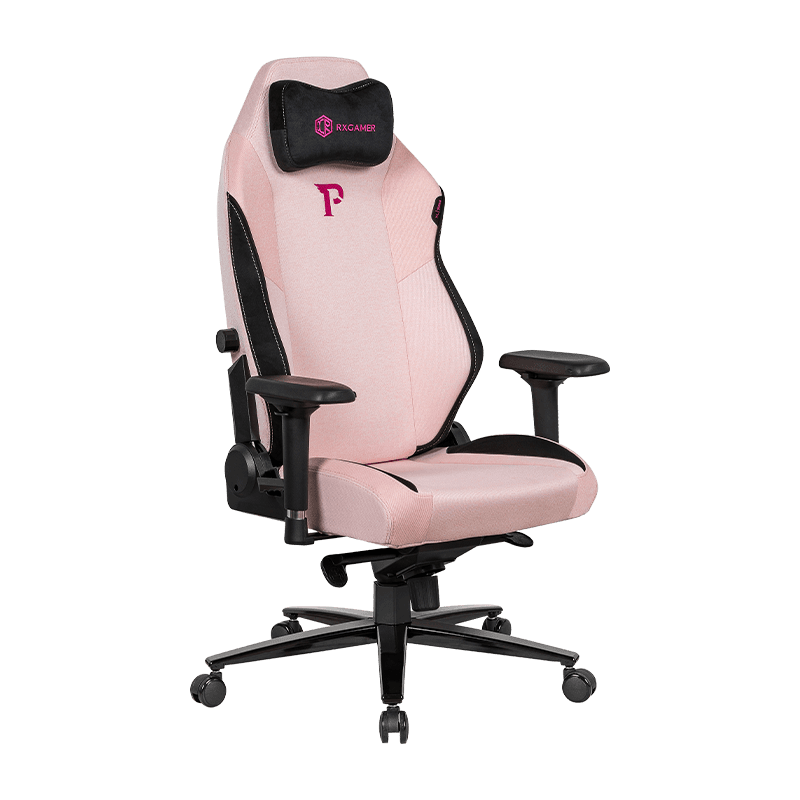
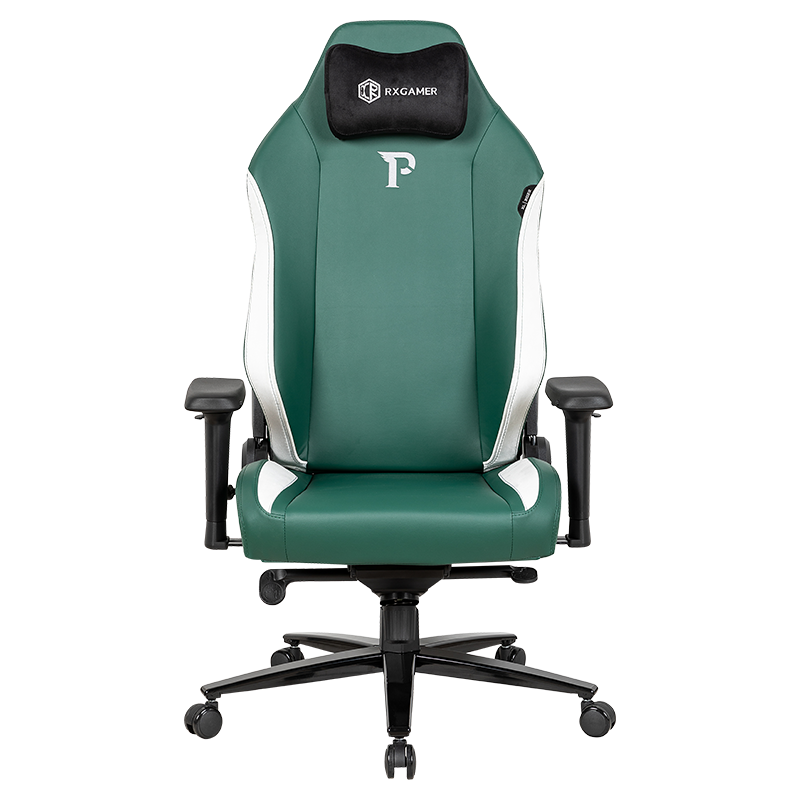
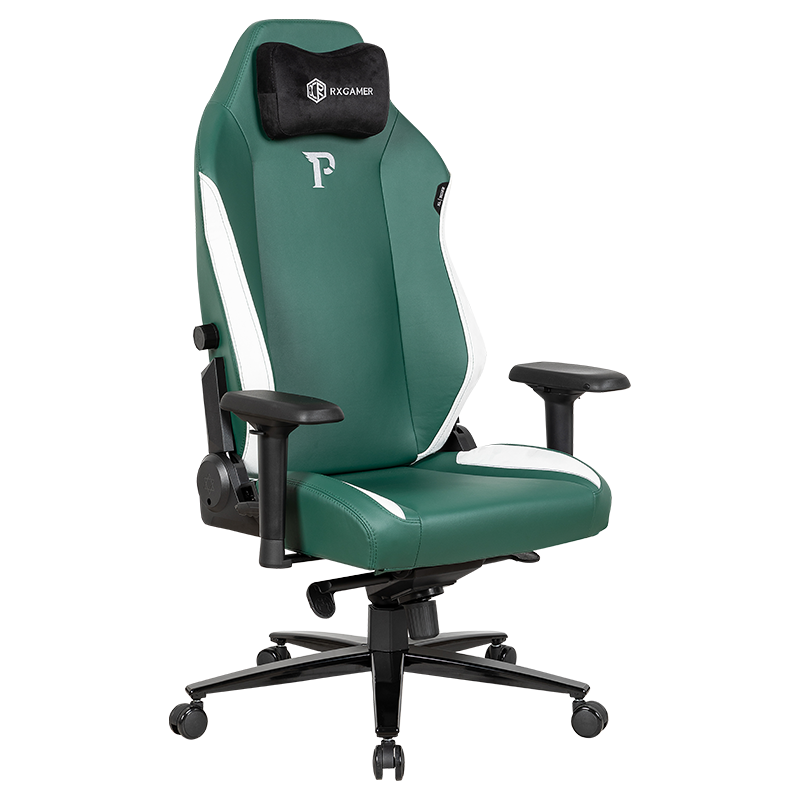
When you have narrowed your options, consider a model designed around ergonomic principles such as adjustable head support, a contoured backrest, and a sturdy base. Models in the RXGAMER line illustrate how these features combine in a single chair, including the RX-K6-6101 gaming chair design, which emphasizes adjustable support for extended sitting.
Regardless of the model, the principle remains the same: match the chair's adjustment range to your body and your desk, then verify comfort during a real session.
Frequently Asked Questions
Q1: How high should a gaming chair backrest be?
A backrest that reaches at least the upper shoulder blades is generally recommended, because it lets the upper back rest against the chair rather than hanging unsupported.
Q2: Is imitation leather a good choice for daily use?
Imitation leather is durable and easy to clean, but it breathes less than fabric. It works well for most users, especially those who value easy maintenance.
Q3: What seat height range should I look for?
A range of roughly 40 to 55 centimeters accommodates most adults, allowing the feet to rest flat and the knees to sit near a right angle.
Q4: Do casters affect how the chair performs?
Casters should match your floor. Hard wheels suit hard floors, while softer wheels protect carpet. Smooth rolling and secure locking matter more than color or transparency.