
 English
 中文简体
 русский
 Español
 عربى

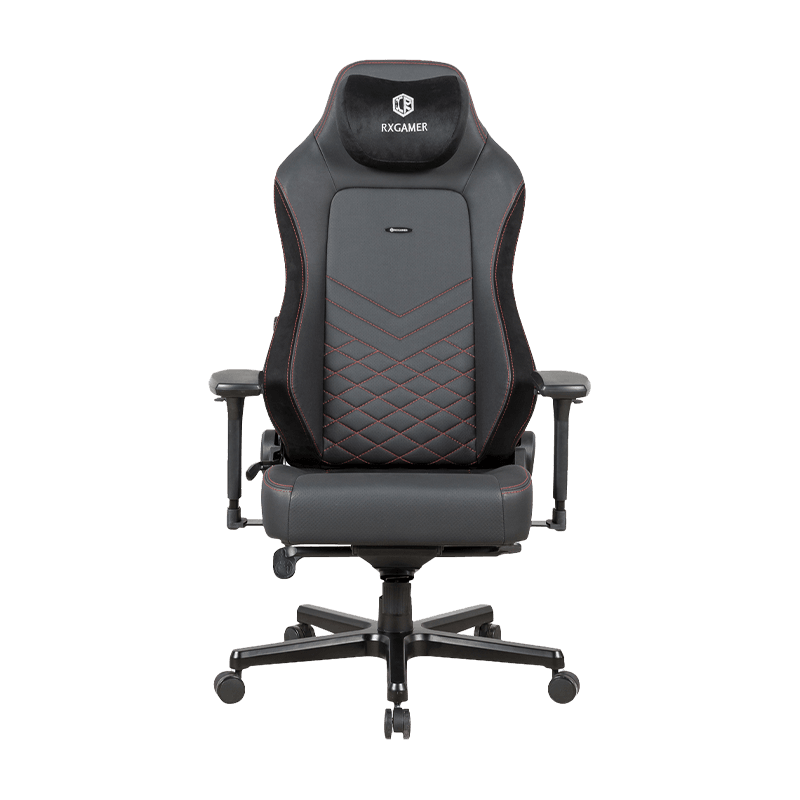
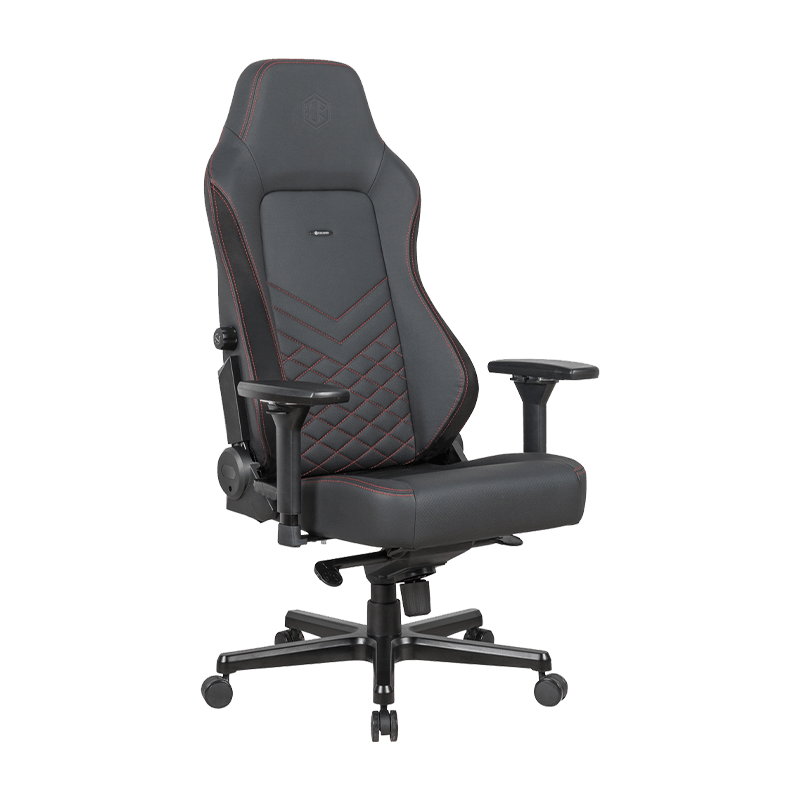
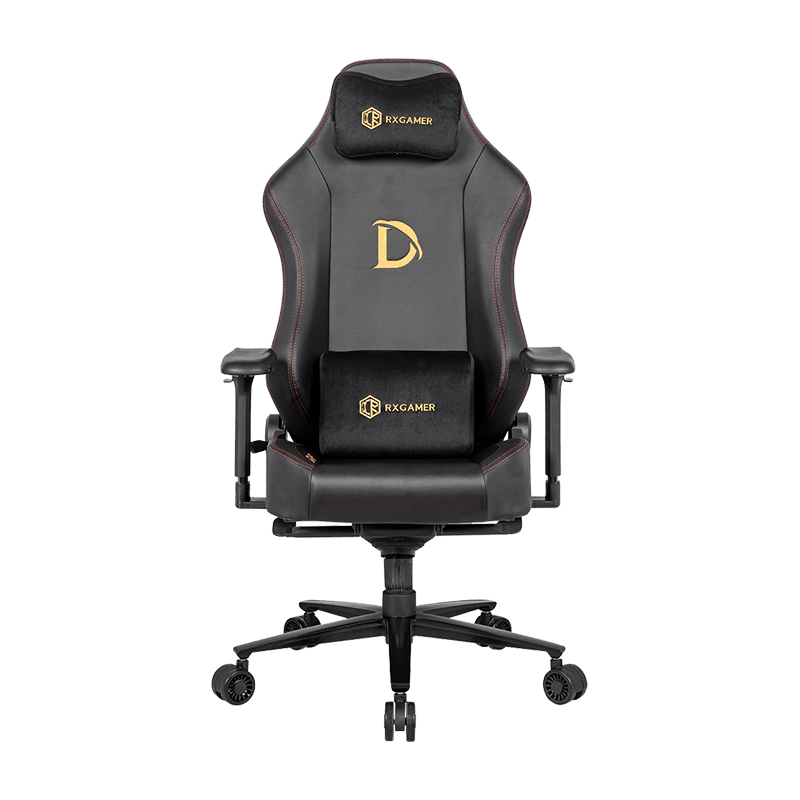
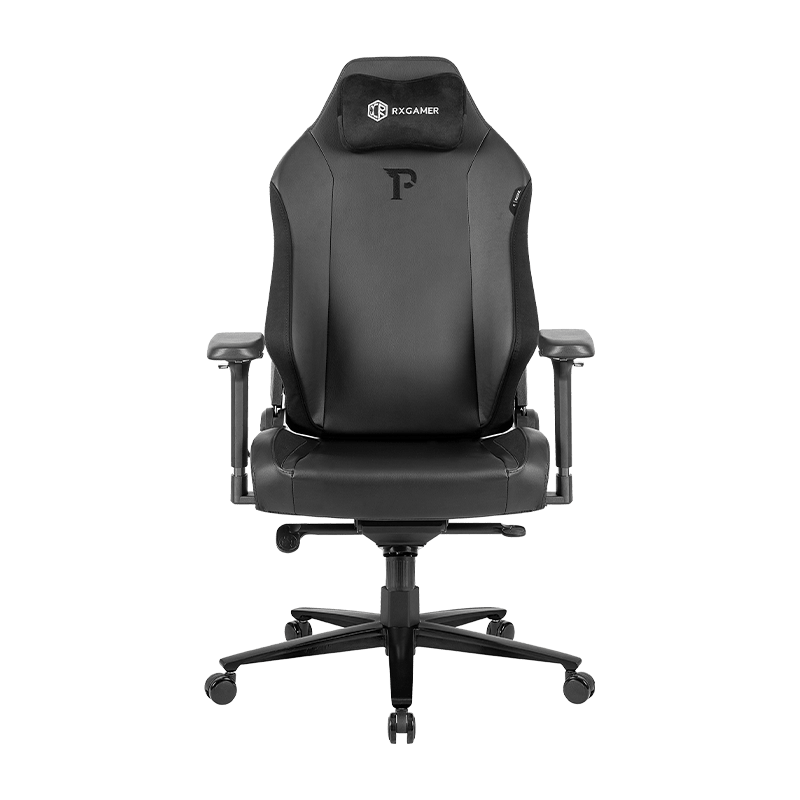
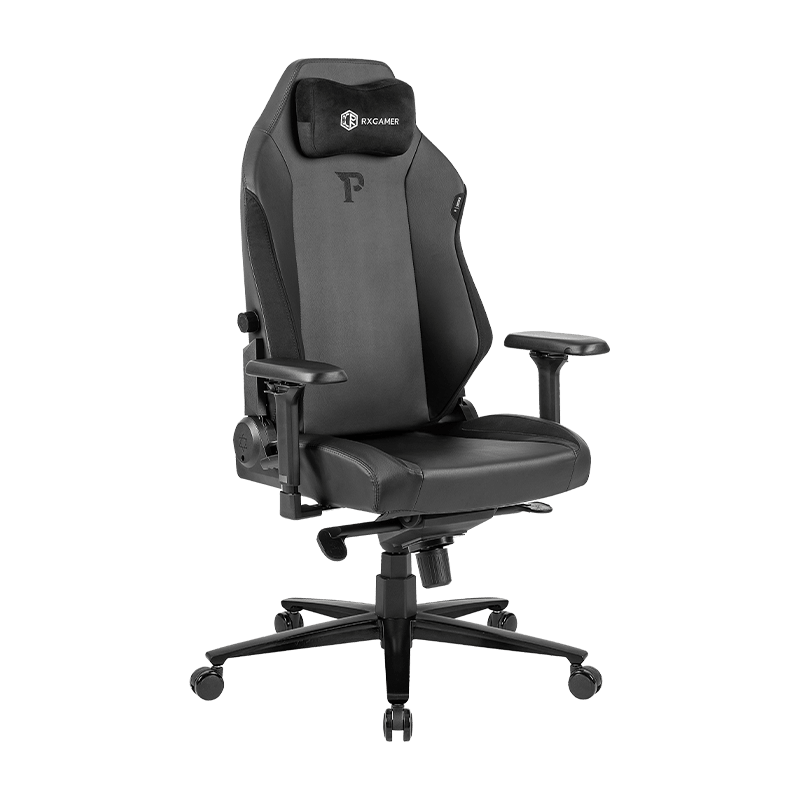
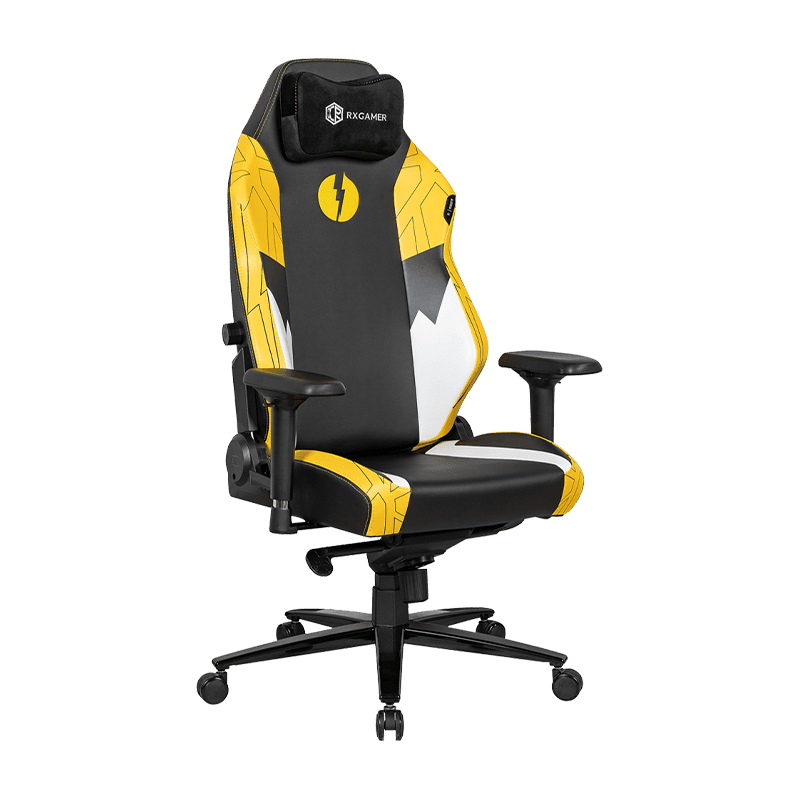
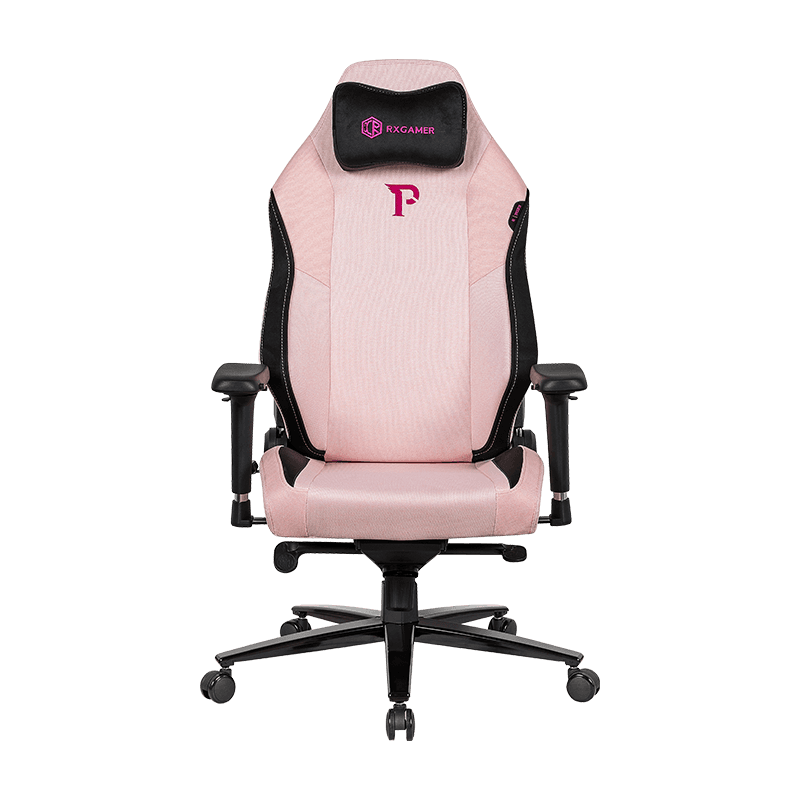
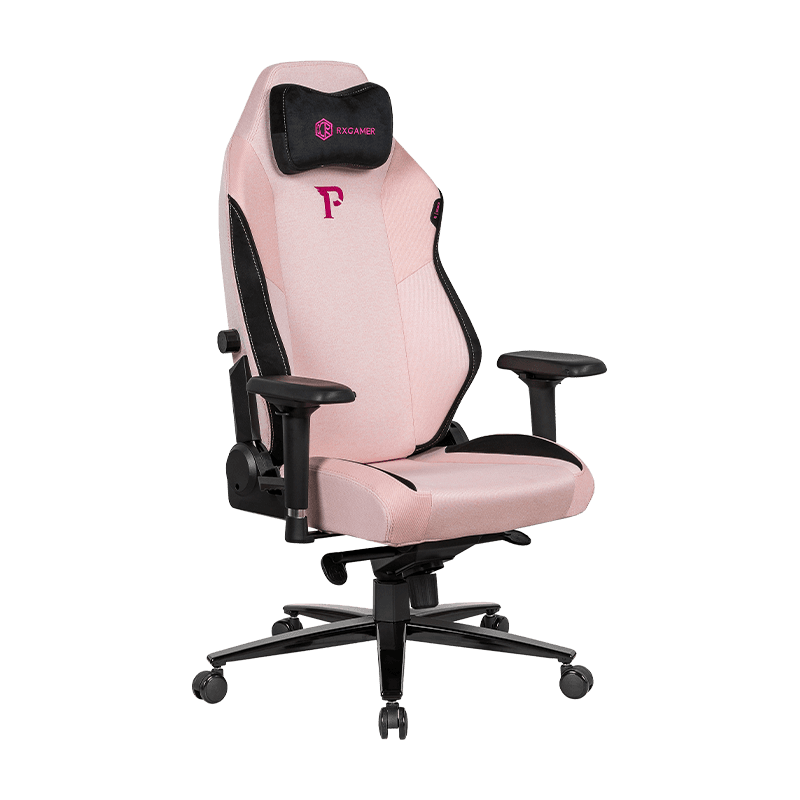
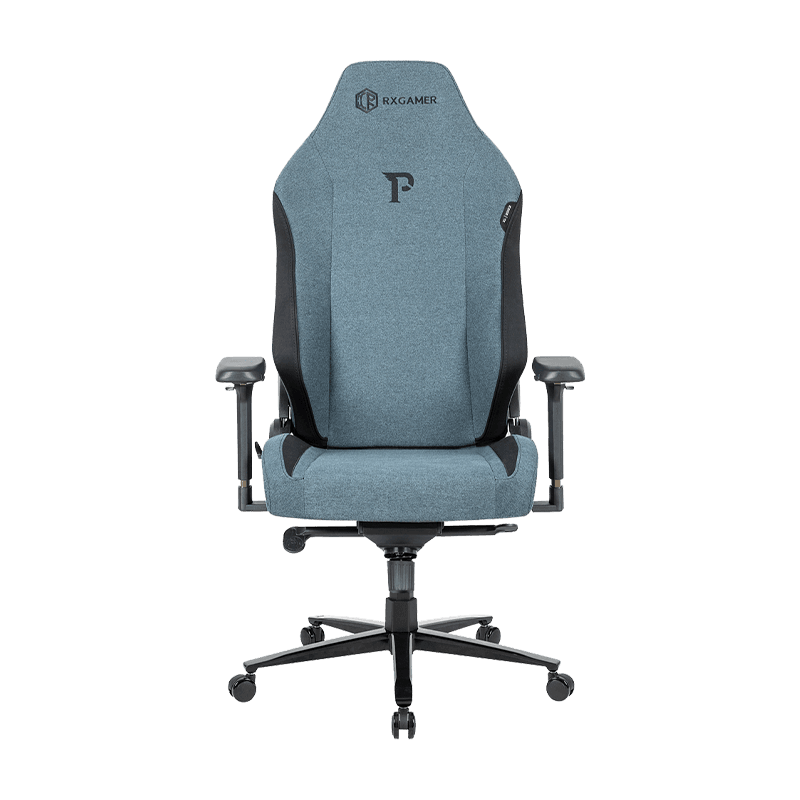
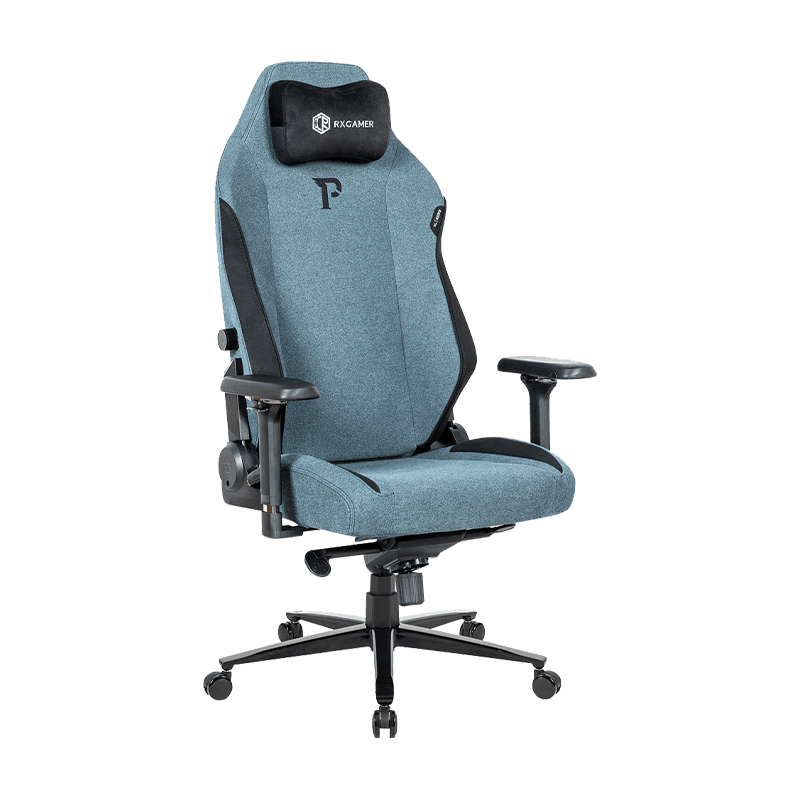
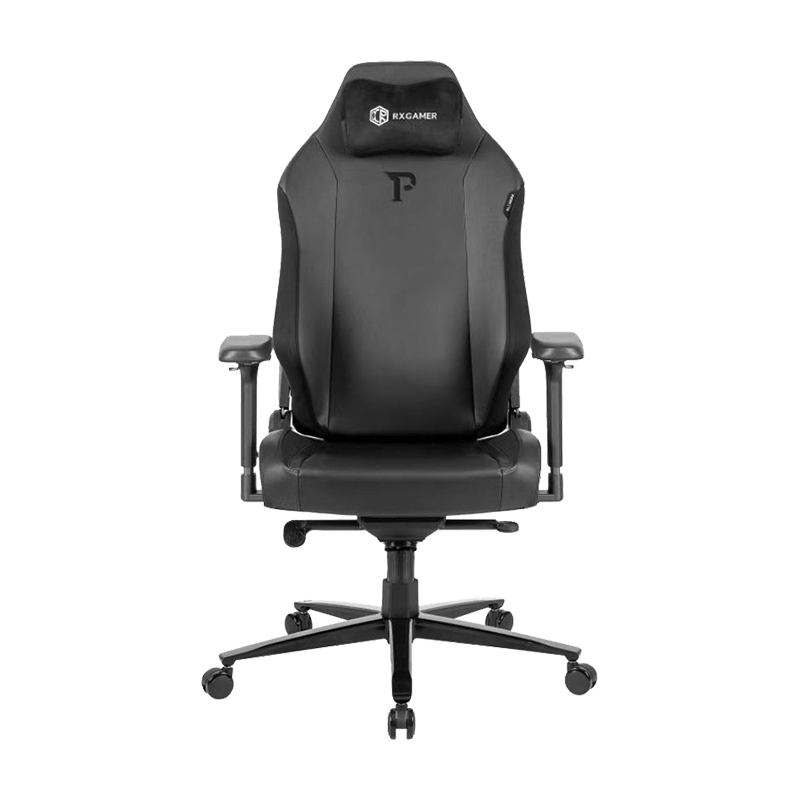
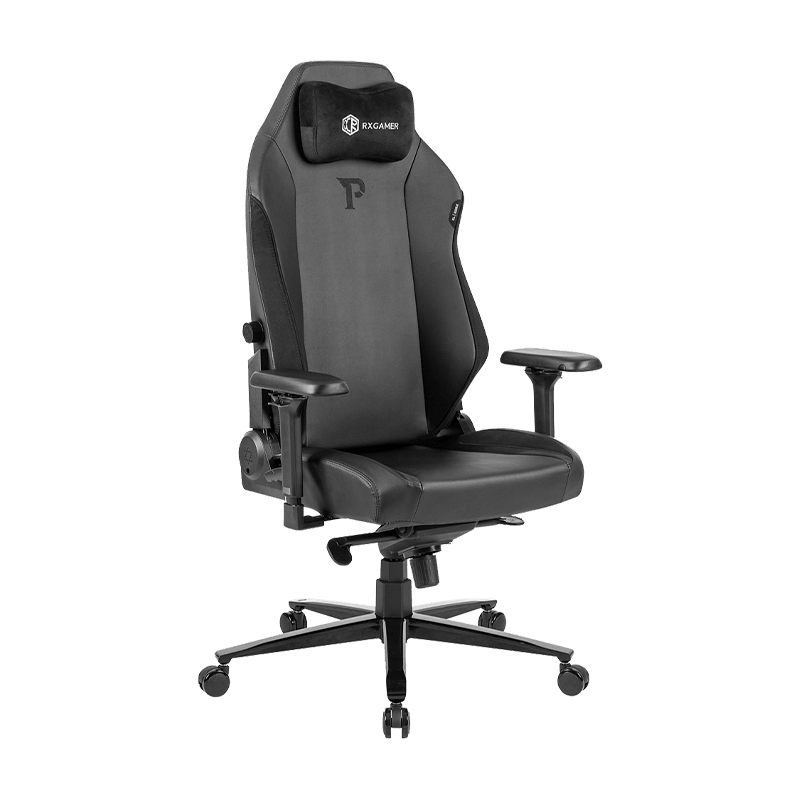
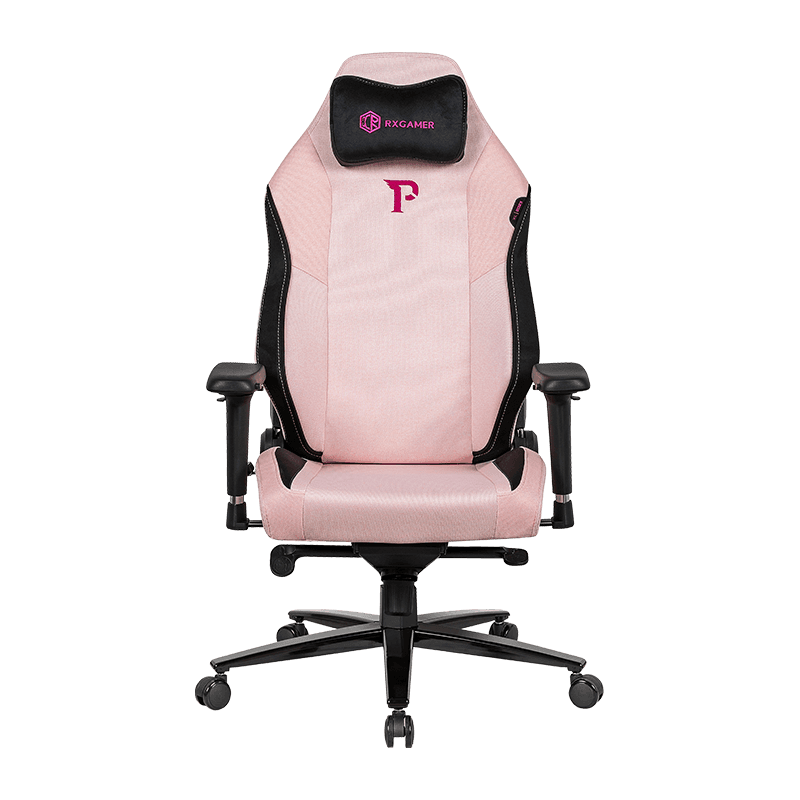
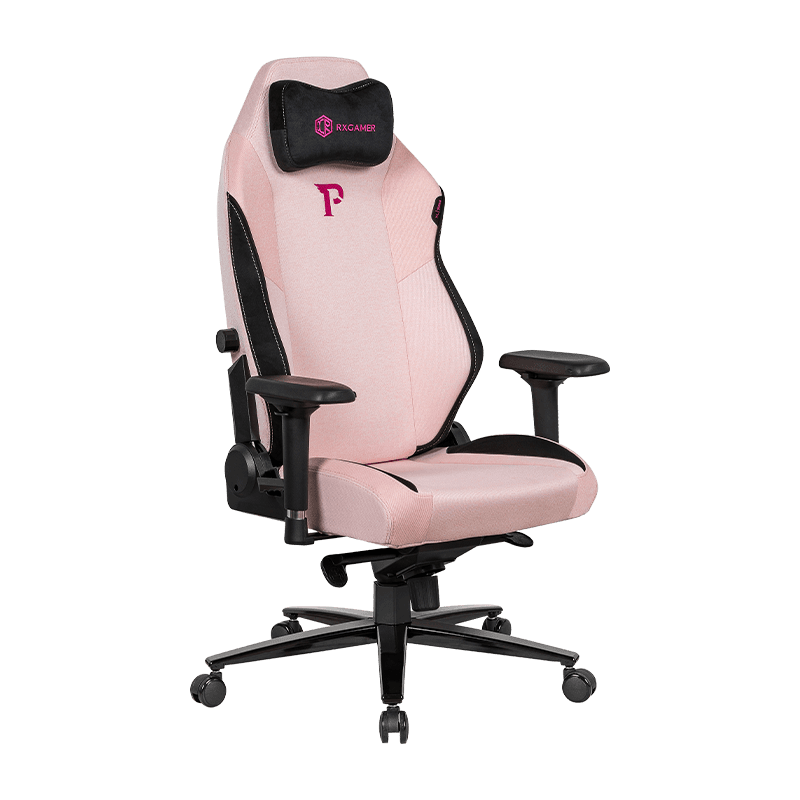
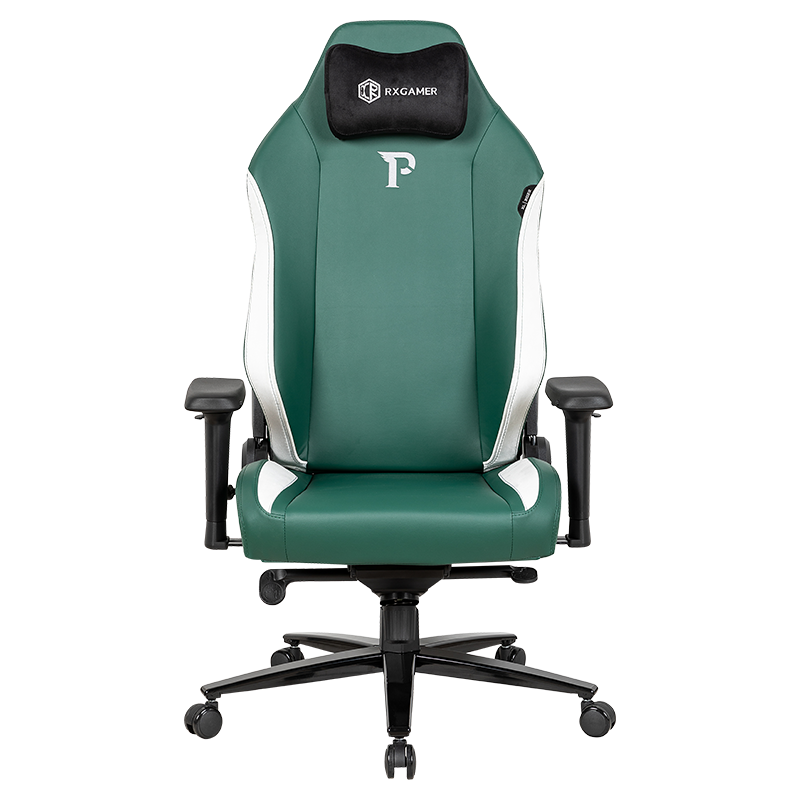
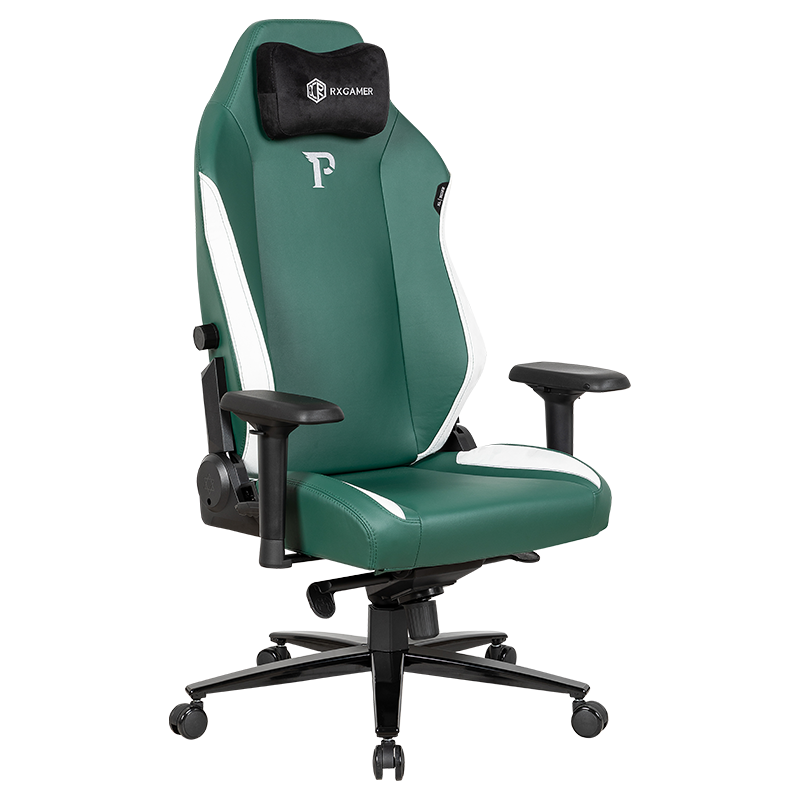
Most conversations about office chairs start with the seat, the armrests, or the price. Yet the backrest is the component that quietly decides how your spine feels after four hours of work. A well-engineered backrest holds your pelvis in a stable position, supports the natural inward curve of the lower back, and moves with you when you lean back to think or reach for a document. A poorly designed one forces the body into a single posture, and that posture turns into fatigue, stiffness, and a dull ache by mid-afternoon. This guide explains why backrest design deserves more attention than it usually gets, what the key features actually do, and how to test them yourself. When a specific design helps illustrate a point, we reference the RX-9126 model from RXGAMER, but the principles apply to any ergonomic office chair you are evaluating.
The Backrest Works Harder Than Most People Realize
A backrest is never a passive surface. Each time you shift your weight, lean back to think, or turn toward a second monitor, the backrest redistributes load between your torso, your pelvis, and the seat beneath you. Across a working day, those small adjustments add up. Many office roles involve six to eight hours of seated time, and most of that time is spent in a narrow set of postures. Because the body repeats the same positions for so long, small differences in backrest geometry become large differences in how you feel by late afternoon.
Early biomechanical research found that slumping in a seat places noticeably higher load on the lower spinal discs than sitting upright with proper lumbar support. Upright posture is not the only goal, however. A healthy backrest allows gentle movement while keeping the spine within a supported range, which is why modern ergonomic designs focus on controlled motion rather than rigid fixation.
The backrest is the most powerful tool for posture control, because it performs quiet work that your muscles would otherwise have to do all day. When the backrest supports you well, your body does not need to spend energy holding itself upright.
Why structure matters more than padding
Soft padding feels pleasant during the first few minutes of sitting, which is why many shoppers judge a chair by how it feels in a showroom. Comfort over a full hour, however, depends on structure. A firm internal frame guides the pelvis and ribs into stable alignment, while thick padding can compress over time and let the body sink into a slumped shape. This is one reason many ergonomic backrests use a contoured shell with a thinner, supportive surface instead of deep foam.
Padding still matters for pressure distribution across the shoulder blades and rib cage, so the best designs balance firm support with a surface that flexes slightly under the body.
Lumbar Support: The Feature That Makes or Breaks Comfort
Lumbar support is the part of the backrest that fills the gap between the lower back and the chair, helping preserve the natural inward curve of the lumbar spine. When it is positioned correctly, the body sits upright with much less effort. When it is missing or misplaced, the pelvis rolls backward, the lower back rounds, and the upper body compensates by pushing forward toward the desk.
Simple to use and consistent from day to day. It suits users whose body proportions are close to the designer's average, but it may feel too high or too low for people at either extreme.
Height and depth can be tuned to individual anatomy. The adjustment takes a few minutes to learn, yet it usually produces better results for people who share a chair or change posture often.
How to set lumbar height
Lumbar height should match the curve of your lower back, which usually sits a few finger widths above the seat surface, although the exact position varies with torso length. Use this sequence to find the right setting:
- Sit with your hips touching the back of the seat.
- Slide your hand behind your lower back to locate the natural hollow.
- Adjust the support until it fills that hollow without pushing you forward.
- Recheck after ten minutes, because posture tends to drift during focused work.
Signs the lumbar fit is right
- Your pelvis stays slightly tilted forward rather than rolling back into a slump.
- Your lower back feels supported without a hard point pressing into it.
- You can lean back a little without losing contact with the support.
Depth matters as well. A support that protrudes too far creates pressure, while one that is too shallow provides little benefit. Many people find that a moderate depth paired with a slightly firm surface gives the most stable feel across a full workday.
Recline Range and the Tilt Mechanism
Recline lets your back open up during breaks and thinking time, which changes the load pattern on the spine. A backrest that tilts smoothly while the seat moves in a coordinated way keeps your hips from sliding forward, and hip sliding is one of the most common causes of lower back discomfort in seated work.
| Recline setting | Typical open angle | Best use |
| Locked upright | About 90 degrees | Typing, reading, and detailed screen work |
| Light recline | 100 to 110 degrees | Standard desk tasks with occasional breaks |
| Full recline | 115 to 125 degrees | Calls, reviewing material, and short rest periods |
Tilt tension is the other half of the equation. If the tension is too light, the backrest rocks unpredictably and you end up bracing against it. If it is too stiff, you cannot lean back without effort, and the chair quietly encourages a rigid posture. A good backrest moves with gentle, controlled resistance and returns you to upright without pulling you forward.
To test tension, lean back slowly with your feet flat on the floor. You should feel the backrest take your weight and return smoothly, without a sudden jolt or a long, loose drop.
Split-Type Backrest Design and Why It Helps
A split-type backrest separates the upper back from the lower back, usually with a visible gap or a flexible joint between two zones. The upper section can follow shoulder movement, while the lower section stays focused on lumbar stability. This separation solves a common problem with single-piece backrests, where moving the shoulders also drags the lower back out of position.
- Independent upper movement, allowing the shoulders to rotate for typing and reaching without tugging the lower back.
- Targeted lumbar stability, keeping the spine supported while the upper section flexes.
- Reduced shoulder blade pressure, because the upper zone adapts to the shape of the body rather than pressing against it.
- Better fit across body types, since the two zones can respond to different torso lengths and widths.
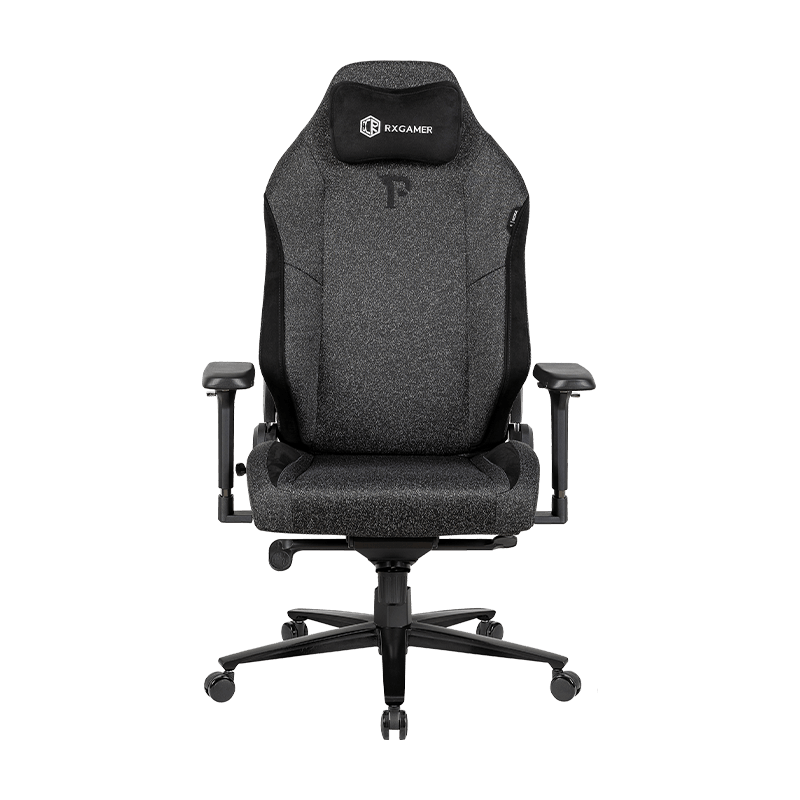
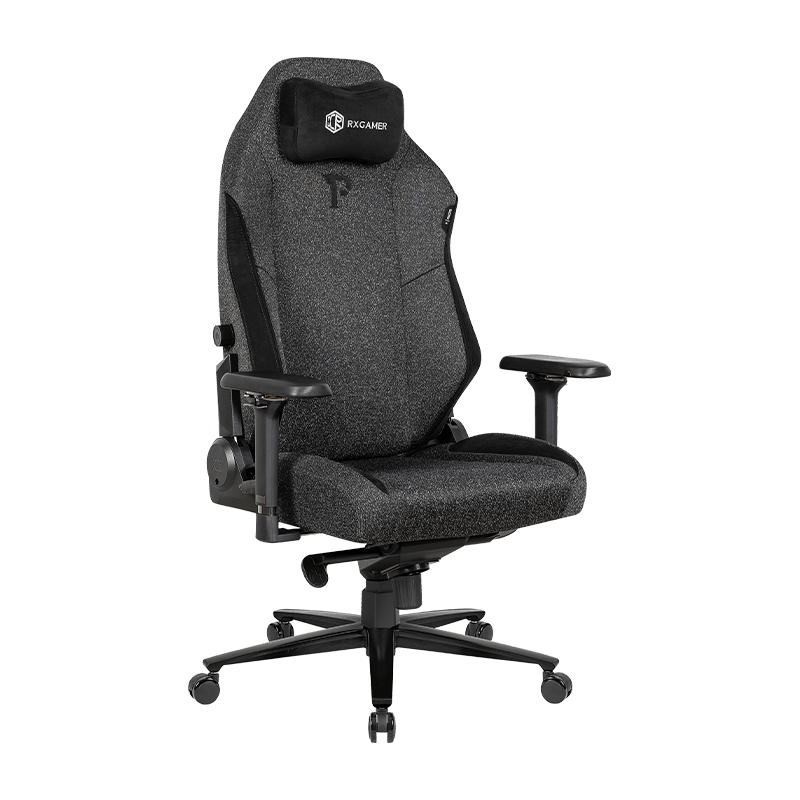
The approach is clearly visible in a split-type office chair design, where the RX-9126 pairs a split back with a no-padding structure and a velvet-finish covering. That combination keeps the frame contour visible and avoids the sinking that thick foam can produce over long sessions.
A simple test for split movement
Sit back in the chair and have someone observe whether your upper back moves with your arms while your lower back stays in contact with the lumbar zone. If the entire backrest drags as one unit, the split design is not doing its job. A well-designed split back should feel like two cooperating parts rather than a single block.
Backrest Height, Width, and Shoulder Fit
Height and width determine which parts of your body the backrest actually reaches. A backrest that ends below the shoulder blades leaves the upper back unsupported, while one that rises too high can press against the neck and push the head forward. Width matters for the hips and rib cage, particularly during reclining, when the body shifts slightly sideways.
The diagram shows how the three zones map onto a typical backrest. The shoulder zone should sit near the top of the shoulder blades, the mid back zone should cover the rib cage, and the lumbar zone should align with the lower curve of the spine. When one zone is missing or misplaced, the others have to work harder to compensate.
Matching height to your body
- Sit upright with your back against the seat and your shoulders relaxed.
- Note the height of your shoulder blades relative to the seat surface.
- Choose a backrest whose upper edge lands between the shoulder blades and the top of the shoulder.
- Check that the lower edge of the backrest reaches the lumbar zone without bunching.
For many adults, the upper edge of a well-fitting backrest lands between the shoulder blades and the top of the shoulder. Taller users may need a higher profile, while shorter users benefit from a lower backrest that avoids pushing the head forward.
Materials, Breathability, and Surface Feel
The surface you touch shapes comfort as much as the internal structure. Material choice affects heat buildup, moisture, texture, and how quickly the surface shows wear. Every option trades one benefit for another, so the best choice depends on your climate, your clothing, and how many hours you spend seated each day.
| Surface type | Breathability | Support feel | Long-term upkeep |
| Mesh | High | Springy and open | Low, but may sag over time |
| Woven fabric | Moderate | Firm and even | Low and easy to clean |
| Padded fabric | Moderate | Soft and sinking | Medium, since foam can compress |
| Velvet-finish fabric | Moderate | Smooth and stable | Low, though it shows dust more |
Why a no-padding backrest can be a deliberate choice
A no-padding backrest removes the layer that most often compresses over time. The frame contour remains the primary source of support, which helps keep the spine aligned through months of use. The tradeoff is that the surface can feel firmer at first, so a short adjustment period is normal. Users who prefer a plush feel may add a cushion, but a thick cushion can soften the very structure the chair was built to provide.
When evaluating any surface, press your hand firmly against the backrest and release it. A good surface returns to its shape quickly, which is a strong indicator that it will keep supporting you after the novelty wears off.
How to Test a Backrest Before You Buy
A structured test reveals far more than a quick sit. Plan at least fifteen minutes, because the first minutes always feel good regardless of design quality. Work through the adjustment sequence below, then follow the five-step check to see how the chair behaves over time.
Sit with hips against the back of the seat and feet flat. Check that the lumbar zone meets your lower back without a hard edge.
Recline in small increments and notice whether the backrest moves with you or resists unevenly.
Release the tilt and confirm that the chair returns to upright smoothly without pulling you forward.
Work or read in the chair for a sustained period. Notice any pressure at the shoulder blades or lower back.
Stand up, walk briefly, and sit down again. A good backrest feels as supportive on the second sit as it did on the first.
Common Backrest Mistakes and How to Avoid Them
Even a well-designed chair can underperform when it is set up poorly. Most problems come from habits rather than hardware, and they are easy to correct once you know what to look for.
- Ignoring the lumbar setting: Many people leave lumbar support at the default position and then wonder why the lower back aches. Recheck it whenever someone else uses the chair.
- Sitting on the lower edge: Slouching into the bottom of the backrest shifts the load onto the spine. Keep the hips against the back of the seat.
- Over-tightening the tilt tension: A stiff backrest keeps you forward and removes the benefit of recline, so you lose the opening effect that breaks up static posture.
- Adding thick cushions: Extra padding can compress the contour and undo the alignment that the frame provides.
- Setting the backrest once and forgetting it: Posture drifts during long tasks. A short reset every hour keeps the backrest working in your favor.
The common thread is that the backrest should be adjusted to your body and checked regularly. Treat it as an active part of your workspace, not a fixed piece of furniture.
Building a Daily Backrest Routine
Small routines keep the backrest working for you throughout the day. The steps below take only a few minutes and make a noticeable difference over weeks of seated work.
Adjust seat height, lumbar depth, and backrest height before starting work. Confirm that the upper edge sits between the shoulder blades.
Stand, stretch, and return to the chair. Check whether the hips have slid forward and whether the lumbar support still meets the curve of your back.
Use a brief full recline during a call or reading session. This opens the torso and gives the lower back a change of load.
Notice where tension collected during the day. Those observations help you tune the settings for tomorrow.
Over time, these habits turn a chair from something you tolerate into something you use deliberately. The result is less fatigue, fewer stiff mornings, and a clearer sense of which features matter most for your body.
Choosing a Backrest That Lasts
A strong backrest supports the lumbar curve, allows controlled movement, adapts to the shoulders, and keeps its shape through years of use. When you compare options, focus on those qualities rather than on surface appeal or padding thickness. Structure, adjustability, and tension control determine how the chair performs after the first week.
Before committing, test the lumbar fit, the recline return, and the upper back movement in a single session. If all three feel stable and predictable, the backrest is likely to remain comfortable over the long term.
The same criteria apply whether you are shopping for a home workspace or outfitting a team. Clear specifications, transparent adjustment ranges, and a backrest that matches your daily tasks will serve you better than any single headline feature.
Frequently Asked Questions
Q1: What makes backrest design important in an ergonomic office chair?
The backrest controls how your spine, pelvis, and shoulders are supported during long periods of seated work. A well-designed backrest maintains the natural curve of the lower back, allows gentle movement, and reduces the fatigue that builds when the body is forced into one posture for hours.
Q2: How high should lumbar support sit?
Lumbar support should fill the natural hollow of your lower back, usually a few finger widths above the seat surface. The exact position depends on torso length, so adjust it until the support meets the curve without pushing you forward.
Q3: Is a split-type backrest better than a single-piece backrest?
A split-type backrest lets the upper back move with the shoulders while the lower back stays supported. This is especially useful for people who reach, type, or turn frequently. Single-piece designs can work well too, provided the lumbar zone is adjustable and the frame stays stable during movement.
Q4: How much recline is healthy during a workday?
Most people benefit from a mix of upright work and periodic recline. A typical open angle of around 100 to 120 degrees is often recommended for rest and reading, while detailed screen work is usually best done closer to upright. Varying your posture through the day matters more than any single setting.