
 English
 中文简体
中文简体 русский
 Español
 عربى
عربى
Whether you spend eight hours a day gaming, streaming, or working from home, your chair becomes more than furniture—it becomes an investment in your physical well-being. The relationship between seating quality and productivity is well-documented. Poor seating posture leads to neck strain, lower back pain, and reduced performance during critical gaming moments. This guide explores what makes a gaming chair truly ergonomic and how specific features directly impact your comfort and gaming experience.
Why Ergonomic Gaming Chairs Matter for Performance
Professional esports players recognize that comfort directly correlates with performance. When your body experiences strain or discomfort, your brain diverts resources from strategic thinking to pain management. Research indicates that proper spinal alignment increases focus duration by allowing better blood circulation and reducing muscle fatigue.
The Physical Demands of Extended Gaming Sessions
Gaming sessions lasting four to twelve hours place significant stress on the human spine. The lumbar region—your lower back—bears approximately 60 percent of your upper body weight when seated. Without proper support, the natural S-curve of your spine collapses into a C-shape, compressing intervertebral discs and straining muscles. This sustained misalignment accumulates over weeks and months, resulting in chronic pain that persists even during non-gaming hours.
How Seating Position Affects Cognitive Function
Your nervous system responds to postural stress by triggering micro-muscle contractions throughout your torso. These constant corrections consume mental energy that would otherwise support decision-making, reaction time, and strategic planning. A chair that maintains proper alignment eliminates these distracting signals, allowing your cognitive resources to focus entirely on your game or work.
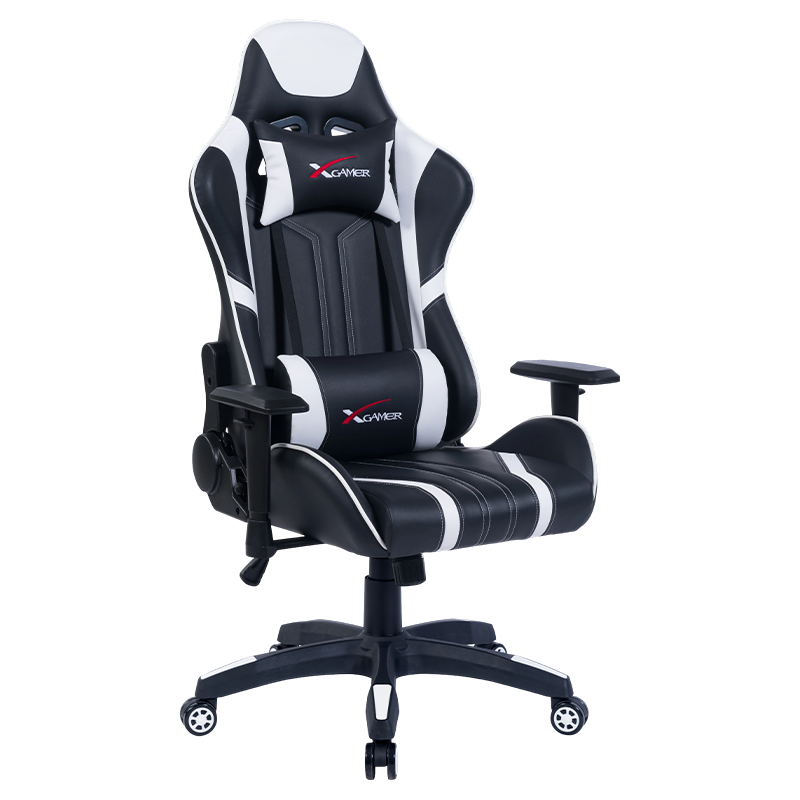
Essential Features That Define an Effective gaming chair
Not all gaming chairs deliver genuine ergonomic benefits. The market contains numerous products emphasizing aesthetics over functionality. Understanding which features directly impact your comfort helps you evaluate chairs based on performance rather than marketing claims.
Lumbar Support Systems
The lumbar region requires targeted support because it naturally curves inward (lordosis). When you sit without proper support, this curve flattens, placing stress on spinal discs. Effective lumbar support maintains the natural curve through high-density foam or adjustable systems that conform to individual spine shapes. This support should begin at the base of your ribcage and extend to your hip bones, creating a cradle for your lower back rather than a single pressure point.
Adjustable Features for Personalized Comfort
Everyone's body dimensions differ significantly. A chair designed for one person's proportions may create pressure points for another. Adjustable elements address these individual variations. Consider these critical adjustability options:
- Seat height adjustment through pneumatic cylinders enabling 3 to 5 inches of vertical movement
- Armrest positioning that aligns with your desk height and arm length
- Reclining mechanisms allowing 90 to 155 degrees of recline for varied positioning
- Backrest angle adjustment independent of seat position
- Headrest and neck support positioning for different user heights
Material Quality and Breathability
Material selection affects both comfort and chair longevity. PVC fabric with cotton backing provides durability while maintaining breathability. Cotton-backed materials prevent moisture accumulation during extended sessions, maintaining consistent comfort. Thicker material—typically 0.2 centimeters or greater—resists wear, punctures, and degradation from friction and temperature variations.
Caster Quality and Stability
High-quality casters ensure smooth movement without restricting mobility during gaming. Class A rated casters, particularly 350-pound capacity nylon wheels with hardened construction, provide reliability for repeated rolling motions. The wheel design affects hardwood and laminate floor compatibility—the wrong caster type can damage flooring or create squeaking sounds that distract during competitive play.
How Reclining Functionality Transforms Comfort Across Activities
Reclining capabilities extend beyond aesthetic appeal. The ability to adjust your backrest angle addresses the reality that optimal seating positions vary by activity. Typing and document work require different spinal angles than relaxation or streaming content consumption.
Multi-Angle Reclining for Varied Tasks
Gaming chairs designed for multiple usage scenarios should offer substantial angle ranges. A 166-degree short-angle adjuster enabling 90 to 155 degrees of recline covers primary use cases effectively. This range includes:
| Reclining Angle | Primary Activity | Spinal Position |
|---|---|---|
| 90 degrees | Typing, desk work, competitive gaming | Upright, aligned with desk height |
| 100-110 degrees | Casual gaming, browsing, streaming | Slightly reclined, reduced spinal compression |
| 120-135 degrees | Extended sessions, content consumption | Moderate recline distributes weight across seat |
| 145-155 degrees | Rest periods, neck strain relief | Deep recline reduces pressure points |
The Role of Adjustable Armrests in Reclining Positions
One-dimensional armrests remain stationary while your backrest moves, creating ergonomic problems during recline. As your torso angles back, armrests that don't adjust remain at desk height, forcing your shoulders into unnatural positions. Adjustable armrests that move vertically and horizontally maintain proper arm support throughout the entire reclining range, preventing shoulder strain and supporting your arms during extended relaxation periods.
Designing Your Perfect Setup: From Home Office to Gaming
Integrating RXGAMER quality furniture into your workspace creates an environment that supports both professional productivity and recreational gaming. This dual-purpose approach requires careful consideration of desk height, monitor positioning, and lighting.
Workspace Ergonomic Layout
Your chair functions as part of a larger ergonomic system. Improper desk or monitor positioning can nullify even the best chair design. Establish these fundamental measurements:
- Desk height should align with your elbows when arms rest at 90 degrees and shoulders remain relaxed
- Monitor should position its center at or slightly below eye level, 20 to 26 inches from your eyes
- Keyboard and mouse placement allow neutral wrist positioning without reaching or extreme angles
- Adequate legroom beneath your desk permits full leg extension or comfortable foot positioning
Gaming-Specific Considerations
Gaming introduces distinct demands compared to office work. Competitive players execute rapid movements requiring immediate weight shifts and turning motions. Your chair must support these dynamic movements without:
- Creating resistance during swivel or roll motions
- Introducing squeaking sounds that distract during critical moments
- Shifting position or sinking during sustained pressure
- Allowing your torso to slide during aggressive recline adjustments
Transition Between Work and Play
Professionals who game recreationally benefit from chairs that transition smoothly between modes. Rather than adjusting numerous elements between tasks, a chair with preset positions—or memory settings on premium models—enables instant transitions. Simple adjustment procedures mean you'll actually use the reclining features rather than leaving your chair in a compromise position.
The RX-2035: Understanding Adjustable Features in Depth
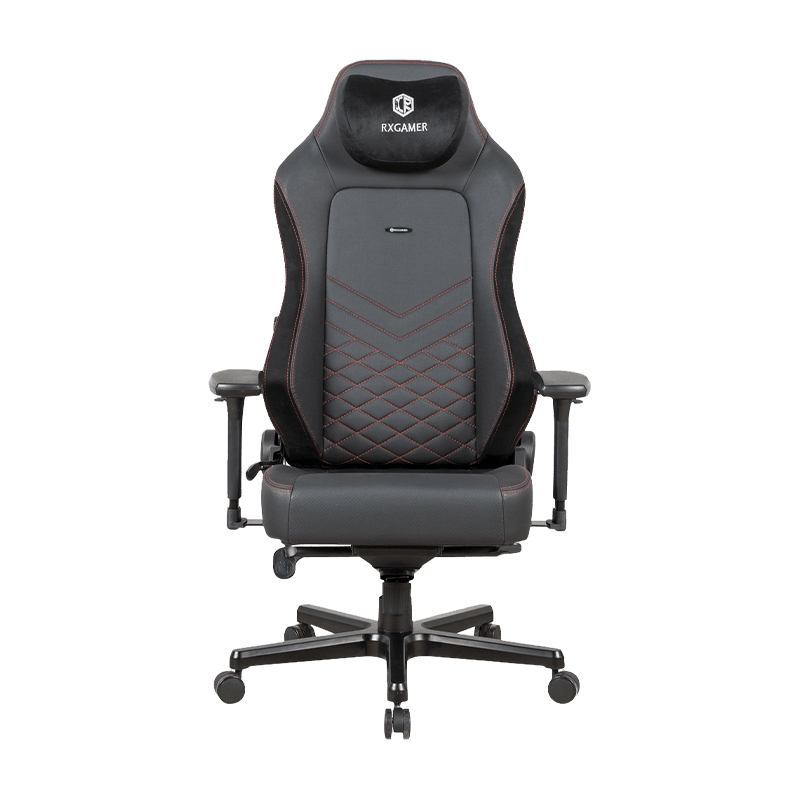
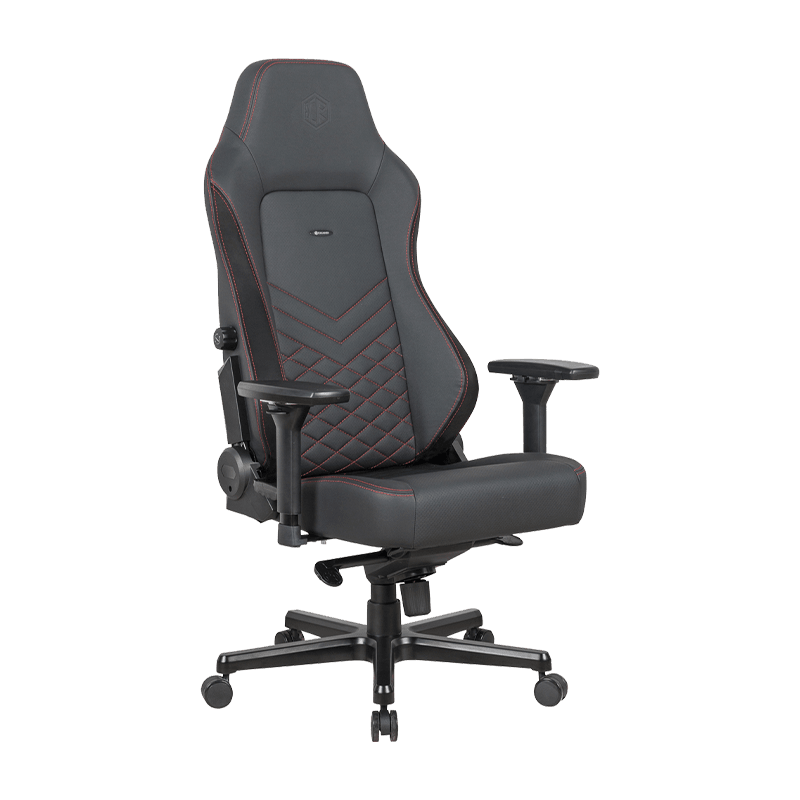
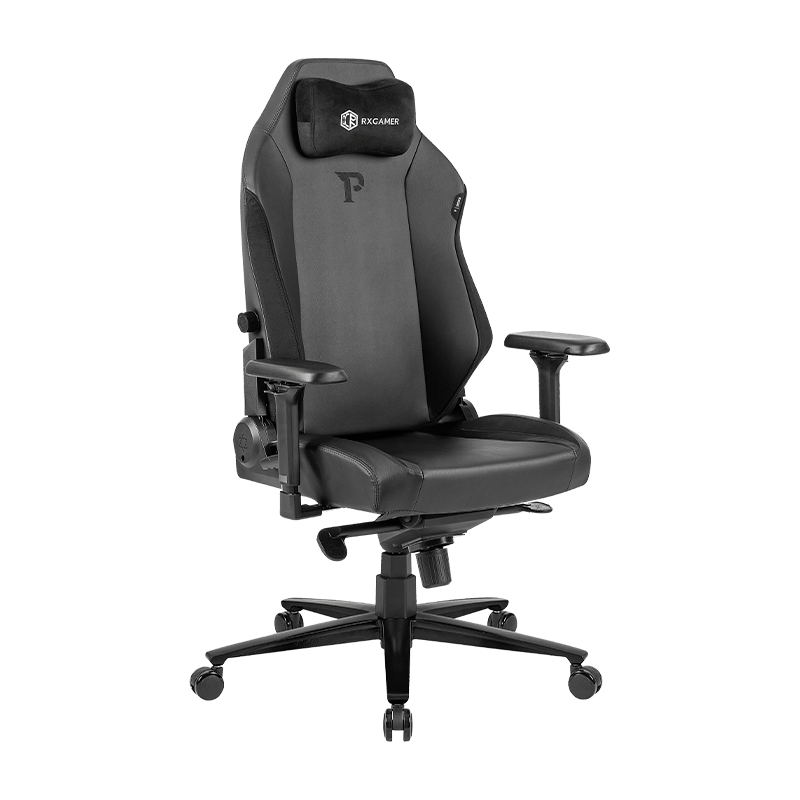
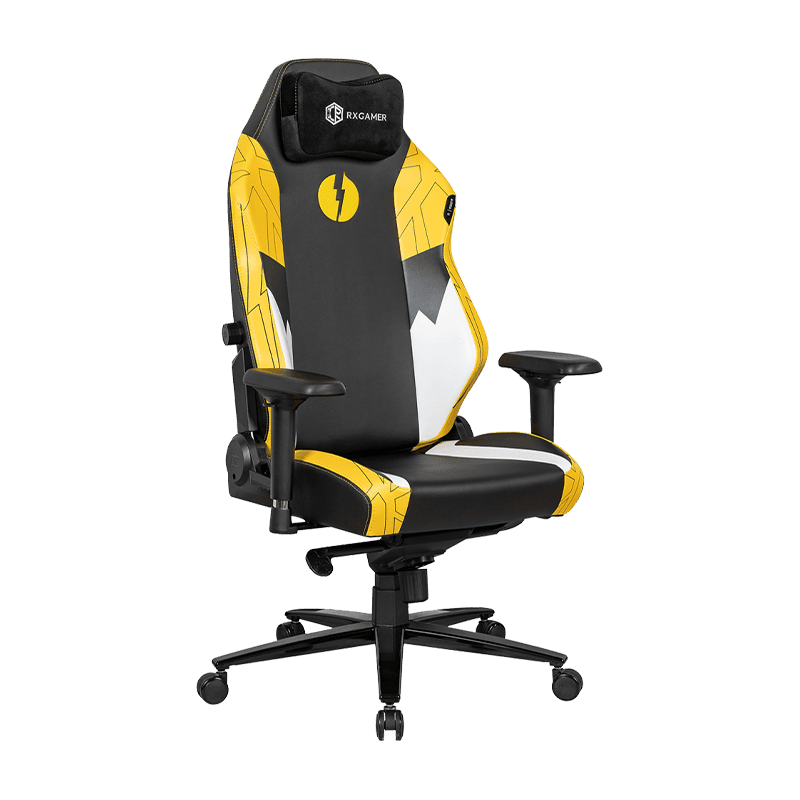
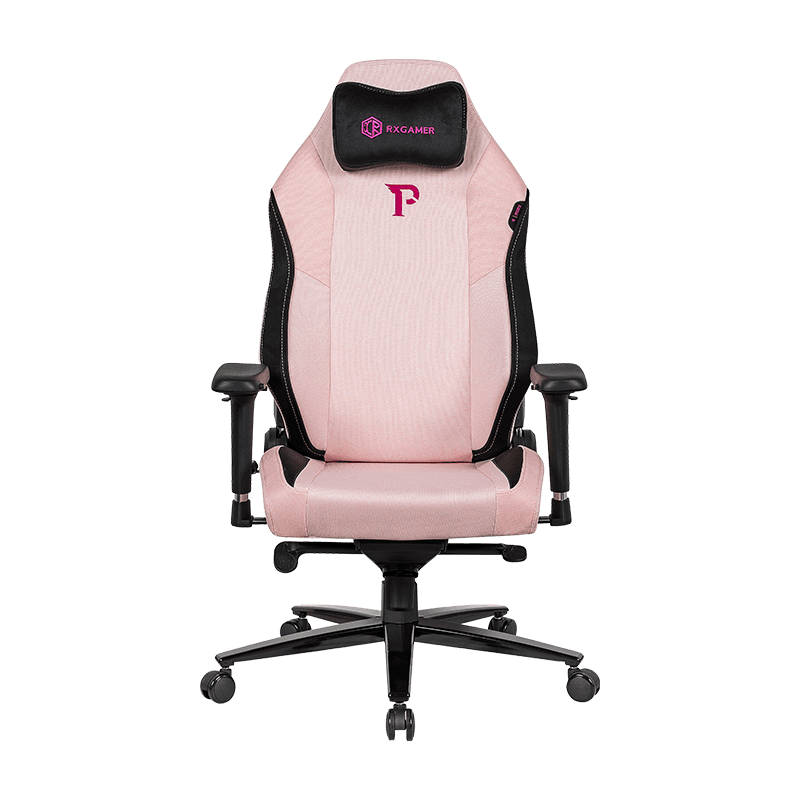
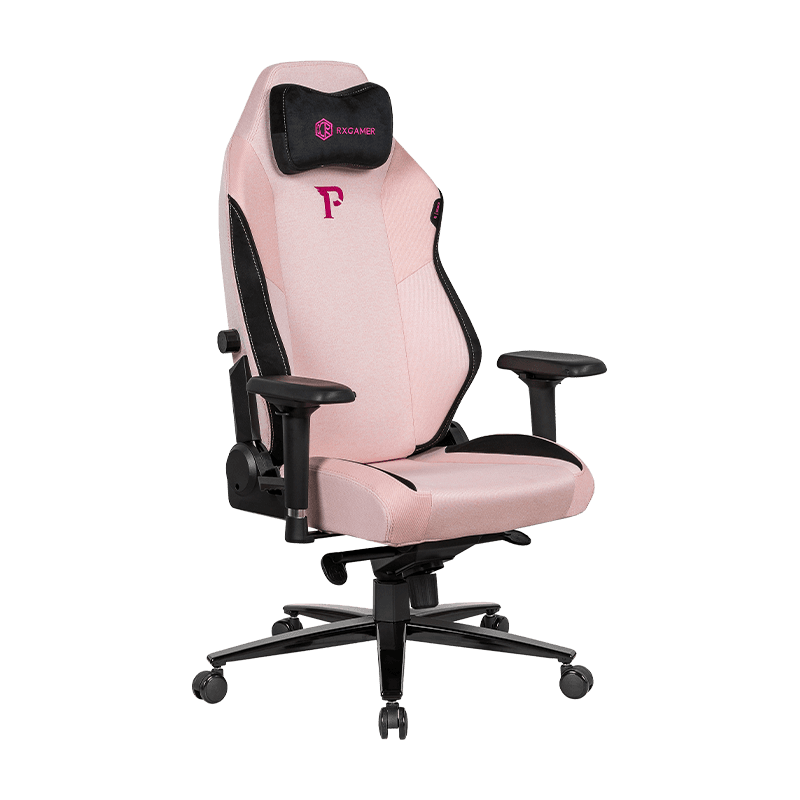
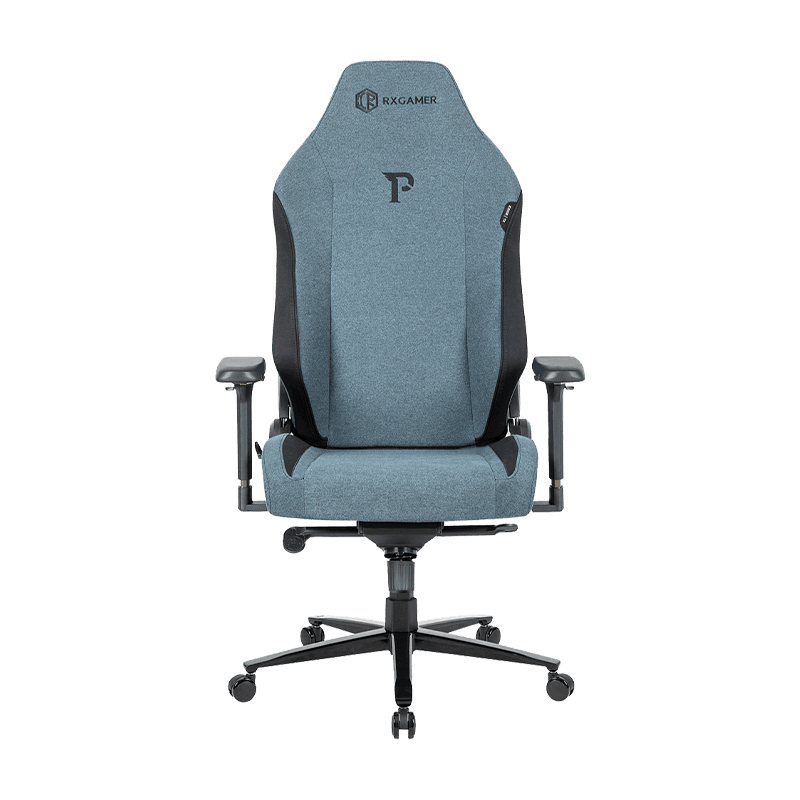
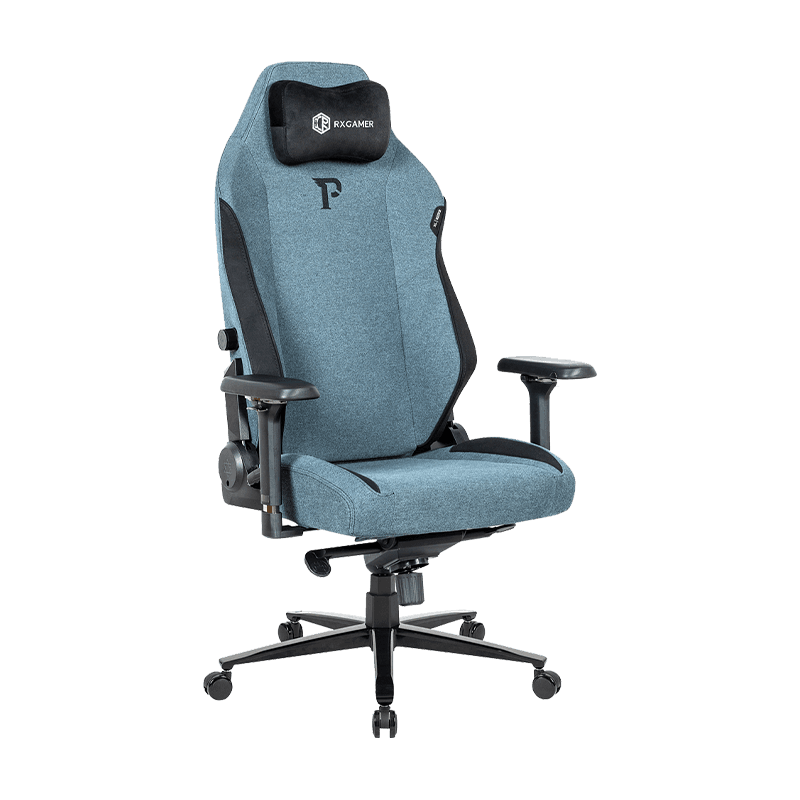
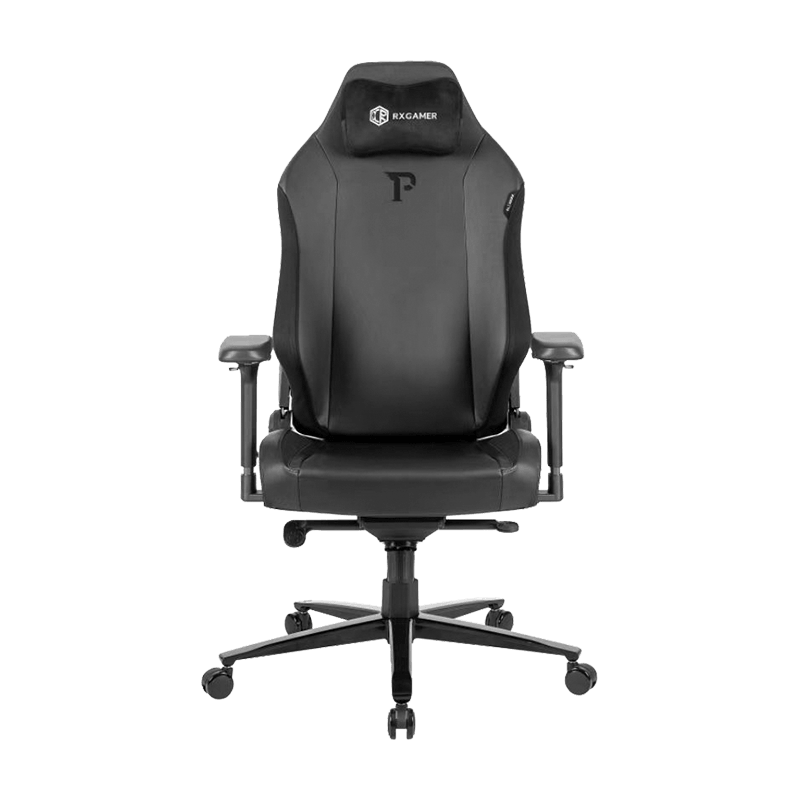
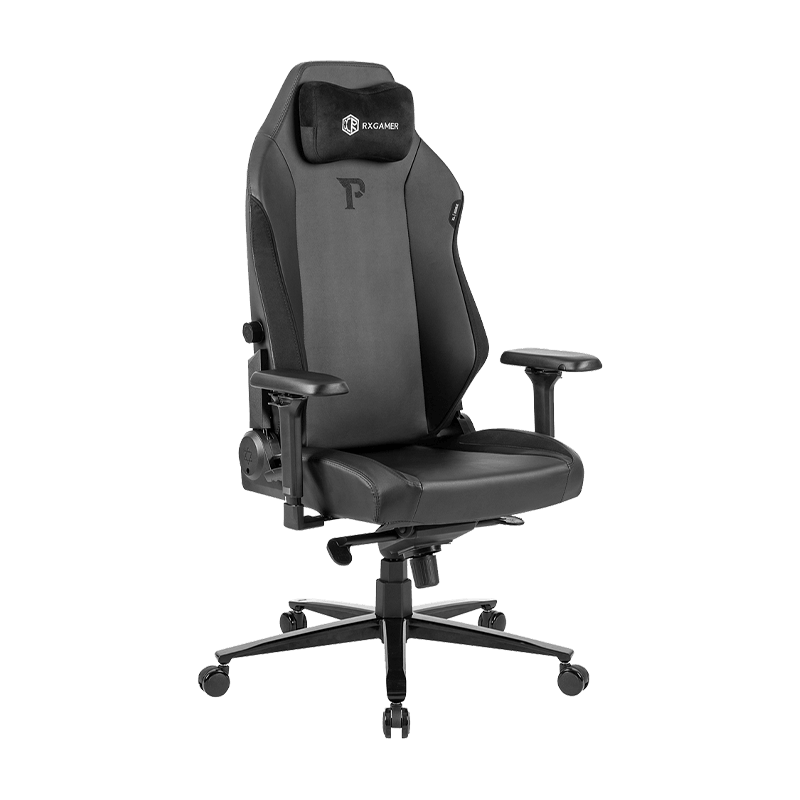
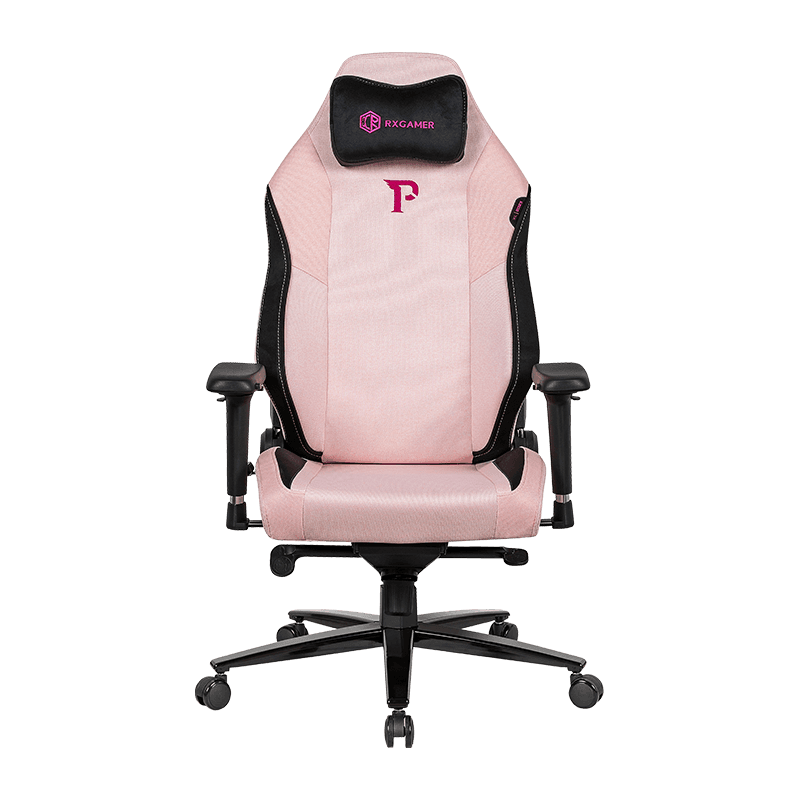
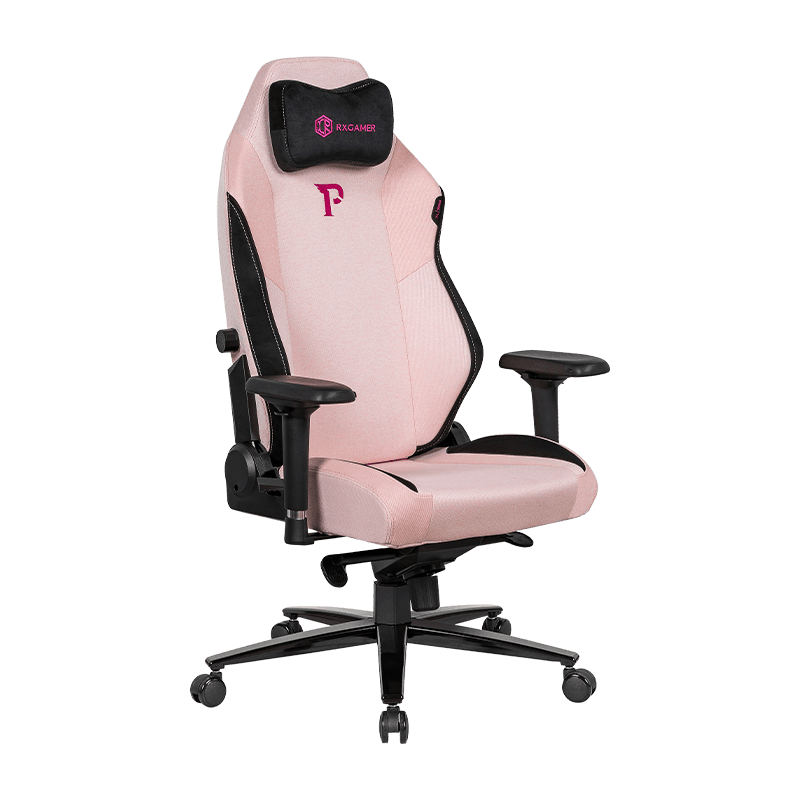
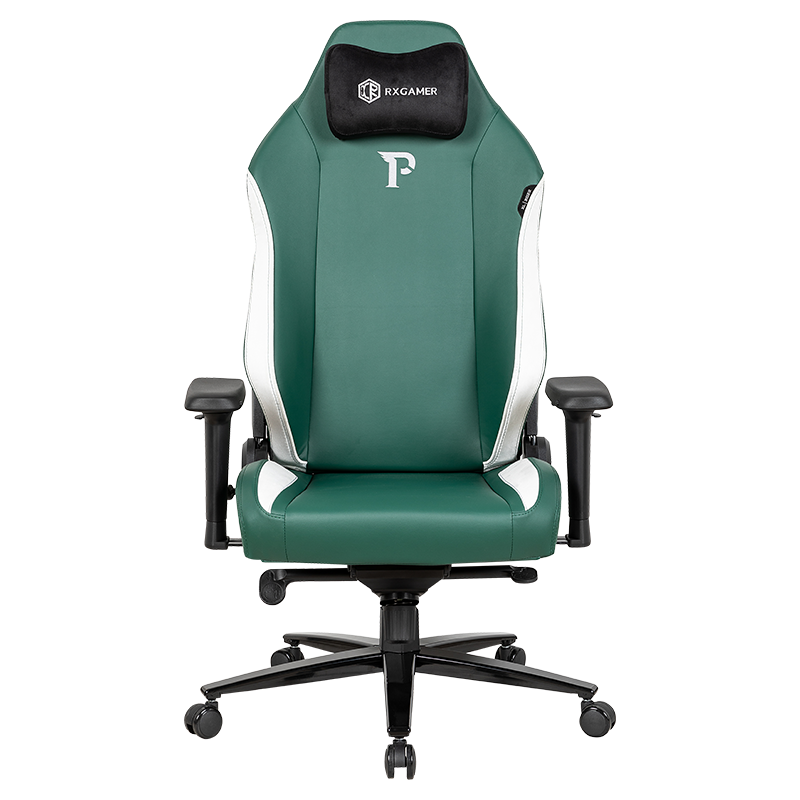
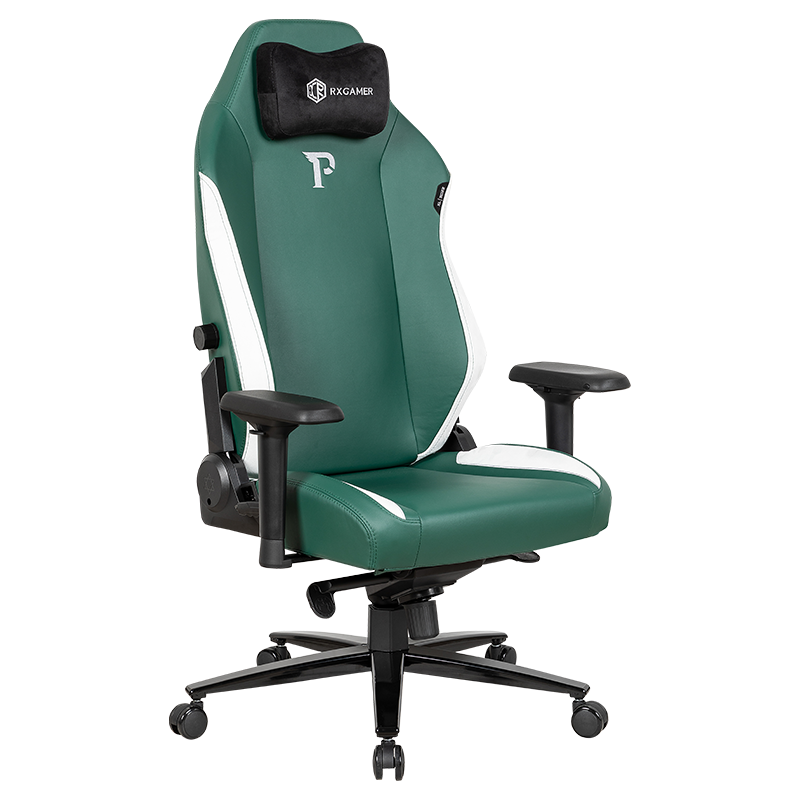
The RX-2035 exemplifies how specific technical specifications translate to practical comfort. Each component serves a distinct purpose in creating an ergonomic experience.
Material Construction and Durability
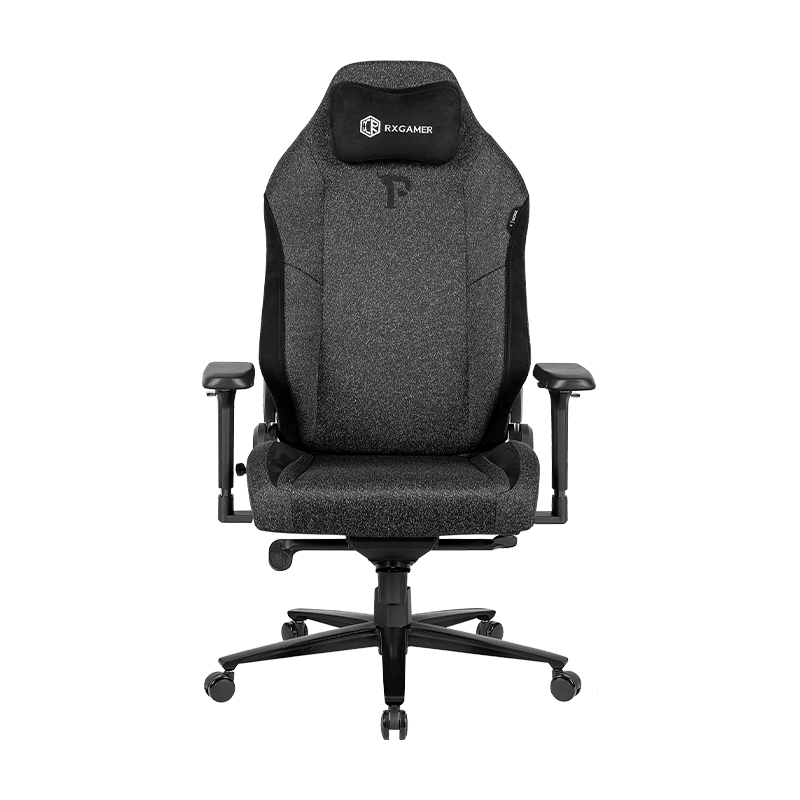
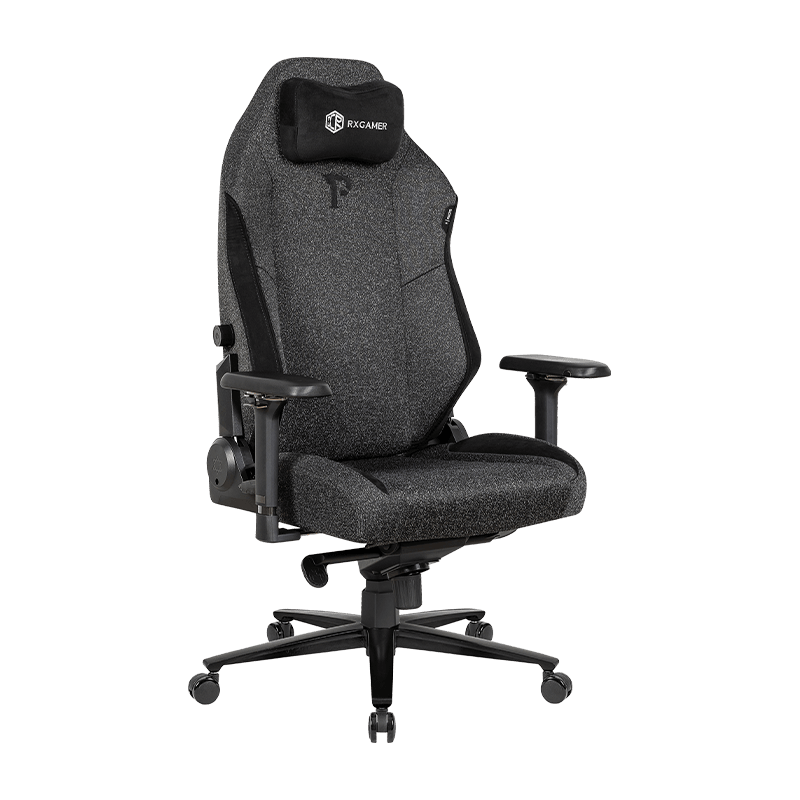
Material choices directly impact comfort consistency over time. The 034G PVC terry cloth with cotton backing at 0.2 centimeter thickness creates a durable surface that resists tearing, punctures, and color fading. Cotton backing absorbs perspiration, maintaining a dry surface during extended sessions. This construction method costs more than single-layer materials but provides durability extending five to seven years with proper care, compared to two to three years for budget alternatives.
Armrest Design Philosophy
One-dimensional armrests serve a specific purpose: providing fixed arm support during upright positioning. This design maximizes manufacturing efficiency while maintaining functional support for desk work. Users who primarily game competitively at 90-degree angles benefit from this approach. Those who frequently recline may prefer multi-directional armrests that adjust with chair position.
Wheel and Base Technology
The 100-millimeter standard triple-plated base and 350-pound capacity nylon snake-head casters with color-matched trim represent the connection between your chair and floor. Class A rated casters move smoothly across hardwood, laminate, and carpet without catching or creating resistance. The 19-slot tray with 2.5 by 2.75 millimeter thickness provides structural rigidity, preventing wobbling during weight shifts. Six-hole racing wheels enable smooth swivel motion essential for gaming responsiveness.
Reclining Adjustment Mechanism
The 166 short-angle adjuster providing 90 to 155-degree range covers the majority of use cases while maintaining structural integrity. Shallow-angle adjusters (compared to 180-degree options) preserve chair stability—deeper reclines shift your center of gravity, requiring additional base width to prevent tipping. The 90 to 155-degree range avoids extreme angles while enabling substantial positional variation.
Long-Term Health Impact: Beyond Immediate Comfort
Investing in quality seating affects your health trajectory. Poor seating practices compound over years, resulting in chronic conditions requiring medical intervention. Conversely, proper ergonomic support prevents degeneration and maintains spinal health.
Preventing Repetitive Strain Injuries
Repetitive strain injuries develop through sustained poor posture and inadequate support. These injuries—including cervical spondylosis, thoracic outlet syndrome, and lower back strain—often require months of physical therapy. Prevention through proper seating costs a fraction of treatment expenses while preserving quality of life throughout your career and leisure activities.
Maintaining Posture Stability During Extended Sessions
Your body naturally fatigues during extended sitting. Unsupported sitting causes your core muscles to fatigue, leading to postural collapse. Your spine compensates by shifting load to ligaments and discs. Proper lumbar support maintains spinal alignment even as muscles fatigue, distributing load safely and preventing the compensatory changes that cause injury. After eight hours in a proper chair, you experience muscle fatigue but structural stability. After eight hours in an inadequate chair, you experience both muscle fatigue and structural stress.
Recovery and Rest Positioning
Reclining capabilities provide therapeutic benefit through decompression positioning. When you recline to 135-155 degrees, spinal discs experience reduced pressure, allowing nutrient exchange and recovery from daily compression loads. Brief periods in deep recline—even 15 to 30 minutes—provide measurable relief for accumulated spinal stress. This functionality justifies reclining capabilities beyond simple comfort.
Evaluating Gaming Chairs: Criteria Beyond Marketing Claims
The gaming chair market emphasizes visual design, racing aesthetics, and color options while minimizing genuine ergonomic specifications. Learning to identify truly functional designs prevents purchasing regret and ensures your investment delivers genuine benefits.
Technical Specifications to Verify
Rather than relying on marketing descriptions, examine these measurable specifications:
- Material thickness greater than 0.15 centimeters ensures durability through daily use cycles
- Lumbar support rated for your weight range—insufficient support rating means the system fatigues and loses effectiveness
- Armrest adjustment capability if you frequently recline or change positions throughout your day
- Base and caster specifications indicating weight capacity and durability class ratings
- Warranty coverage length, indicating manufacturer confidence in their product's longevity
Comfort Testing Before Purchase
If possible, test a chair before committing financially. Sit through a full gaming or work session—ideally two to four hours—experiencing the chair under realistic conditions. Pay attention to:
- Whether lumbar support contacts your lower back or creates pressure points
- If seat depth accommodates your thigh length without pressure behind your knees
- Whether armrest height aligns naturally with your desk configuration
- How smoothly reclining mechanisms operate without squeaking or resistance
- Whether the chair maintains position during dynamic movements and weight shifts
Return Policies and Long-Term Support
Extended return windows—ideally 30 to 60 days—allow you to experience a chair through various use scenarios before finalizing your investment. Some manufacturers offer trial periods specifically because comfort preferences vary individually. This flexibility indicates manufacturer confidence while protecting your financial risk.
Optimizing Your Complete Setup: Chair as Part of a System
A quality chair delivers maximum benefits when integrated into a properly configured workspace. Overlooking this context wastes the chair's potential.
Desk Height Coordination
Your chair's seat height should coordinate with your desk height. When seated with correct posture, your elbows should rest at a 90-degree angle with your forearms parallel to the floor. Standard desk height ranges from 28 to 30 inches, accommodating most body types when combined with adjustable chair height. Verify that your chair provides sufficient height adjustment to achieve this alignment—insufficient seat height forces uncomfortable shoulder elevation during typing, while excessive height creates awkward arm reaching.
Monitor Positioning for Neck Protection
Monitor height directly impacts neck strain. The top of your monitor should align at or slightly below eye level when seated with proper posture. Excessive downward neck angles during gaming or work create cervical spine strain that no chair can fully compensate for. Combine your gaming chair investment with a monitor stand or arm that positions the screen at the correct height for your seating position.
Lighting and Environmental Factors
Extended screen time strains your eyes, causing compensatory neck and shoulder tension. Proper lighting—both ambient room light and task lighting—reduces eye strain, which reduces compensatory muscle tension. Your chair maintains proper spinal alignment, but eye strain creates secondary postural problems that lighting improvements can prevent. This holistic approach multiplies the effectiveness of your ergonomic chair investment.
Keyboard and Mouse Ergonomics
Forearm position during input tasks depends on both chair height and desk height. Keyboard and mouse positioning should allow neutral wrist angles without flexion or extension. Even the best gaming chair cannot prevent repetitive strain if your input devices force wrist positions into extreme angles for hours daily. Low-profile keyboards and ergonomic mouse designs complement your chair's support by distributing postural demands across your entire workstation.
Why Competitive Players Prioritize Ergonomic Seating
Professional esports organizations invest significantly in seating, recognizing that equipment directly impacts performance. This isn't coincidental—biomechanical research confirms that proper seating enhances performance measurably.
Reaction Time and Postural Stability
Your brain processes environmental input, makes decisions, and executes motor commands continuously during competitive play. Postural stability allows your nervous system to focus resources on these cognitive and motor tasks rather than allocating attention to balance and pain management. Research indicates that players using ergonomic seating demonstrate approximately 10-15 percent faster reaction times compared to baseline measurements with suboptimal seating—a difference that determines match outcomes in competitive environments where milliseconds matter.
Endurance and Mental Fatigue
Tournament formats often require eight to twelve consecutive hours of peak performance. Physical discomfort accelerates mental fatigue, reducing decision quality in extended sessions. Proper spinal support maintains physical comfort throughout marathon sessions, preserving cognitive performance during later matches when mental fatigue is most dangerous. Players report that adequate chair support prevents the second-half performance decline that impacts tournament rankings.
Consistency and Muscle Memory
Gaming skill development depends on consistent practice and stable muscle memory formation. Postural variations create inconsistent arm positions and aiming references, disrupting muscle memory development. A stable chair that maintains consistent seating geometry across all play sessions creates the stable platform necessary for precision skill development. This consistency advantage compounds over months of practice.
Recovery Between Sessions
Competitive players train multiple sessions daily, sometimes back-to-back over several days. Proper seating support enables faster physical recovery between sessions—players experience less accumulated fatigue and fewer injury issues compared to those using inadequate seating. The chair becomes part of your training equipment, contributing to performance optimization alongside peripheral hardware and game-specific practice.
Understanding Comfort Technologies in Modern Gaming Chairs
Gaming chair design incorporates multiple comfort technologies that work synergistically. Understanding these individual elements helps you appreciate design choices and recognize quality construction.
Lumbar Support Variations
Lumbar support systems vary in sophistication and effectiveness. Basic systems provide passive support through shaped foam matching the natural spine curve. Advanced systems offer adjustment mechanisms allowing customization to individual spine variations. The RX-2035's lumbar support represents the balance point between passive reliability and functional simplicity—providing consistent support without complex adjustments that many users never modify after initial setup.
Cushioning Technology and Comfort Layers
Seat cushioning affects both immediate comfort and long-term support quality. High-density foam under a softer comfort layer provides support while preventing the "bottoming out" feeling of insufficient cushioning. Material layering matters—thin single-layer foam compresses rapidly, losing support properties within months, while properly layered construction maintains support across extended product lifespan. The cotton-backed construction in quality gaming chairs creates moisture management that prevents foam degradation from perspiration accumulation.
Breathability and Temperature Regulation
Extended gaming sessions generate body heat that accumulates during sustained sitting. Breathable materials with cotton backing allow air circulation and moisture evaporation, maintaining consistent comfort as internal temperature rises. Non-breathable materials trap heat and moisture, creating uncomfortable, damp conditions that accelerate fabric degradation and foam breakdown from bacterial and mold growth.
Motion and Recline Mechanisms
Smooth recline mechanisms without squeaking or resistance enhance the user experience significantly. Quality mechanisms use sealed bearings and hardened steel components that maintain smooth operation through thousands of adjustment cycles. Budget mechanisms rely on plastic and unsealed components that wear rapidly, developing squeaks and resistance within months of regular use.
Frequently Asked Questions About Gaming Chairs and Ergonomics
Q1: How much should I spend on a quality gaming chair?
Investment level depends on usage intensity. Casual players using chairs eight to ten hours weekly can benefit from mid-range options. Competitive or professional players using chairs twenty to thirty hours weekly should prioritize higher-tier options with advanced adjustment capabilities and premium material construction. Calculate the cost per hour over the chair's lifespan—a premium chair lasting seven years costs significantly less per hour than a budget chair lasting two years. Factor in potential medical expenses from chronic pain resulting from inadequate seating. A quality gaming chair represents one of the highest return-on-investment purchases for anyone spending substantial hours seated.
Q2: Can an ergonomic gaming chair prevent back pain?
A proper gaming chair cannot heal existing back pain but can prevent additional damage and support recovery processes. If you currently experience back pain, consult a healthcare professional before assuming a chair will resolve the issue. Once cleared by your healthcare provider, proper seating provides the supportive environment necessary for healing while preventing reinjury. Many people report pain reduction within weeks of switching to ergonomic seating because the supportive environment allows existing irritation to resolve. Prevention is far more effective than cure—implementing proper seating before pain develops preserves long-term spinal health.
Q3: What distinguishes gaming chairs from office chairs?
Gaming chairs typically feature higher backs, more aggressive lumbar support, and design emphasis on varied reclining angles. Office chairs prioritize upright working positions with conservative reclining ranges. Gaming chairs accommodate the dynamic movements, rapid weight shifts, and sustained reclined positions common during gaming. Office chairs optimize for document work and typing-focused tasks. The distinction matters if your usage pattern differs from office work—gaming chairs support recreation and dynamic activity better, while office chairs optimize for stationary work positions. Your actual usage pattern should determine which category better suits your needs.
Q4: How often should I adjust my chair position during extended sessions?
Micro-adjustments every thirty to sixty minutes improve comfort and reduce fatigue. These don't need to be dramatic changes—even small height or recline adjustments shift pressure points, allowing muscle groups to recover briefly. Longer postural changes every two to three hours provide greater relief. Many chairs support multiple preset positions, allowing quick transitions between positions without time-consuming readjustment. Some users set phone reminders prompting position changes, treating these adjustments as breaks that maintain both physical and mental performance.
Q5: Do gaming chairs work for non-gaming office professionals?
Yes, gaming chairs function excellently for non-gaming professionals seeking ergonomic support. The distinction between "gaming" and "office" chairs reflects marketing categories rather than fundamental functional differences. Many professionals prefer gaming chair designs because the support capabilities and varied positioning options exceed typical office chairs. The visual design may differ from traditional office aesthetics, but functional benefits remain identical. If workspace appearance matters, some manufacturers offer professional-styled gaming chairs that eliminate racing aesthetics while maintaining ergonomic features.
Q6: What maintenance extends gaming chair lifespan?
Regular cleaning prevents fabric degradation and maintains aesthetic appearance. Use vacuum attachments to remove dust and debris that accumulates in seams and under cushions. Spot-clean spills immediately using appropriate cleaning solutions—avoiding water saturation that can damage foam. Check mechanisms quarterly, ensuring reclining and adjustment components operate smoothly. Apply lubricant to squeaking components using silicone-based lubricants rather than oil-based products that attract dust. These maintenance practices extend lifespan by two to three years beyond neglected chairs, providing significant return on minimal effort.
Q7: Can I use a gaming chair with a standing desk?
Gaming chairs design specifically for seated use, so using them as part of a standing desk workflow doesn't fully optimize either component. If you alternate between standing and sitting, consider positioning your gaming chair to support the sitting portion of your workflow. Ensure your chair height adjusts to accommodate both your standing desk position when seated and proper desk-to-elbow alignment. Some standing desk workflows reserve sitting for breaks and relaxation, in which case your gaming chair provides excellent break furniture even if your primary work position is standing.
Q8: Are armrests essential for gaming performance?
Armrests provide support during extended sessions, reducing shoulder and neck strain. However, some competitive gamers prefer chairs without armrests or minimal armrest designs, claiming they interfere with dynamic arm movements and mouse positioning. This preference varies individually—test different armrest configurations before deciding. For typing and document-focused work, armrests provide clear benefits. For competitive gaming with rapid mouse movements, preference depends on your individual playstyle and comfort priorities. Your optimal setup might require adjustable armrests allowing retraction or repositioning based on specific activities.
Making Your Ergonomic Investment Decision
Selecting a gaming chair represents more than purchasing furniture—it's an investment in your performance, health, and comfort. The specific features discussed throughout this guide—lumbar support, adjustable components, quality materials, smooth mechanisms—translate directly to your daily experience.
Rather than defaulting to the most visually appealing option or the lowest price point, evaluate chairs based on how their features address your specific needs. Competitive gamers prioritize different features than casual players or office workers. Understanding these distinctions allows you to identify the chair that genuinely optimizes your unique situation.
The time invested in proper chair selection pays dividends across years of usage. A chair that supports your body properly eliminates distracting discomfort, enhances performance, and protects long-term spinal health. These benefits compound over months and years, making the initial selection decision one of the most impactful choices you can make for your gaming and professional environment.
Quality ergonomic seating bridges the gap between your ambitions and physical limitations. When your body feels supported and comfortable, your mind operates at peak efficiency. This connection between physical comfort and mental performance justifies prioritizing seating quality in your setup investments.